63
Operation
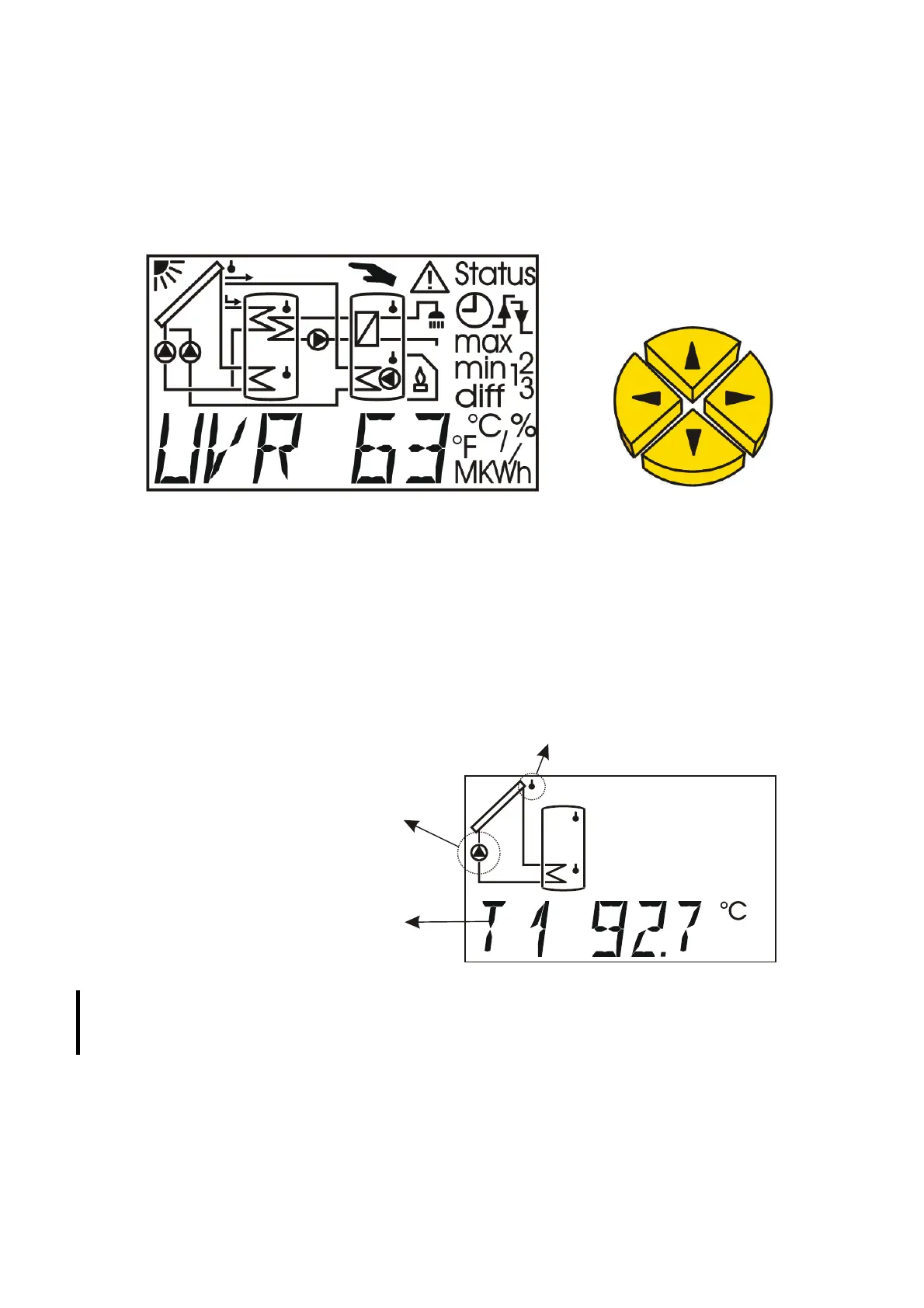
The large majority contains all of the icons needed for all of the important information as
well as a plain text field. Navigation with the co-ordination keys has been adapted to the
display arrangement.
= Navigation keys to select the display and change parameters.
= Entry in a menu, release of a value to modify with the navigation keys (enter key).
= Return to the last menu level selected, exit the parameter level for a value (return key).
In the main level, the left/right arrows are the navigation keys to select the desired
display, such as collector or storage tank temperature. A different sensor symbol flashes for
each pressure and the corresponding temperature is displayed.
Sensor symbol flashes: the temperature for
this sensor is displayed
Pump symbol flashes:
The output is active
(Pump is running)
Current temperature of
sensor 1
For programs, for which it is not possible to display a diagram in the display, the upper area
remains empty. For some programs, the display was only approximately matched to the
actual diagram, individual symbols may be missing.
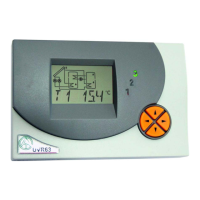
To the side of the display, the currently active outputs are identifiable
on the green illuminated figures 1 - 3. If the speed control is active, the
output 1 display flashes according to the speed stage.
3
2
1


 To Next Page