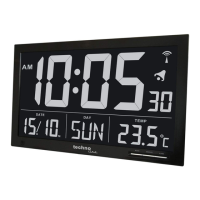
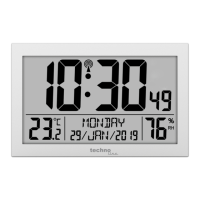
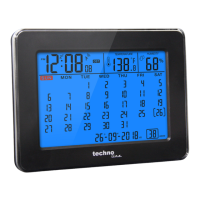
EN5
TO SET TIME AND SNOOZE DURATION (default time is at 0:00)
1. Press SET once during time display mode and, the hour digit “0” flashes. Press or
to set the hours.
2. Press SET once again, the minute digits “00” flash. Press or to set the minutes.
3. Press SET once again, press or to select “24Hr” “12Hr”. A PM indicator will
appear to indicate the afternoon time in the 12Hr time format. There is no AM indicator.
4. Press SET once again, “n05” flashes, press or to set the snooze duration
(from 5 min to 60 min.).
5. Press SET again to confirm. The set time is displayed.
Notes:
1. The clock exits the set mode when no key is pressed in approximate 10 seconds.
2. Press and hold or will accelerate setting at high speed.
TO SET ALARM 1 AND ALARM 2 (default alarm time at 6:00)
1. Press and hold AL1-2 /ON-OFF, LED and hour digit “6” flash, press or to set
the desired hour. Press and hold or to accelerate setting at high speed.
2. Press AL1-2 /ON-OFF once again, the minute digits “00” flash. Press or to set
desired minutes. Press and hold or to accelerate setting at high speed.
3. Press hold AL1-2 /ON-OFF once again, LCD displays “bu” (buzzer)., Press or to
select the wake-up sound sources :-
bu = Buzzer
rd = Radio
4. Press AL1-2 /ON-OFF once again, LED and hour digit “6” flash. Repeat Step 1 to 3
above to set Alarm 2.
5. In the middle of setting the alarm, press SET once to store your alarm setting and exit the
alarm set mode.
Note: the clock exits the alarm set mode when no key is pressed in approximate 10 seconds.
TO TURN ON OR OFF ALARM 1 AND 2
1. Press AL1-2 /ON-OFF once to activate Alarm 1, LED appears.
2. Press once again to activate Alarm 2, LED appears.
3. Press once again to activate both Alarm 1 and 2. Both LED and LED appear.
4. Press once again to deactivate both alarms (both LED and LED disappear).



 To Next Page