61
3. Operation & Setting
[REWIND] button
Press the [REWIND] button more than once to increase the rewinding
speed: x8, x16, x32, x64.
[PLAY] button
Starts playback or restarts play during trick play or pause.
[F.F] (FAST FORWARD) button
Press the [FORWARD] button more than once to increase the rewinding
speed: x8, x16, x32, x64.
[STOP] button
Stops playback or trick play.
[PAUSE] button
Pause playback. Press the button again to restart playback.
[REC] button
Press the [REC] button to start recording.
During a recording, a red dot will flash/blink in the Info-Bar and the REC
sign will appear on the front panel.
SEEK RW
Press the [SEEK RW] button to jump the index backward to a bookmark
(chapter)
SEEK FF
Press the [SEEK FF] button to jump the index forward to a bookmark
(chapter).
BOOKMARK
Produces a bookmark (chapter) whilst watching a recorded program.
62
WEB INTERFACE (for streaming, interacting, etc)
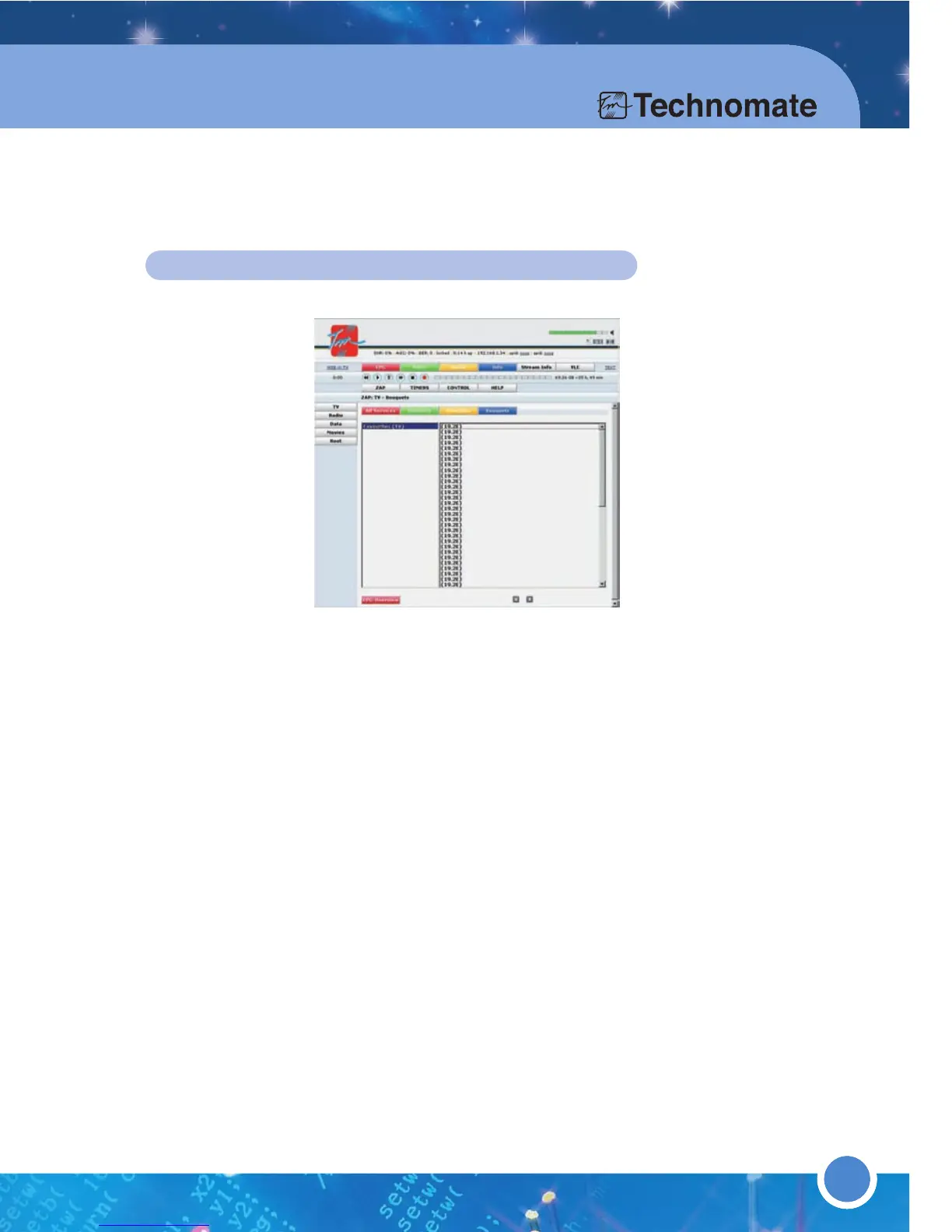
You can watch and control your TM500/600 on your PC at your home or
anywhere in the world (for the latter, you will require to setup a DNS account).
Download a program called VLC Media Player from http://www.videolan.org/vlc/
and install it.
Open your Internet Web Browser and enter the IP Address of your TM-500/600
(Menu
(6)Setup
(5)Expert Setup
(1)Communication Set up)
User Name = root
Password = (there is no password unless you have created one)
Click on Web-x-TV and select the channel/service that you want to watch.
You can also control your TM-500/600, for example, restart/reboot, send messages
to the receiver, change channels, send recording commands, view EPG information,
change Audio Track, etc by using the Interface.



 To Next Page