OPERATING GUIDE
EN
3. Dual Voice
- Press and hold FUNCTION button, press DUAL VOICE ON/OFF key on the keyboard to
switch DUAL VOICE function on. LED screen shows ON.
- Press and hold FUNCTION button, press DUAL VOICE ON/OFF key on keyboard again to
switch the DUAL VOICE function off. LED screen shows OFF.
- HOW TO USE THE DUAL VOICE FUNCTION -
a. Start Tone mode at first and select an instrument as main voice.
b. Press DUAL VOICE ON/OFF key to select the second dual voice tone; default second voice:
050 STRINGS2
c. Use +/- buttons or NUMBER KEY to select a sound as dual voice tone.
d. Under MENU, select Balance to adjust dual voice balance volume.
1 2
2. Chorus Effect
- Press and hold FUNCTION button, press CHORUS ON/OFF key on keyboard to switch
CHORUS effect on. LED screen shows ON.
- Press and hold FUNCTION button, press CHORUS ON/OFF key on keyboard again to
switch the CHORUS effect off. LED screen shows OFF.
- Under MENU, select Chorus Level function to adjust the effect level.
4. Split Function
- Press and hold FUNCTION button, press SPLIT ON/OFF key on the keyboard to switch
SPLIT function on. LED screen shows ON.
- Press and hold FUNCTION button, press SPLIT ON/OFF key on keyboard again to switch
the SPLIT function off. LED screen shows OFF.
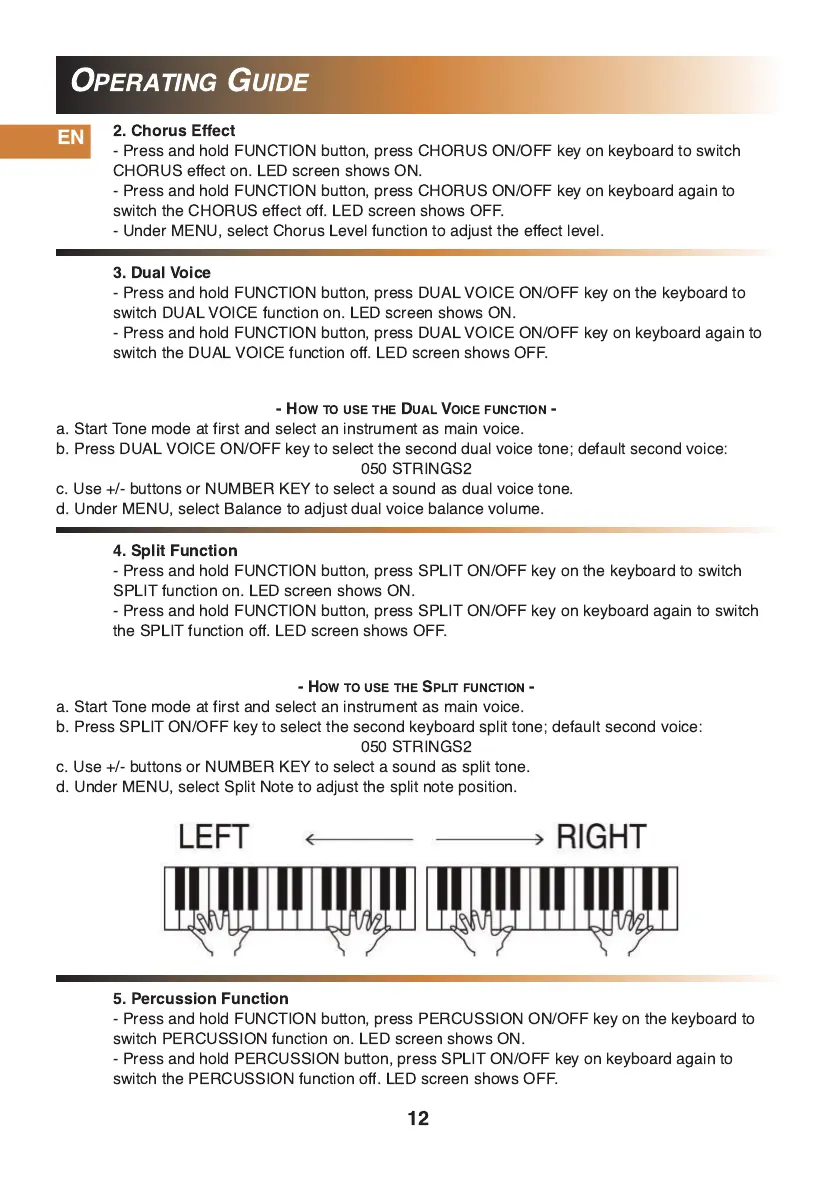
- HOW TO USE THE SPLIT FUNCTION -
a. Start Tone mode at first and select an instrument as main voice.
b. Press SPLIT ON/OFF key to select the second keyboard split tone; default second voice:
050 STRINGS2
c. Use +/- buttons or NUMBER KEY to select a sound as split tone.
d. Under MENU, select Split Note to adjust the split note position.
5. Percussion Function
- Press and hold FUNCTION button, press PERCUSSION ON/OFF key on the keyboard to
switch PERCUSSION function on. LED screen shows ON.
- Press and hold PERCUSSION button, press SPLIT ON/OFF key on keyboard again to
switch the PERCUSSION function off. LED screen shows OFF.


 To Next Page