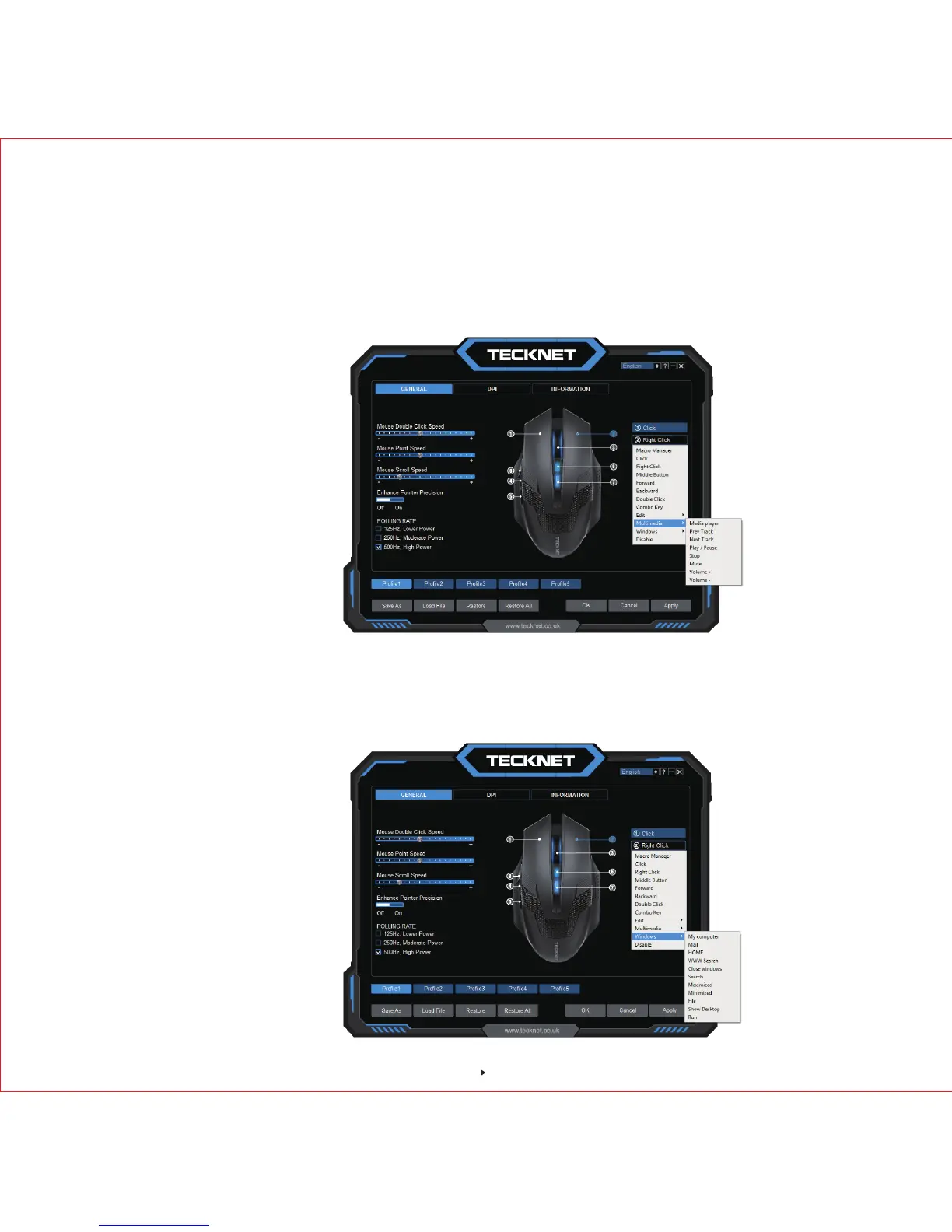
Multimedia setting
If you would like to set up for “Right Button”, click it first and a drop-down menu will show up,
select "Multimedia", a new drop-down menu shown as below, then you can select the action
needed, click "Apply" then click "OK" to save the setting before exiting the software.
Windows setting
If you would like to set up for “Right Button”, click it first and a drop-down menu will show up, select
"Windows", a new drop-down menu shown as below, then you can select the action needed, click
"Apply" then click "OK" to save the setting before exiting the software.
9



 To Next Page