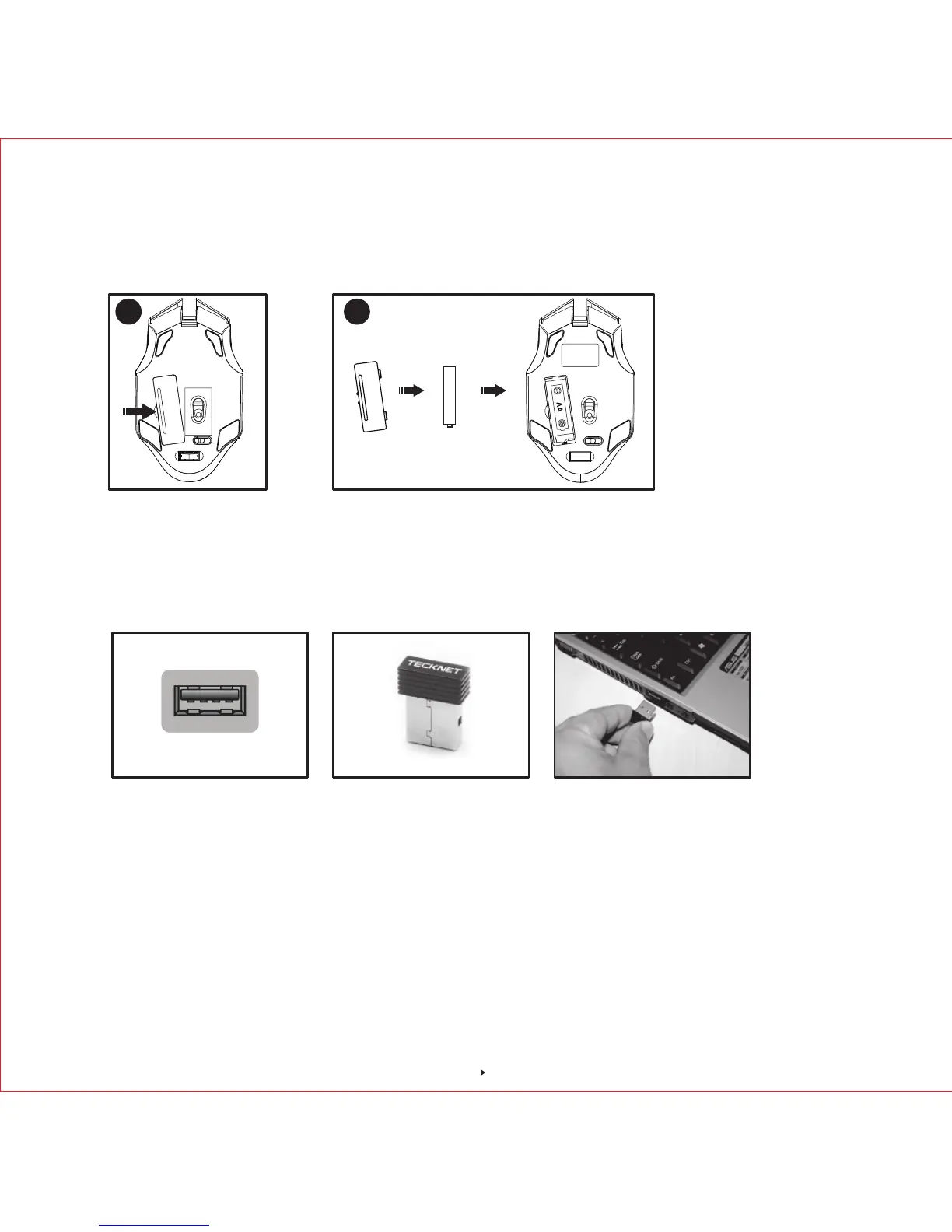
Note: Make sure that the polarity of the batteries is correct. The positive (+) and negative (-)
ends of each battery must match the positive (+) and negative (-) markings in the battery
housing.
Note: The receiver can be removed and stored next to the battery compartment while not in use.
DPI Switch
The mouse supports 6 levels DPI:800/1200/1600/2400/3200/4800. To switch to either setting,
press the "DPI +" button on the top of the mouse once to upgrade the DPI, LED light would flash
for appropriate times, when DPI reaches 4800, press "DPI +" button, LED would not flash. Click
the "DPI -" button on the top of the mouse once to downgrade the DPI, LED light would flash for
appropriate times. When DPI reaches 800, press DPI- button, LED would not flash
Receiver Connection
Remove the USB Nano receiver and plug it into a free USB port in your computer. Turn on the
mouse. The Plug & Play function of your system will detect a new device has been connected
and install it automatically.
AA
2
1
USB Port Nano receiver
3



 To Next Page