Load File:
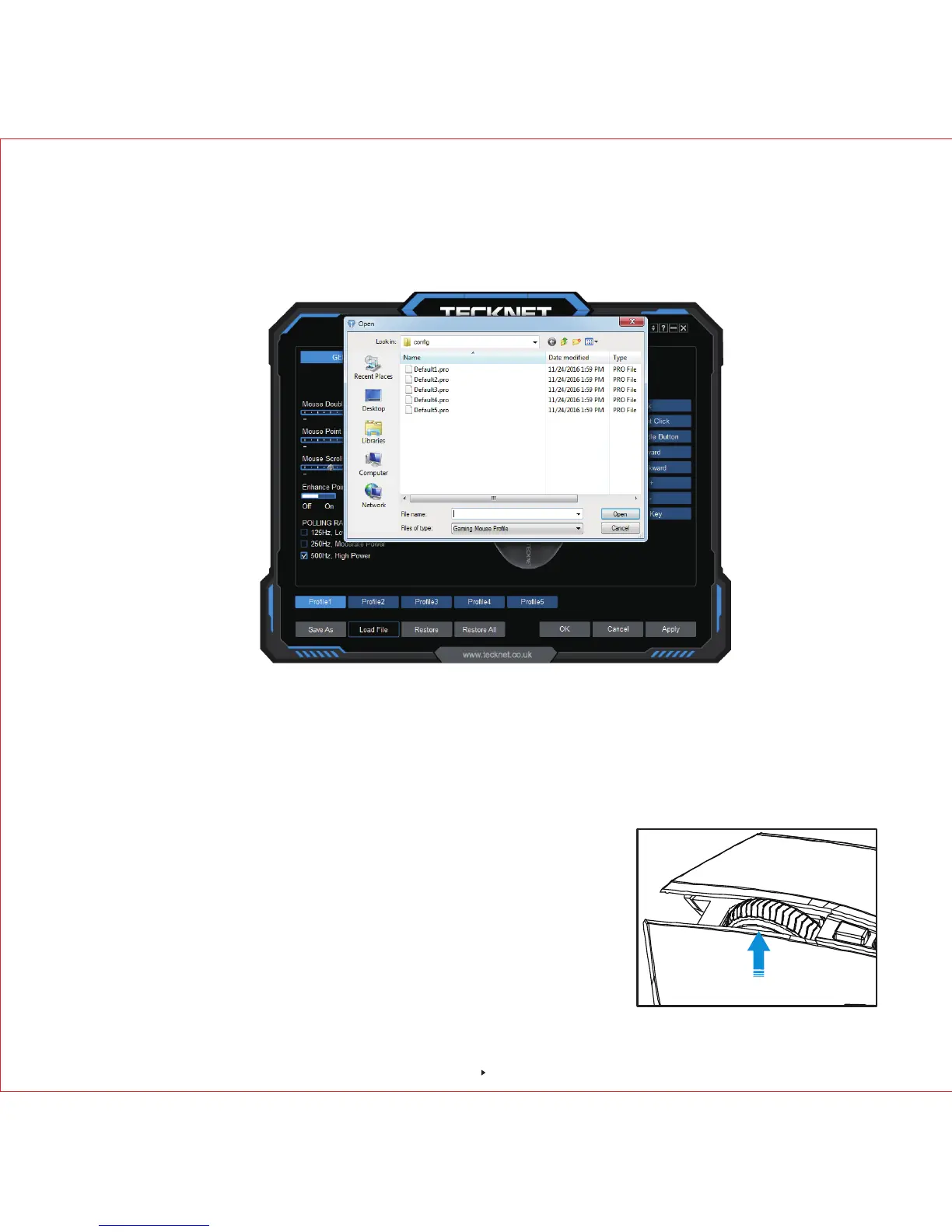
You can load the saved profile into the software. Simply click "Load File", a pop-up window will
show up as below, select the folder with saved profile, then select the captioned profile, click
"Open" to load.
12-Month Battery Life
You can load the saved profile into the software. Simply click "Load File", a pop-up window will
show up as below, select the folder with saved profile, then select the captioned profile, click
"Open" to load.
Restore: Click "Restore", the captioned profile setting will return the default setting.
Restore All: Click "Restore All", all the profile setting will return the default setting.
Low Power Indicator
The mouse is equipped with low power indicator. When the
battery power gets low during the period of use, the indicator
under the scroll wheel will flash to remind you replace the
battery.
Note: We recommend you use AA alkaline dry cell battery.
Low Power Indicator
12



 To Next Page