User instruction:
The main interface is divided into three parts: General Setting, DPI Setting, Version Information
Button Setting:
User-defined support as below
Mouse: Left Click Button,Right Click Button,Scroll Wheel,Froward Button,Backward Button,DPI
+Button,DPI - Button,Fire Button
Edit: Copy, Cut, New, Open, Paste, Print, Redo, Save, Select All, Undo, CTRL, ALT, SHIFT, WIN.
Multimedia: Media player, Prev Track, Next Track, Play/Pause, Stop, Mute, Volume+, Volume -.
Windows: My computer, Mail, HOME, WWW Search, Close windows, Search Maximized,
Minimized, File, Show Desktop, Run.
Parameter: Double Click Speed, Mouse Point Speed, Mouse Scroll Speed, Polling Rate, Enhance
Pointer Precision,Return rate
Examples
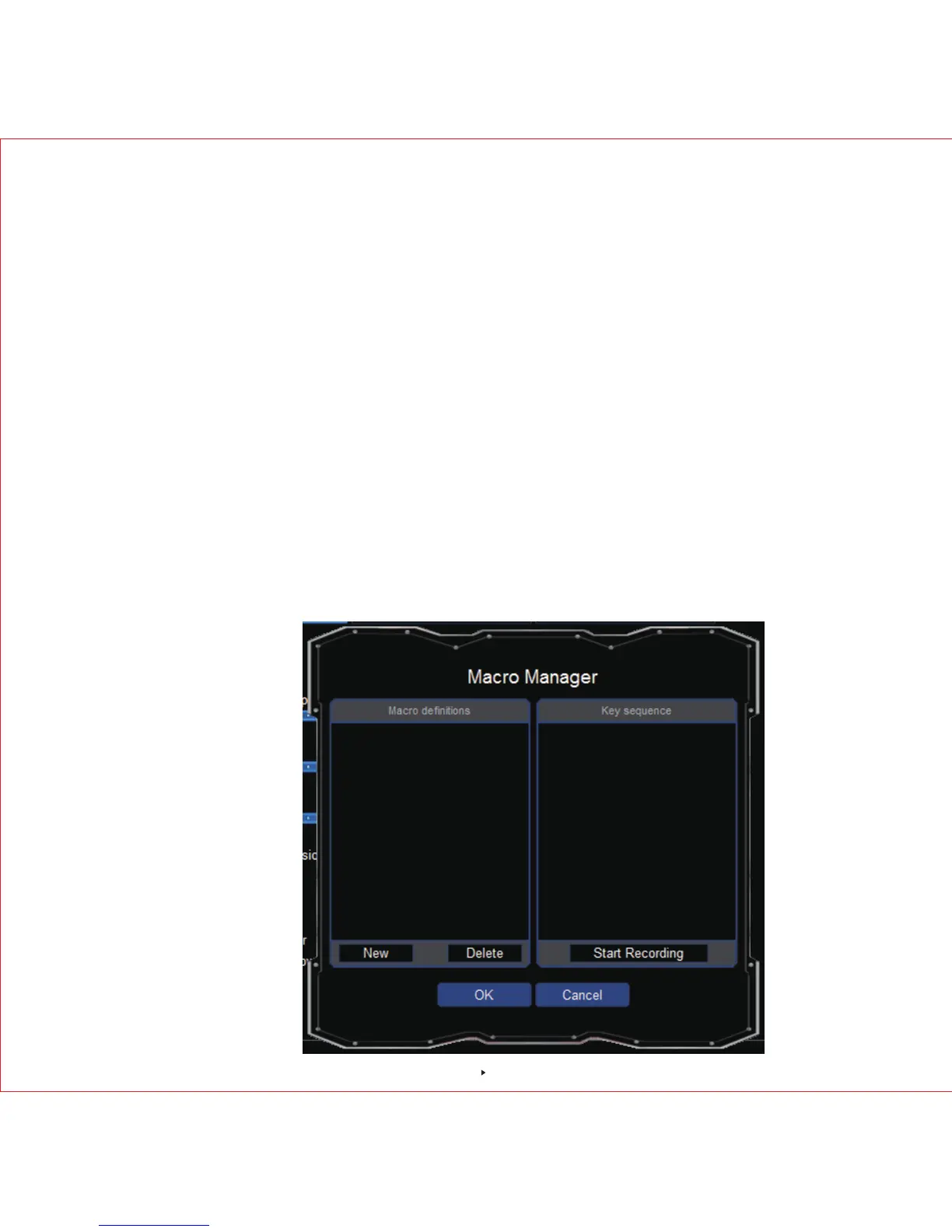
Macro Setting
1. If you would like to set up for “Right Button”, click it first and a drop-down menu will show up,
then click the "macro manager" a pop-up window will show up as below.
6



 To Next Page