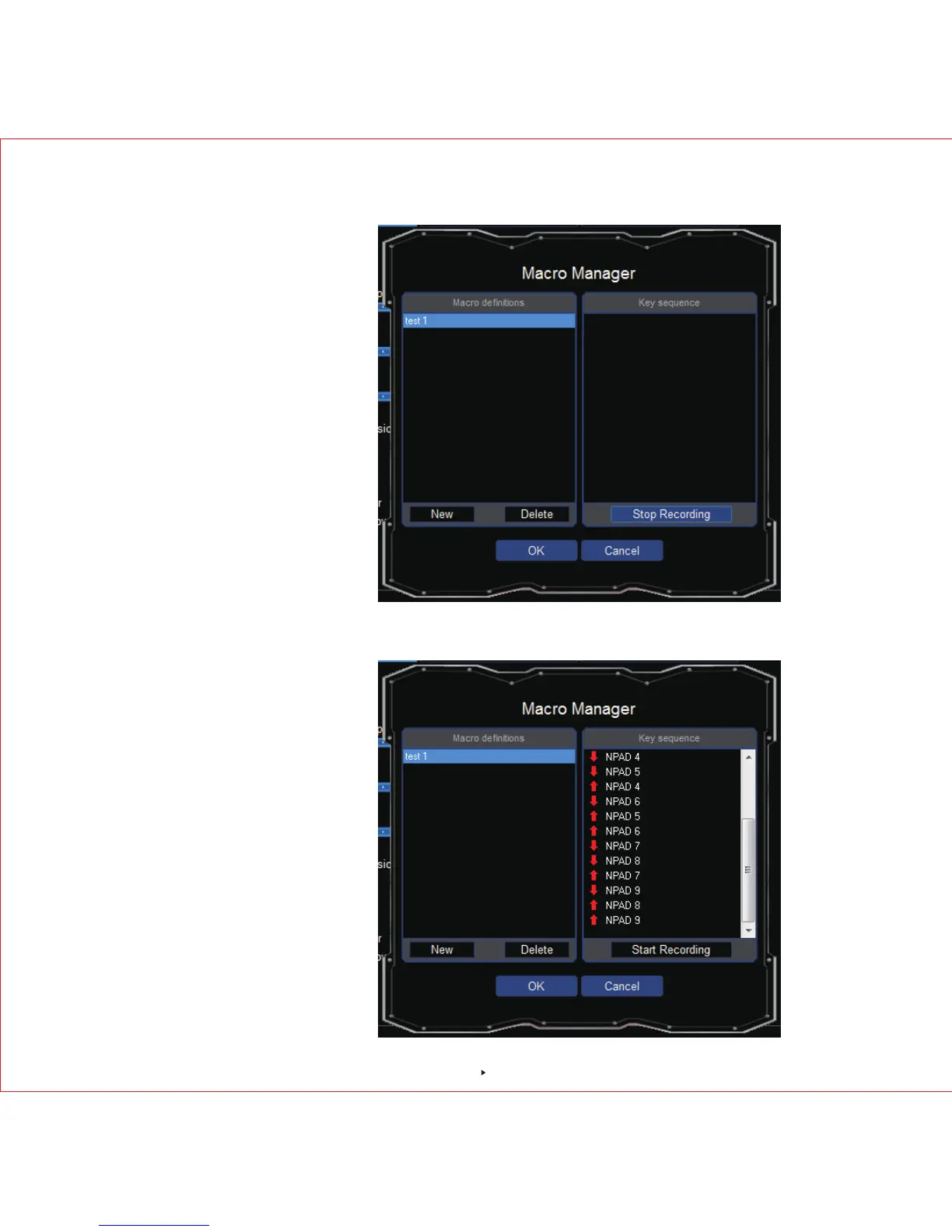
2.Click "NEW " and input "TEST1", press "enter key" to an end
3.click"Start Record" to set up the macro. For example, input 1,2,3,4,5,6,7,8,9.
then click "Stop Record" to complete. Click "OK" , "APPLY" to save the setting before exiting the
software.
7



 To Next Page