PROVASET T3LPF REV.20210610
36
Product name, 16 characters max, can be entered manually.
Product code, 24 characters max, can be entered manually or with a barcode reader
(option).
Number of tests to be performed in sequence for PRODUCT testing;
Waiting time between one test and the next in sequence; range 0.0:3600.0 s.
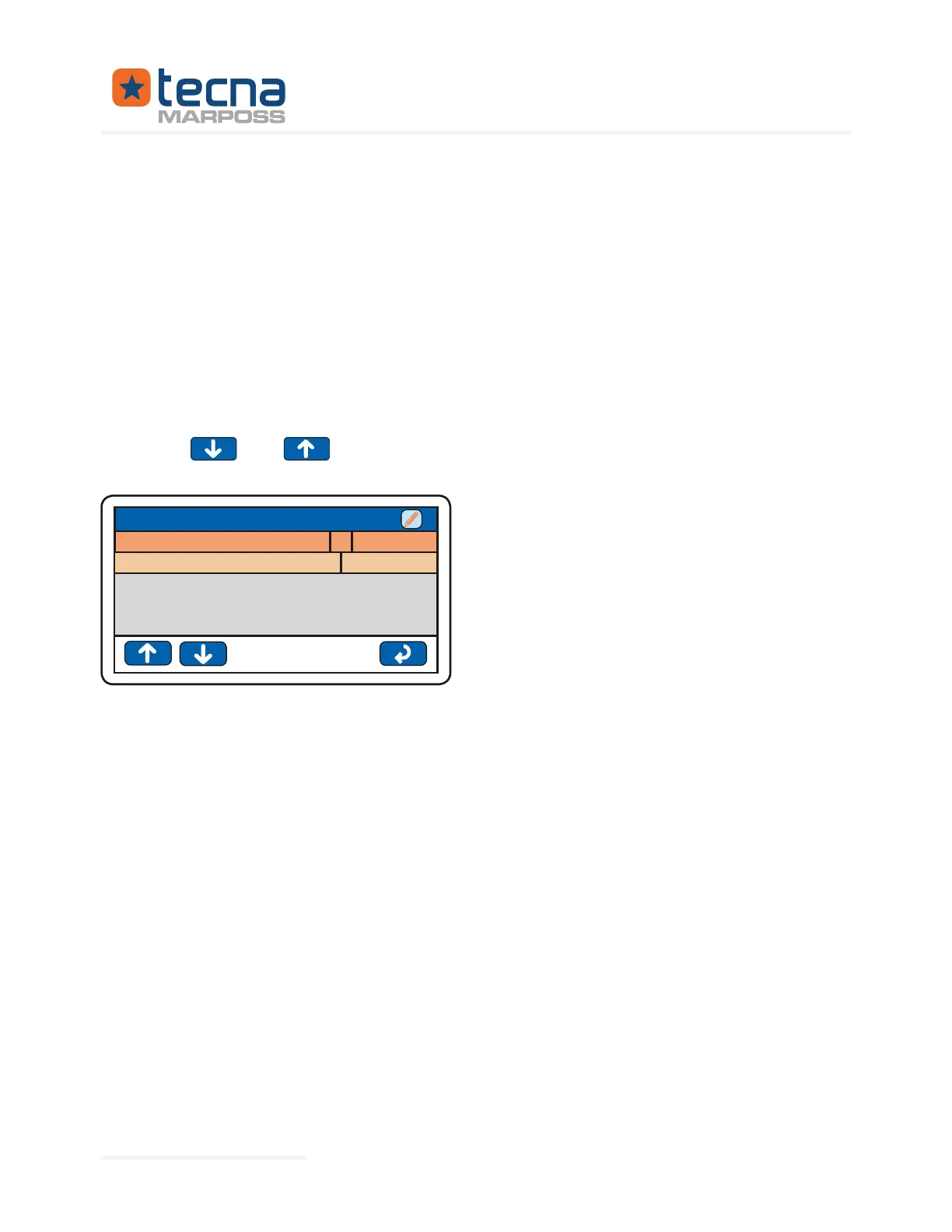
Press the
and keys to display the sequence steps of the TEST programs
associated with PRODUCT testing.
Product no.1
Step 1: test program no. 5, named VALVE
TECNA TAB 5
1Step 1: test program n°
Step 1: continue on
Always
PRODUCT n°001: VALVE_A
TEST_A
For each step of the PRODUCT sequence, it is possible to modify the associated TEST
program and the conditions for continuing the step sequence.
Number of the test program executed in step n.
Press on the number of the TEST program to choose directly with the numeric keypad
the associated TEST program.
Press on the name of the TEST program to choose another program from the list of
available TEST programs.
Conditions at the end of the test to continue with the next step in the PRODUCT se-
quence:
• Continues only with a PASSED result, end of testing if FAILED;
• Continues only with a FAILED result, end of testing if PASSED;
• Continues in any event.
Represented By: GTEK AUTOMATION Lake Forest, CA 92630 Ph. 949-680-4242 www.gtek-automation.com


 To Next Page
 Loading...
