PROVASET T3LPF REV.20210610
60
6. CONFIGURATION MENU
•
• calibration procedures for the
pressure sensors.
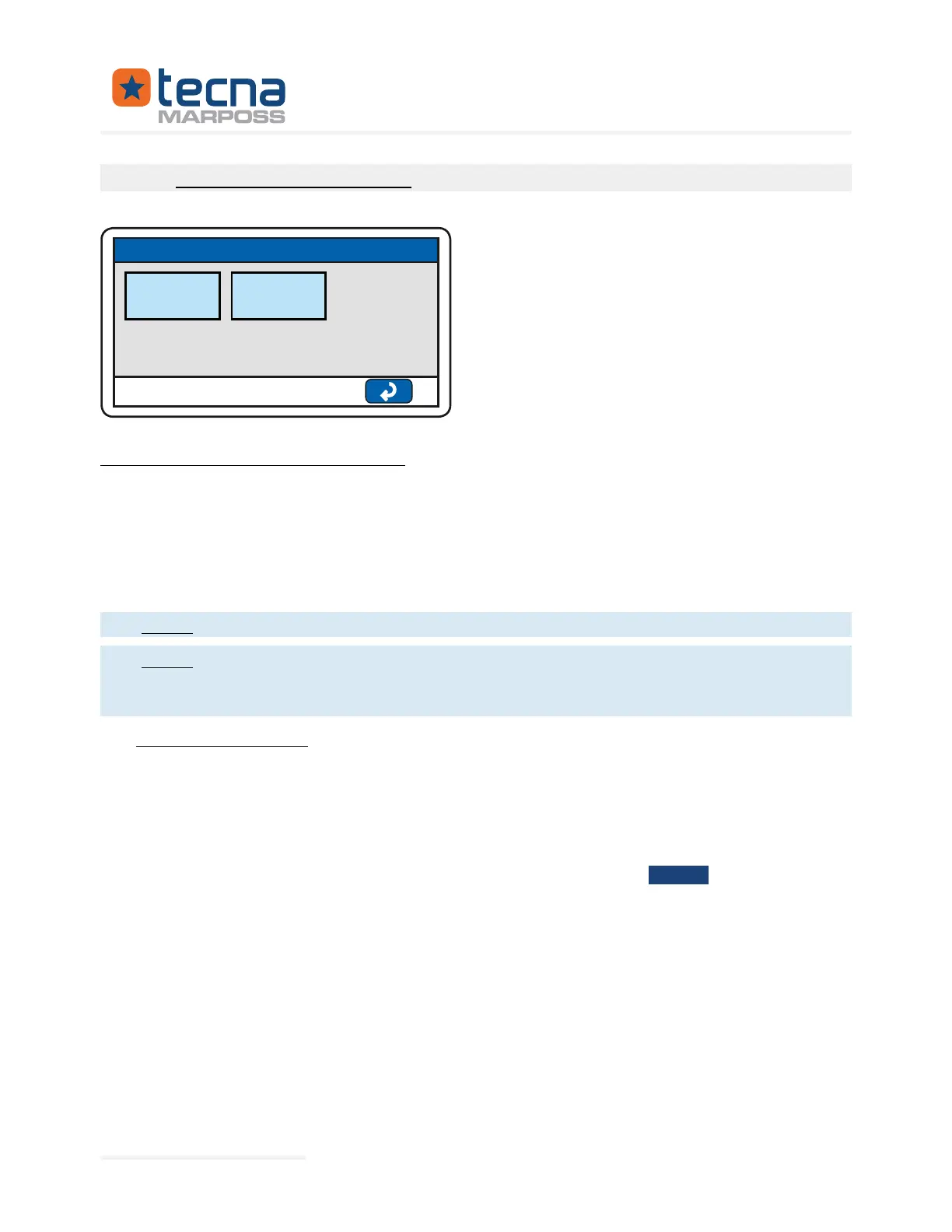
SETTINGS
SETTING
PARAMETERS
SENSORS
CALIBRATION
The Administrator access code is always required to access the menu.
The parameters are divided into groups, which can be accessed by pressing on the
line with the group name; for each group, the parameters are listed on the screen
with the description on the left and the value on the right; press the box on the right
with the parameter value to modify it; press the up/down arrow keys to scroll through
the menu pages.
The devices are delivered with Administrator Password=1234.
no automatic checks are performed on the reciprocal consistency of the
programmed parameters; it is the responsibility of the operator to check that
6.1 Unit: screen & sound
Language of on-screen messages (Multilingual)
Duration of the acoustic signal in the event of an alarm or a
result, range 0:
60 s.
Enable buzzer (beep) on touch screen keys; range: No / Yes.
Preferred test display: numeric or graphical mode.
the results of the individual tests.
Represented By: GTEK AUTOMATION Lake Forest, CA 92630 Ph. 949-680-4242 www.gtek-automation.com


 To Next Page
 Loading...
