EasyManua.ls Logo

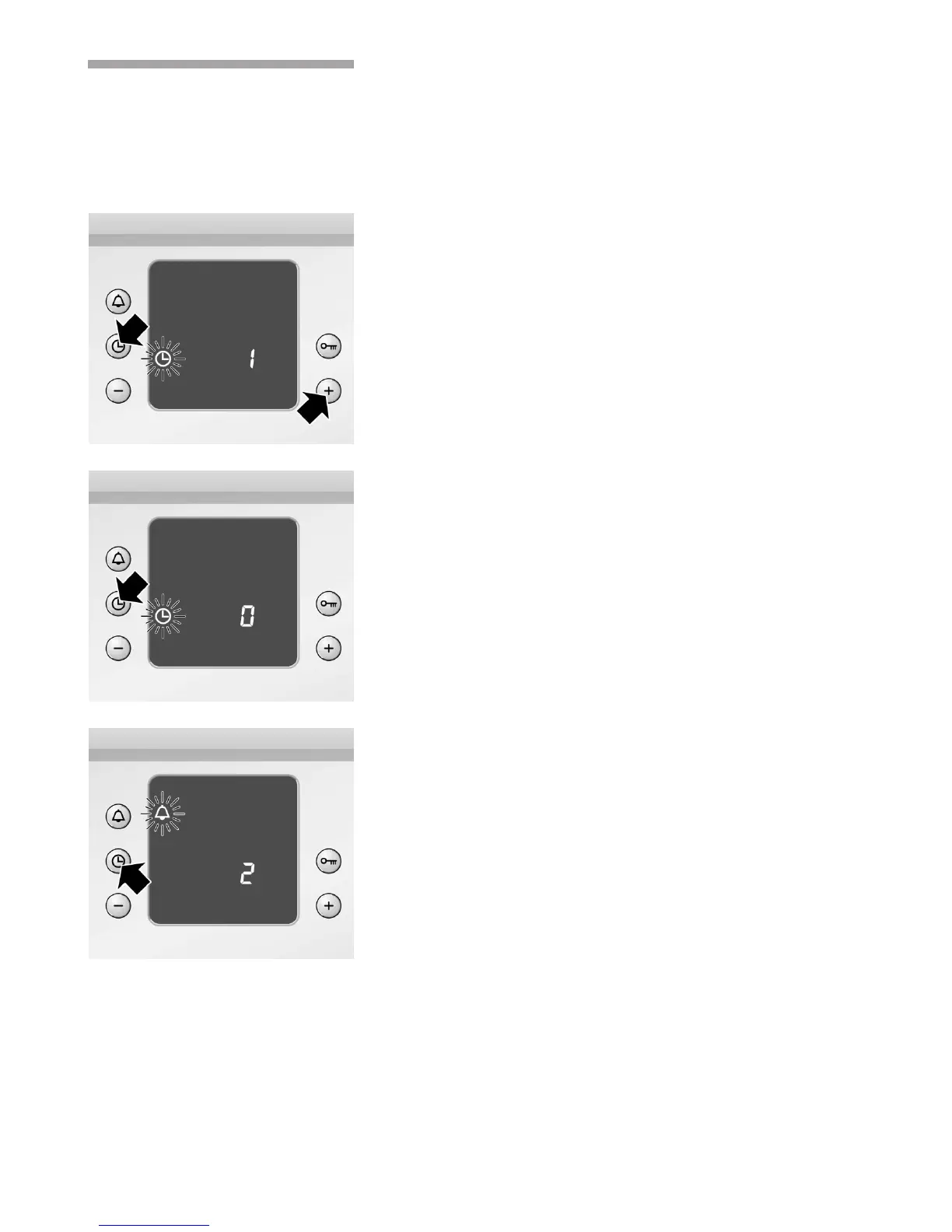
Tecnik HB2TI5T0 - Changing the basic settings; 2. Change the basic setting using the + or - button.; You do not wish to change all the basic settings; Correcting settings

Tecnik HB2TI5T0
37 pages
Print Icon
To Next Page IconTo Next Page
To Previous Page IconTo Previous Page
Loading...

     
         
        
        
        
     
         
  
        
        
        
        
        

        
  

   
     
   
 

Related product manuals