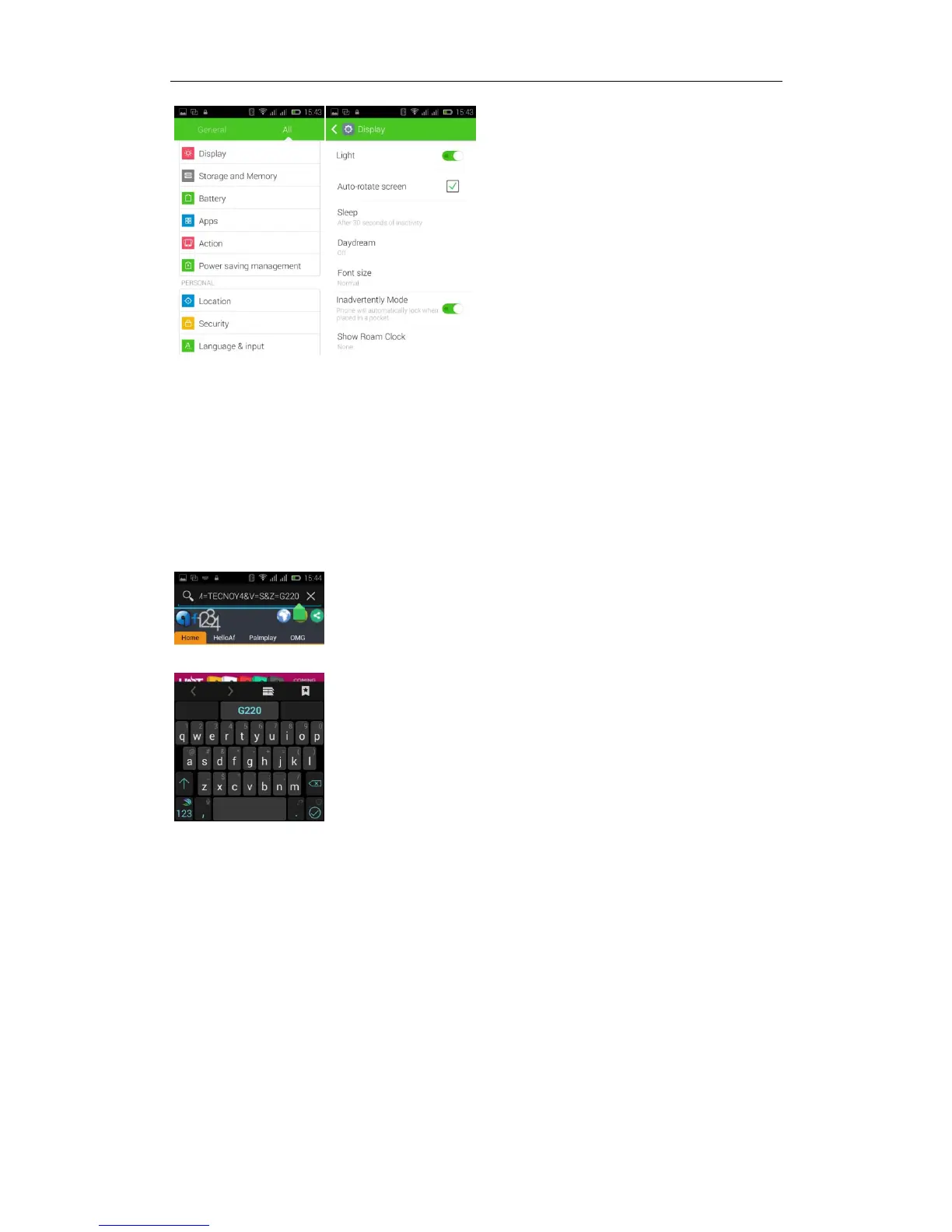
Browser Features
Visit the website
Browser -- Click in the URL input area -- Enter the URL of web browser--click
“go”
in the keyboard.
Download Web page images or other objects
Browser -- browse the web, long press the picture. There appear shortcut keys,
then choose "save Image "function
How to use Hotknot?
Note:
1、mobile phone must bring hotknot function
2、Hotknot now can transfer contacts, calendar, websites, images, video, music,
APK, etc
3、mobile phones must screen and screen against, control the contact area of
1/3 to 1/2



 To Next Page