22
3. Ensure that your smartphone’s
Bluetooth is activated.
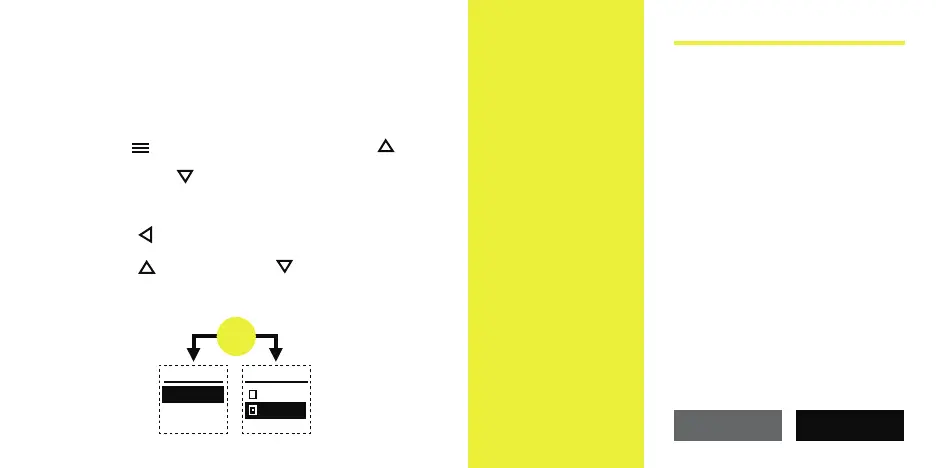
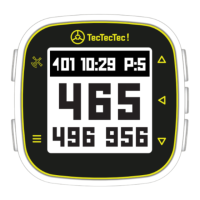
4. On your ULT-G
®
, navigate to the
Menu and then use the Up
and Down buttons to highlight
"BLUETOOTH", and then press the
Select button located in between
the Up and Down arrow buttons.
Be sure that "ON" is selected.
On your
smartphone,
in the app
click on the
"NEXT" button
to continue.
4
MENU
BLUETOOTH
BATTERY
BLUETOOTH
OFF
ON
Follow the steps below to connect
your device.
1. On your smart phone, make sure
your Bluetooth is set to "On". You will nd
Bluetooth under "Settings".
2. On your TecTecTec device, go to
"Settings" menu and select Bluetooth.
Make sure that your Bluetooth is set to "On".
NEXTCANCEL
PAIR YOUR DEVICE


 To Next Page