26 27
10. If the passcode entered is
correct, the ULT-G
®
will begin
pairing and the ULT-G
®
screen
will show "PAIRING DATA".
11. When finished, the screen will
show "You have successfully
paired your device".
10
PAIRING
DATA
Keep your ULT-G
®
and phone near
each other while
pairing until it
is complete.
Keep your device near your phone
until setup has been completed.
PAIR YOUR DEVICE
PAIRING
YOUR DEVICE

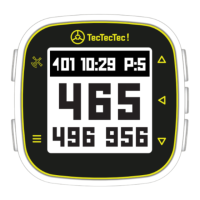

 To Next Page