EasyManua.ls Logo

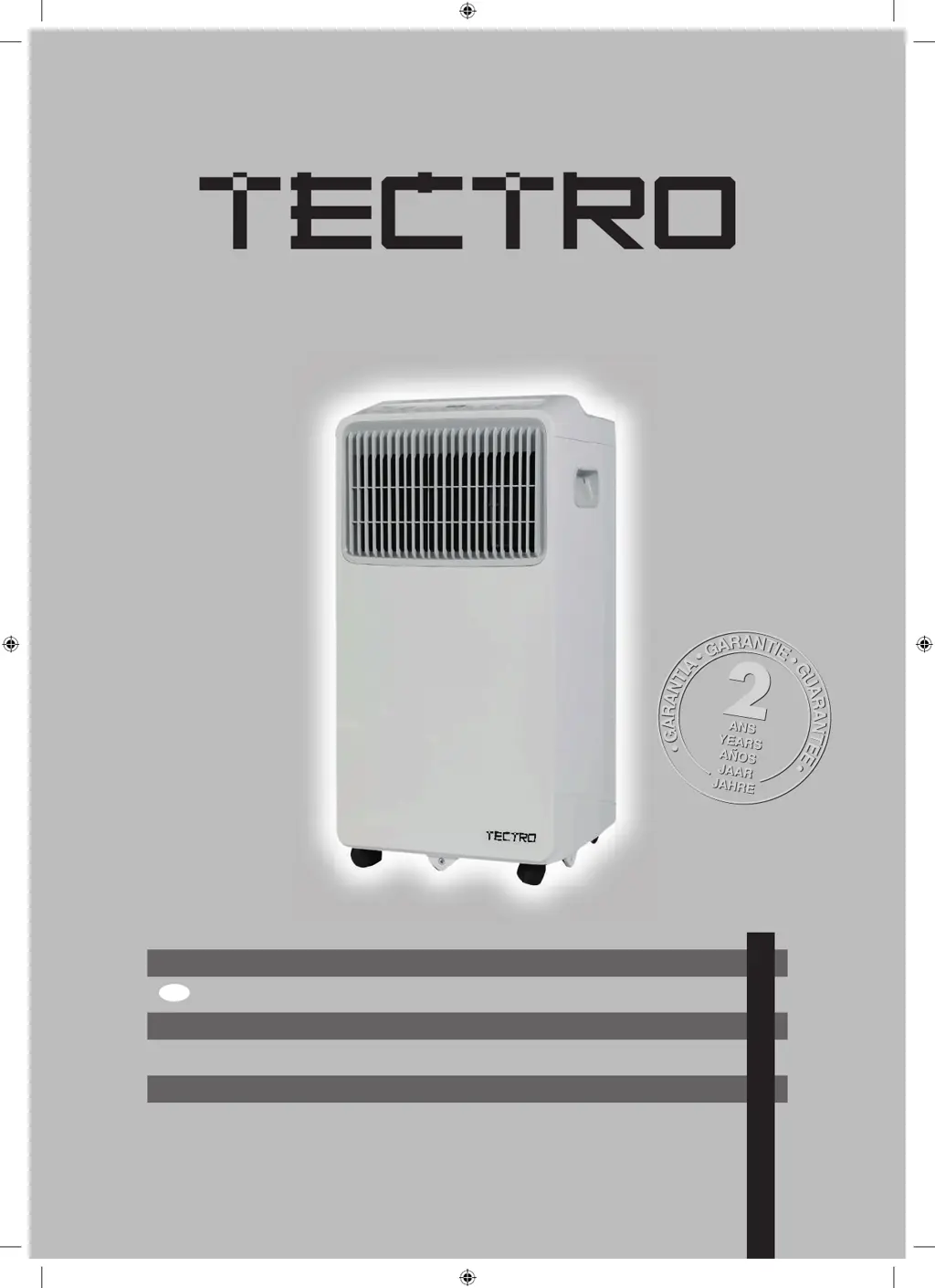
Tectro TP 3020 - User Manual

Tectro TP 3020
132 pages
Go to English
Print Icon
To Next Page IconTo Next Page
Loading...
TP 3020
6
FIN
4
u
:
=
BETJENINGSMANUAL
KÄYTTÖOHJE
OPERATING MANUAL
BRUKSANVISNING
INSTRUKCJA OBSŁUGI
INSTRUKTIONSBOK
2
man_TP3020-SCAN ('20) V2.indd 1 10-12-20 17:2010-12-20 17:20
23
44
66
110
87
man_TP3020-SCAN ('20) V2.indd 1

Questions and Answers

  • R
    Rachel LoweAug 6, 2025
    Why is my Tectro TP 3020 not cooling well?
    • M
      Melissa WrightAug 6, 2025
      If your Tectro Air Conditioner isn't cooling effectively, several factors could be the cause. First, ensure that the air filter isn't blocked with dust or animal hair; if it is, turn off the unit and clean the filter according to instructions. Check that the exhaust hose is correctly connected and free from blockages. Also, the temperature setting might be too high, so try decreasing it. Confirm that all windows and doors in the room are closed, and that the room size is appropriate for the unit's cooling capacity. Finally, consider removing any heat sources from the room. If none of these steps help, the unit might be low on refrigerant, requiring a service technician to inspect and replenish it.
  • S
    sweeneyjonathanAug 14, 2025
    How to reduce noise and vibration in my Tectro TP 3020 Air Conditioner?
    • C
      chelsea76Aug 14, 2025
      If your Tectro Air Conditioner is excessively noisy or vibrating, make sure that the unit is placed on a flat, level surface. Also, a blocked air filter can cause these issues, so turn off the unit and clean the filter according to the provided instructions.
  • J
    Jacob SheltonAug 20, 2025
    Why does my Tectro TP 3020 make a gurgling sound?
    • L
      Larry MillerAug 21, 2025
      The gurgling sound from your Tectro Air Conditioner is normal; it is caused by the flow of refrigerant inside the unit.
  • E
    Elizabeth LiAug 29, 2025
    What to do if my Tectro TP 3020 does not turn on?
    • L
      lwoodAug 29, 2025
      If your Tectro Air Conditioner doesn't turn on when you press the ON/OFF button, it could be due to several reasons. If the display shows a P1 Error Code, it means the water collection tray is full. Turn off the unit, drain the water, and restart it. In COOL mode, the unit may not start if the room temperature is lower than the set temperature; in this case, reset the temperature. If you see an E0 EEPROM error, contact qualified service personnel for assistance.

Summary

Safety Precautions

Sociable Remark

Environmental disposal instructions for European countries.

Refrigerant Safety Warnings

Safety warnings related to R32/R290 refrigerant.

Explanation of Refrigerant Symbols

Explains symbols related to flammable refrigerants and unit operation.

Installation Instructions

Preparation

Guides on preparing the unit for installation, including illustrations.

Installation Details and Requirements

Covers design, energy rating, temperature ranges, hose, and location.

Tools and Window Kit Installation

Lists required tools and guides for window installation.

Operating Instructions

Control Panel Features

Identifies and explains the buttons and indicators on the unit's control panel.

COOL Operation

Step-by-step guide for operating the unit in cooling mode.

Operating Modes and Features

Covers Dry, Fan, Auto modes, other features, and air flow adjustment.

Power and Drainage Management

Explains power saving and water drainage procedures.

Maintenance

Safety Precautions (Maintenance)

Safety measures to follow before cleaning or servicing the unit.

Air Filter Cleaning

Guide on cleaning the air filter for optimal performance.

Unit Cleaning

How to clean the exterior of the air conditioning unit.

Unit Storage

Instructions for storing the unit properly during off-season.

Troubleshooting Tips

Impedance Information

Guarantee Conditions

Environmental Information

Tectro TP 3020 Specifications

General IconGeneral
BrandTectro
ModelTP 3020
CategoryAir Conditioner
LanguageEnglish

Related product manuals