Page 18
© Copyright 2008-2012 Energy, Inc. All rights reserved
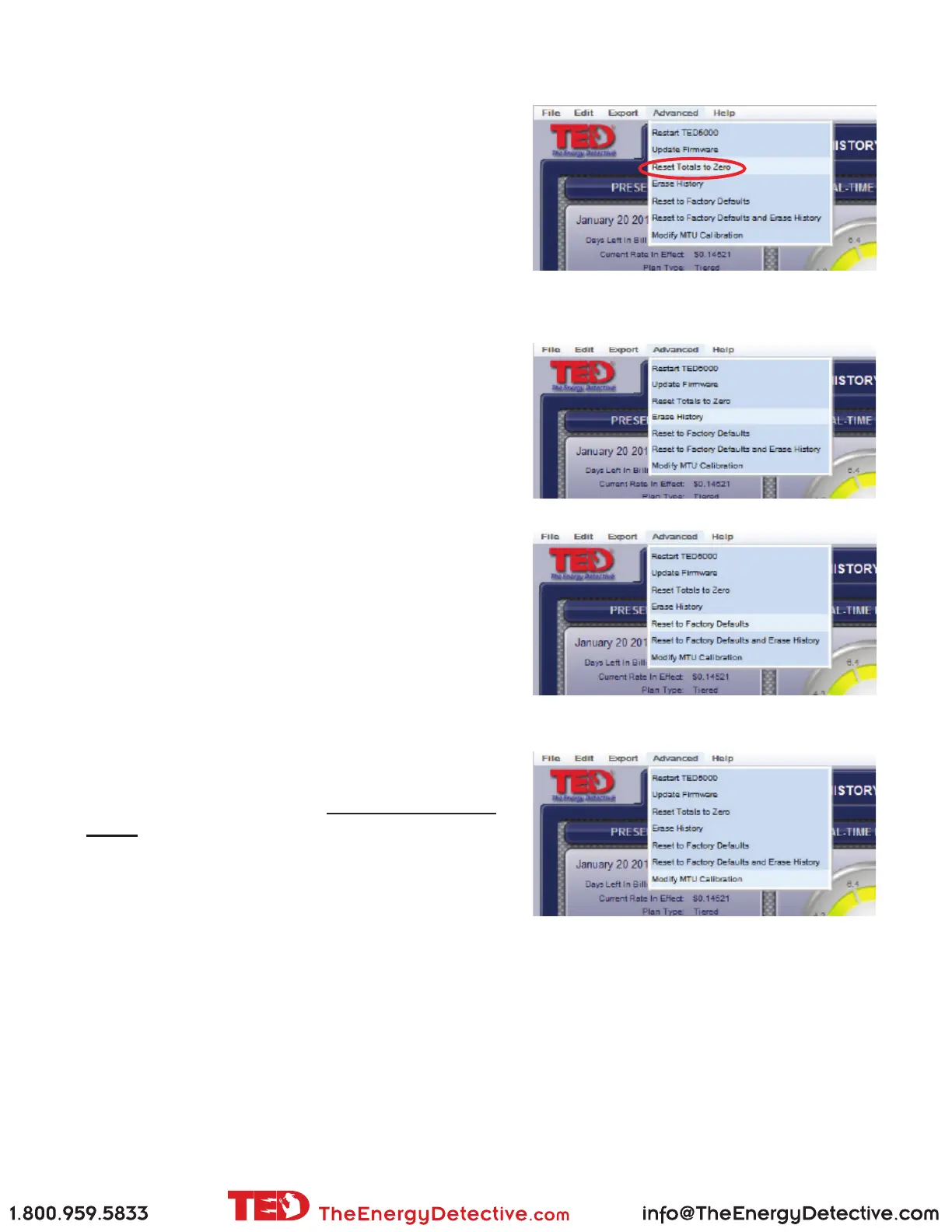
Reset Totals to Zero
Select this function to reset all of your totals to zero.
This is a non-recoverable act, so you may want to
consider Exporting your data prior to executing this
function.
Erase History
Select this function to erase your entire history. This
is a non-recoverable act, so you may want to consider
Exporting your data prior to executing this function.
Reset to Factory Default
Select this function to reset all the data within TED.
The will clear ALL history, charts, graphs, and all
operational variables (time, date, rates, meter date, etc.)
This is a non-recoverable act, so you may want to
consider Exporting your data prior to executing this
function.
Adjusting MTU Calibration
Your TED comes calibrated from the factory. The
default multiplier is 1:1. If, after a 2-3 MONTH
period, you feel TED is not matching your utility
meter exactly, you can modify this multiplier to make
TED more closely match your utility meter. Most
installations do NOT require any changes to the default.



 To Next Page