Page 22
© Copyright 2008-2012 Energy, Inc. All rights reserved
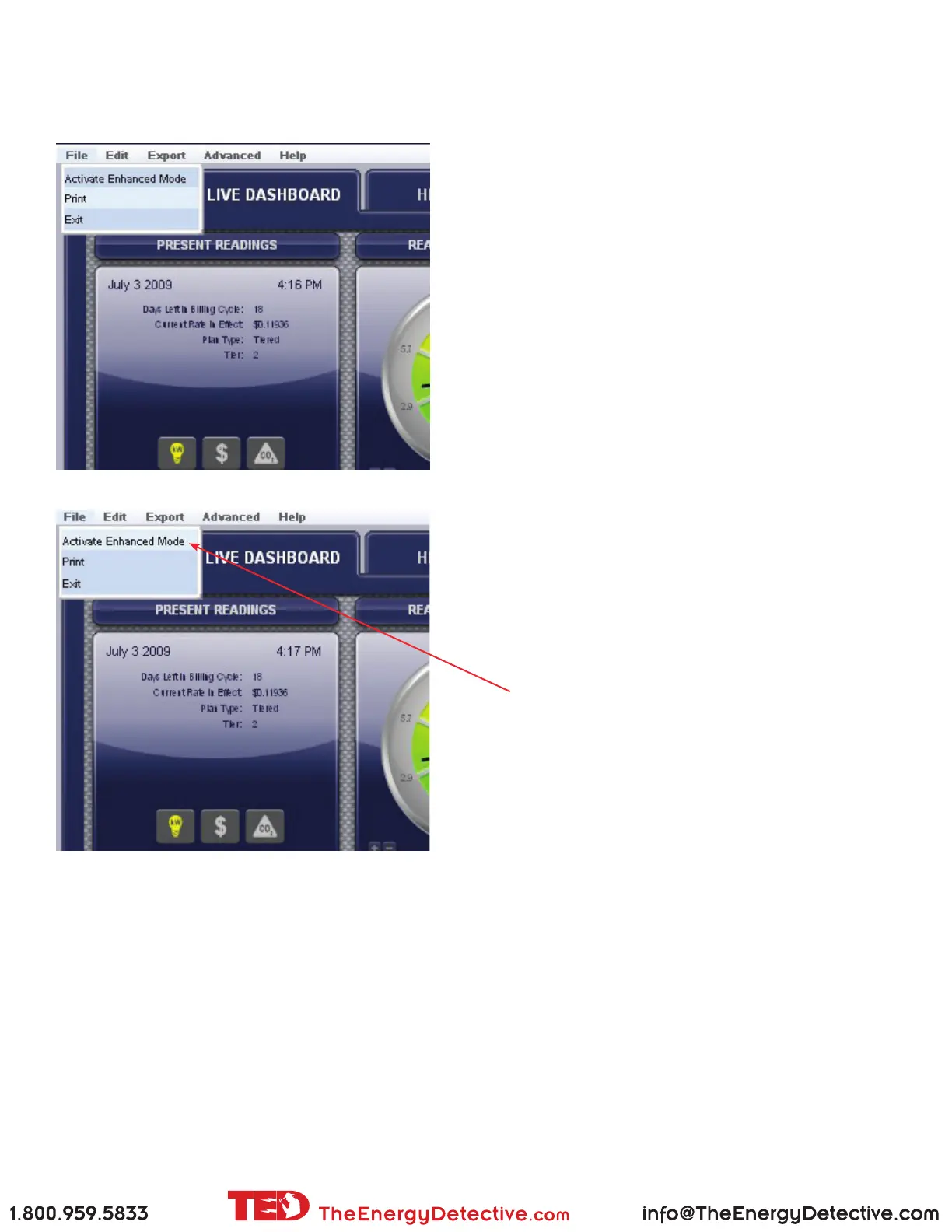
FILE Tab
Print / Enhanced Mode / Exit
Print
This action will allow you to print any of the screens
as you see them on TED 5000, i.e. the Dashboard,
Historical Charts, Graphs or Load Proles.
Activate Enhanced Mode
Activating Enhanced Mode will temporarily
change the sample/transmission interval of your
power and voltage readings to reect the settings
you have in SYSTEM SETUP.
You might use this feature to do some temporary
diagnostics where you need to see very fast
response times beyond what you would routinely
want to see.



 To Next Page