52 53
Reheating
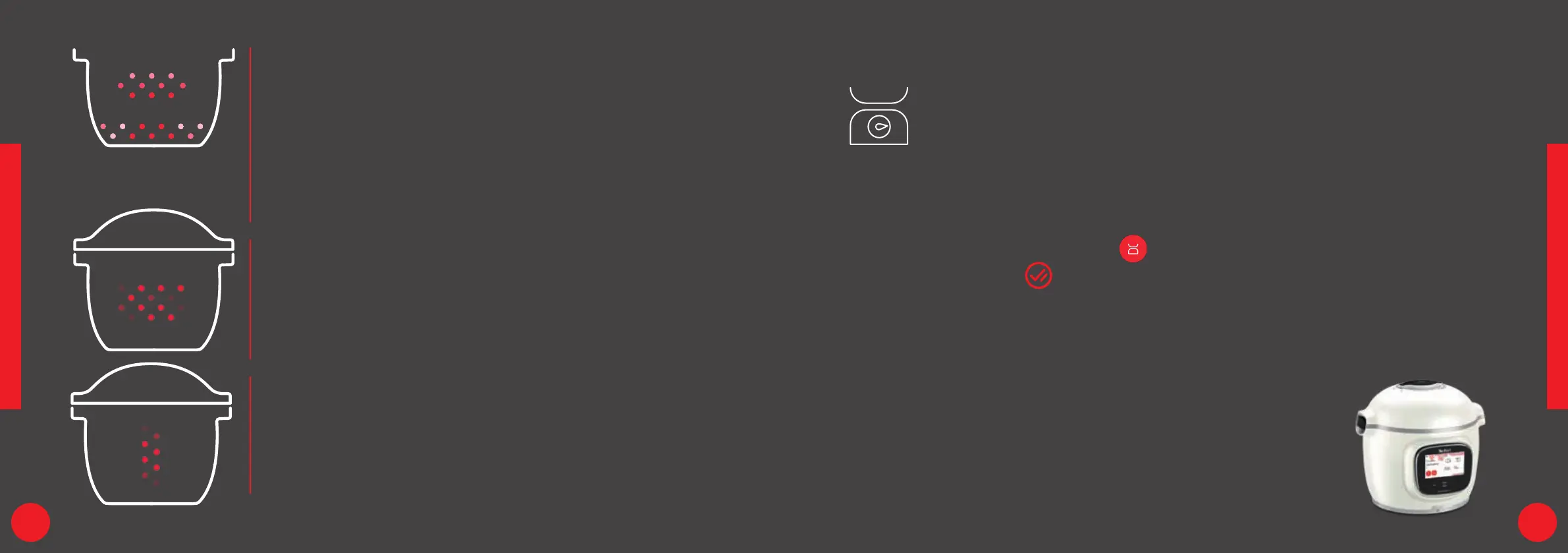
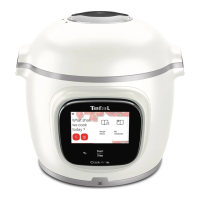
The Cook4me Touch Pro reheats dishes
to the perfect temperature.
Lid position: May be open or closed.
Stewing
The bowl heats from below to act like a stew pot.
Lid position: open and raised.
Cooking intensity
Gentle: slow and gentle cooking.
Medium: slow cooking.
High: medium cooking.
Keeping warm
The Cook4me Touch Pro keeps your dishes warm
until it is time to serve them.
Lid position: May be open or closed.
Cook4me Touch Pro functions
Your Cook4me Touch Pro has built-in
scales that allow you to easily weigh
out the ingredients that you need
for each recipe.
When following a recipe, once
the selected ingredient has been
weighed, the scales icon
switches to
CALIBRATION function
The CALIBRATION key is used to
reset the scales display to 0.
UNIT function
The UNIT key allows you to change
the weight unit (g, cl, ml, oz).
Maximum weight
Weighs from 1 g to 4 kg.
For weights above 4 kg, your
Cook4me Touch Pro will ask
you to press the Calibration
key if you want to continue
adding ingredients.
The maximum weight that
your Cook4me Touch Pro can
weigh is 8 kg.






 To Next Page