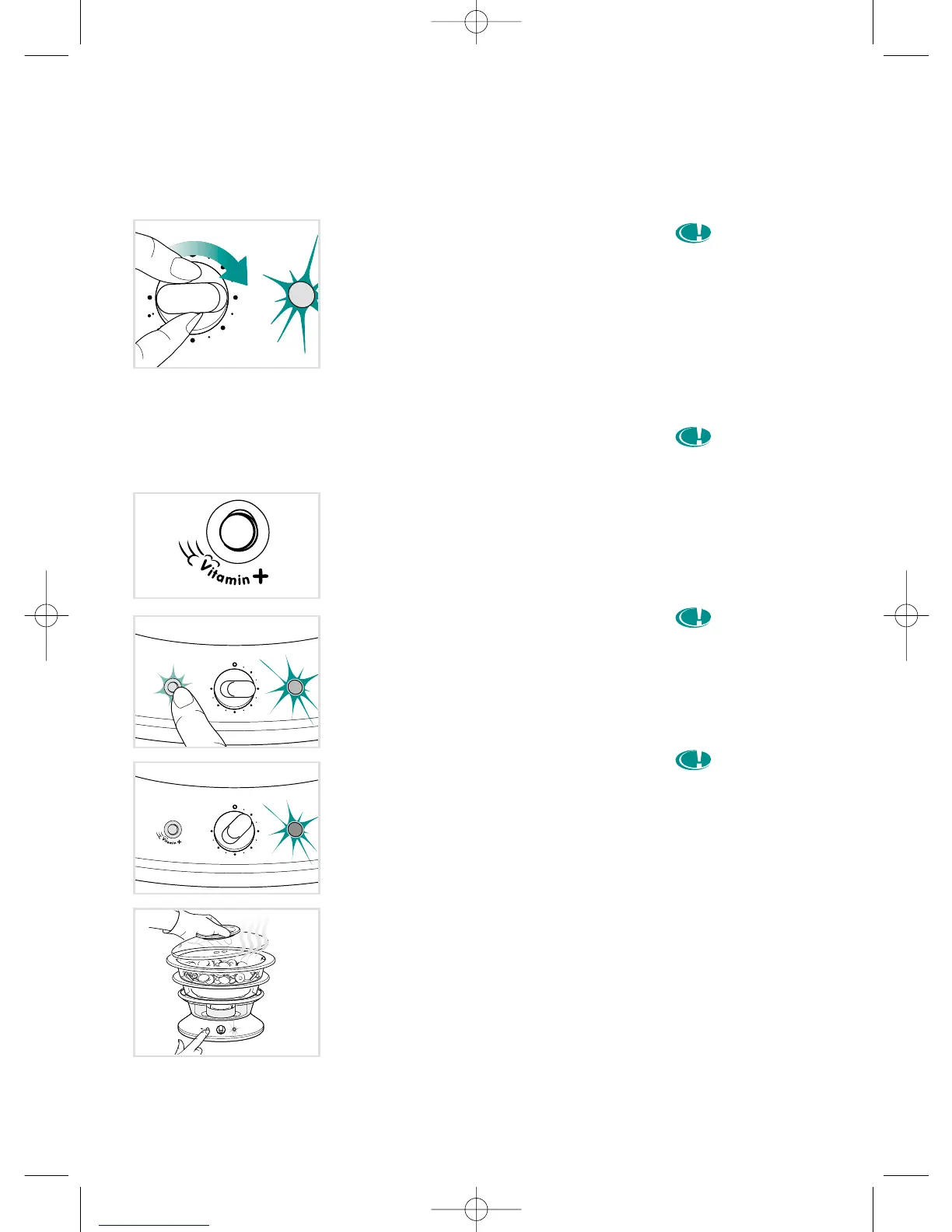
Steam cooking with the timer
Choose the cooking time
• Plug the appliance in.
• Set the timer for the recommended
cooking times (see table of cooking
times).
• When the red light is on, the steam
cooking has begun.
Reduce your cooking time
with the "VITAMIN+"
touchpad
• Exclusive: your appliance is fitted with a
"VITAMIN+" touchpad which reduces
cooking time up to 50% compared with
classic steamers for a better preserva-
tion of vitamins.
• At the start of cooking, press the
"VITAMIN+" touchpad, the light comes
on automatically. This allows a faster
start to cooking, thanks to a bigger
steam output.
• Once the ideal temperature is reached,
the "VITAMIN+" touchpad light goes out
automatically.
• After opening the lid (e.g. : if adding
more food) you can press the
“VITAMIN +” touchpad again to quickly
return the steamer to the ideal tempera-
ture.
• In some cases, it is normal, when you
press the "VITAMIN+" touchpad for the
light to stay off or turn off very quickly.
This means that the ideal temperature
has been reached in the baskets.
For appliances fitted with electronic program-
ming see page 7.




 To Next Page