1830A USB-Serial Configuration
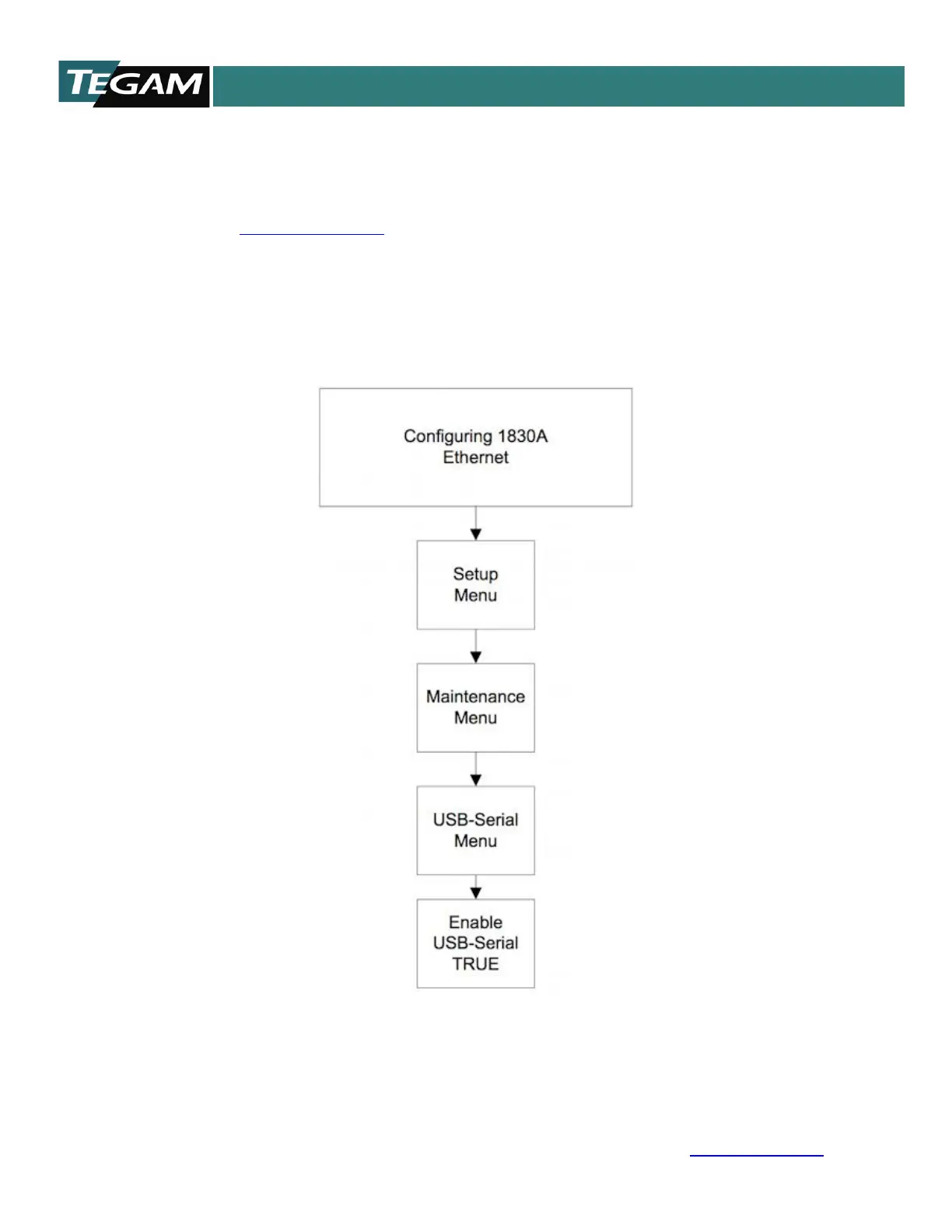
Configuring the 1830A for USB operation is a simple process. Use the flow chart provided
in Figure 4.7 and follow these simple steps.
• Download the 1830A USB Driver to your PC. The driver is located on the TEGAM
website www.tegam.com.
o Navigate to the 1830A resources page and download the 1830A USB driver.
• Using CA-14-2M connect the 1830A using the lower USB port to the PC that will be
used to control the 1830A.
• Use the flow chart in Figure 4-3 to set the 1830A for USB-Serial communication.
• Use a terminal application such as HyperTerminal to communicate with your 1830A.
o Port settings are 115200 baud, 8 data bits, no parity, 1 stop bit.
Figure 4.7 - USB-Serial Connection Menu Flow Chart



 To Next Page