Shenzhen Dawu Times Technology Co., Ltd
2/30 www.wiseupshop.com
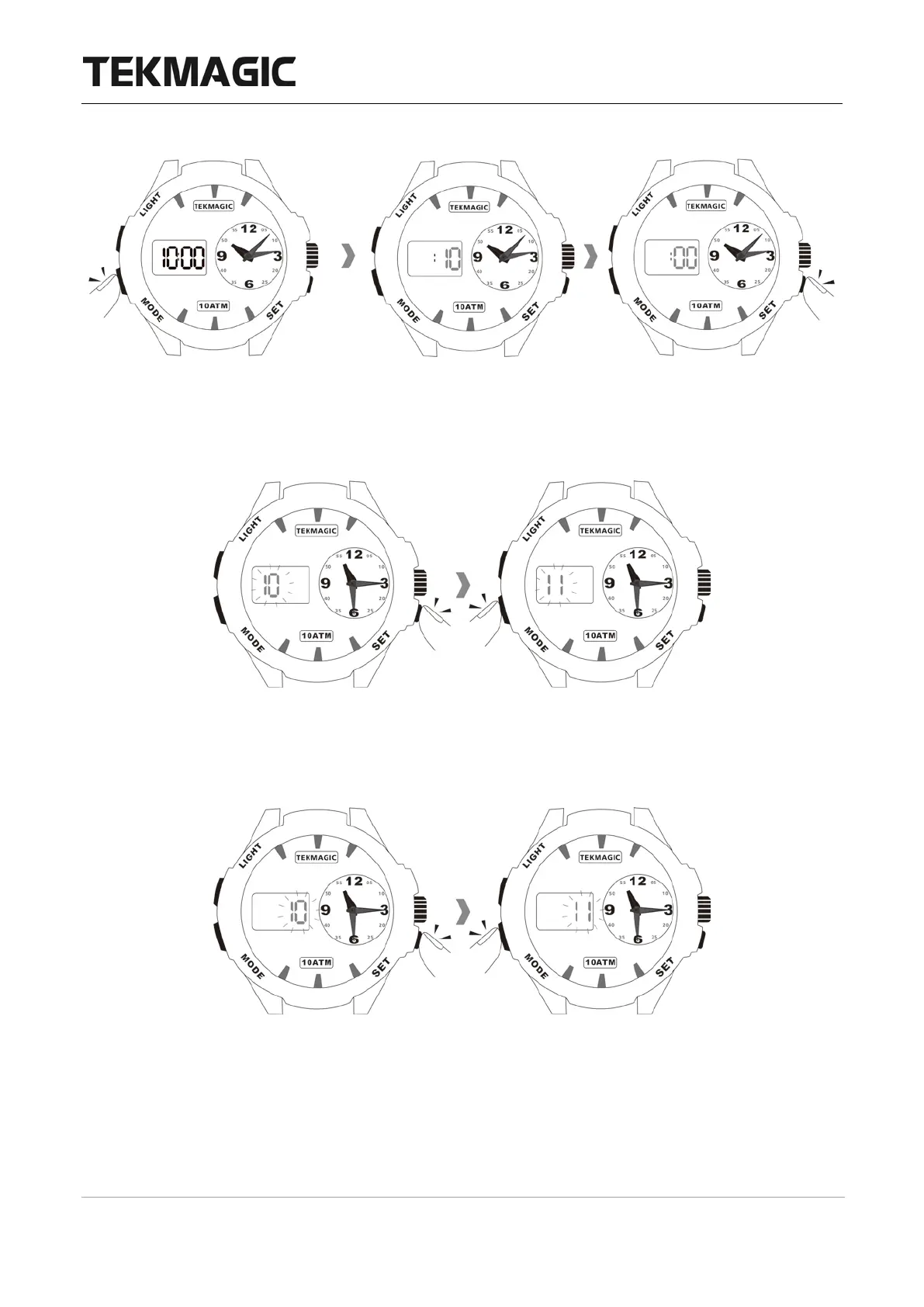
exit or you could skip to the next step.
2.2 Press the SET button twice and you will see the month digit, then press the MODE
button to set the month.
2.3 Press the SET button once, you will only see the date digit, then press the MODE button
to set the date.
2.4 Press the SET button once, you will see the hour digit, then press the MODE button to
set the hour.



 To Next Page