Shenzhen Dawu Times Technology Co., Ltd
7/105 www.wiseupshop.com
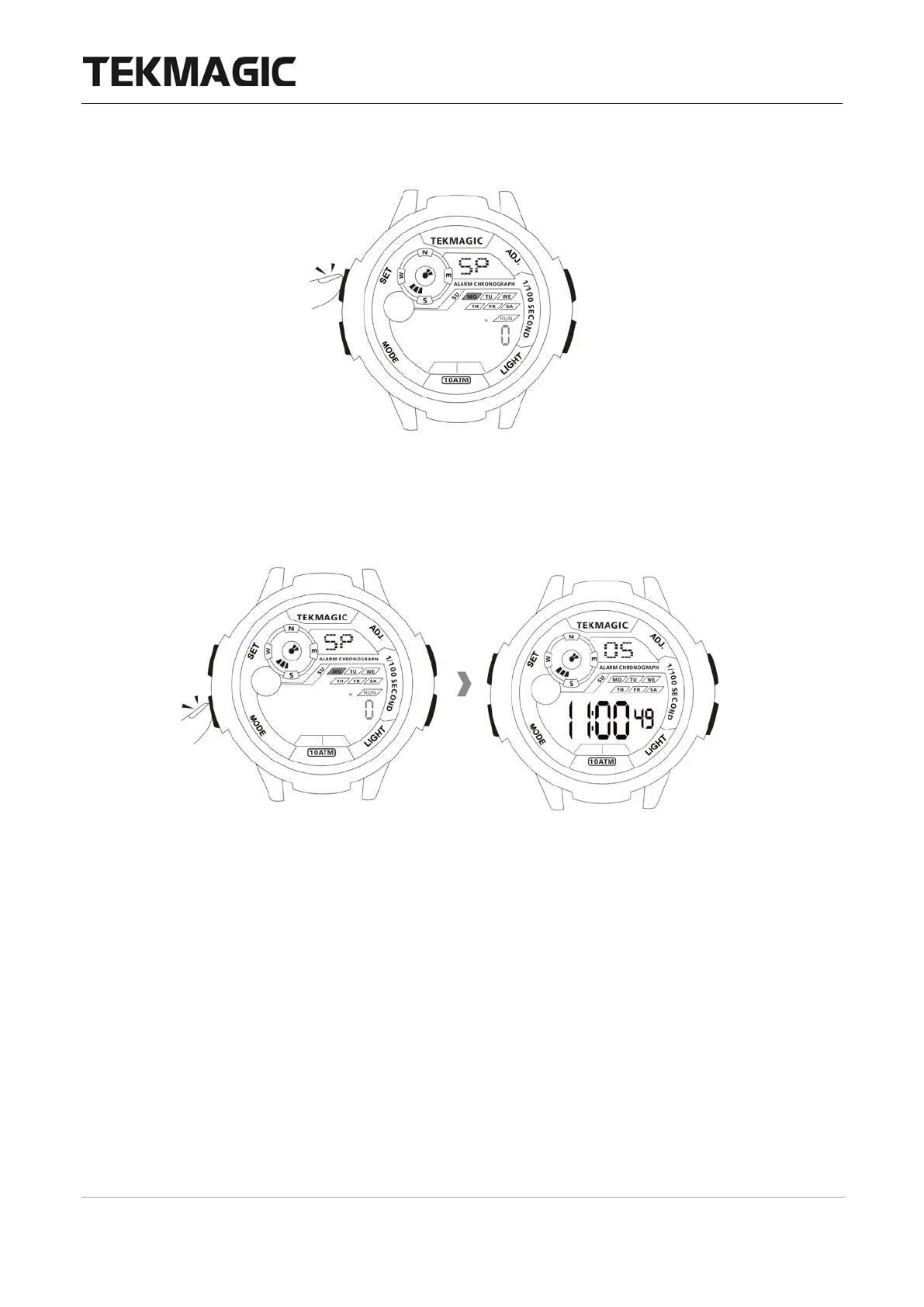
3.4 Press the SET button to clear.
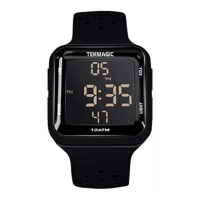
3.5 Press the MODE button once to exit the stopwatch mode.
<Note>
:
1. The stopwatch timing range is 0'00"00 to 23:59'59".
2. If you don't stop the timing, the stopwatch will continue to timing and start timing from
0'0''00 even the timing is over 24 hours and you have exited the stopwatch mode.
IV. Alarm
4.1 Set an alarm
4.1.1 In the local time display mode, press the MODE button twice to enter into alarm setting
mode.


 To Next Page