Shenzhen Dawu Times Technology Co., Ltd
9/105 www.wiseupshop.com
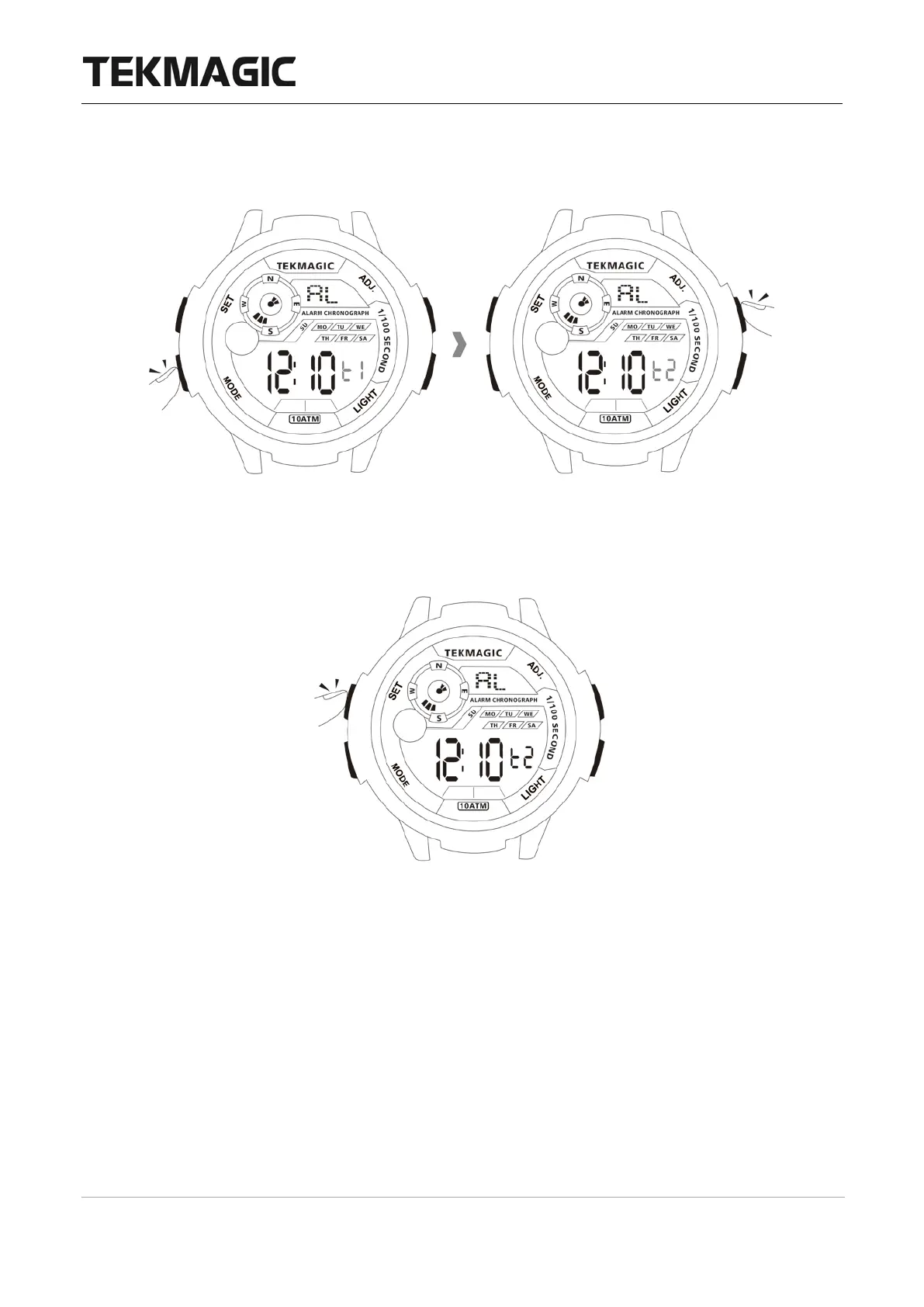
blinking, then press the ADJ button to select the time zone. Note: L1 is the alarm for your
local time zone, L2 is the alarm for the other time zone.
4.1.5 Press the SET button to save the setting.
4.1.6 Press the MODE button once to exit the alarm setting mode.



 To Next Page