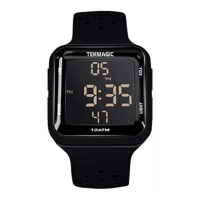
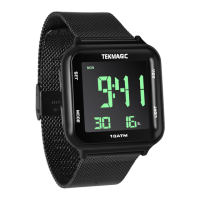
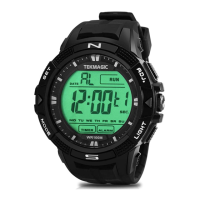
5. Mode Button
6. Minute
7. Date
8. START Button
9. Hourly Chime Indicator
10. Alarm Indicator
11. Light Button
12. Second
II. Local Time Setup
2.1 In the local time display mode, hold down the RESET button till you see the seconds digit is
blinking, then press the START button to clear the seconds digit or you couldskiptothenextstep.
2.2 Press the MODE button once, you will see the minute digit starts blinking, then press the START
button to set the minute.
2.3 Press the MODE button once again, you will see the hour digit starts blinking, then press the
START button to set the hour.
2.4 Press the MODE button once again, you will see the hour format digit starts blinking, then press
the START button to choose 12 or 24 hours format.
2.5 Press the MODE button once again, you will see the year digit starts blinking, then press the
START button to set the year.


 To Next Page