11 of 12 © 2010 D 313 - 11/10
Network Schedules
----------------------------
----------------------------
Adding a schedule to a tekmarNet
®
system is both easy
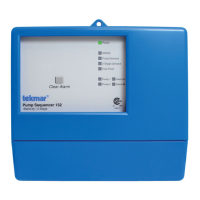
and valuable. A Timer 033 provides scheduling with up to
4 events per day for every tekmarNet
®
Thermostat. Turning
down the room temperatures when they are unoccupied
reduces boiler on-time and energy consumption which
helps save money and the environment.
One-Touch Economy
--------------------------
--------------------------
A User Switch 479 allows for one-touch overrides of the
system. For example, if leaving the building for vacation,
simply press the “Away” button and all the thermostats
will immediately operate at a lower temperature, instead
of having to walk around the building lowering the heating
temperature setting and raising the cooling temperature
setting on each thermostat.
Energy Saving Features
Section C
Zone Synchronization
-------------------------
-------------------------
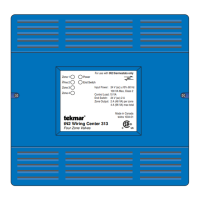
Another feature of the Wiring Center is Zone Synchronization.
In typical zoned systems, the thermostats operate on a
stand-alone basis. This means that a zone turns on and off
as required without any regard for other zones. The net effect
is random operation of the zones causing short cycling of
the heat source. tekmarNet
®
thermostats communicate to
ensure that their cycles are synchronized. Energy is saved
by ensuring zones requiring heat operate on the same cycle,
therefore reducing short cycling of the boiler.
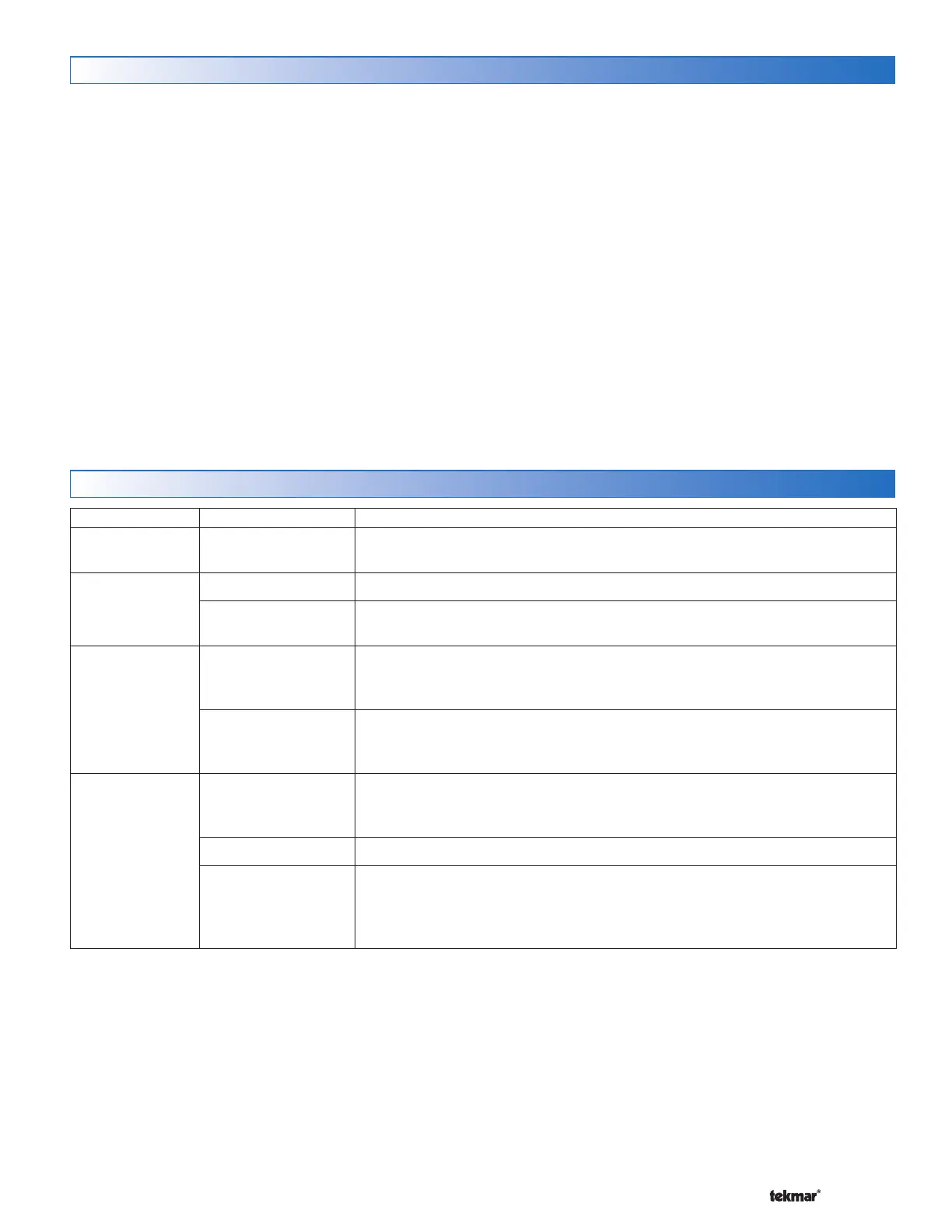
Symptom Look For...
Corrective Action
Power LED is off Power to control
Use electrical meter to measure 24 V (ac) voltage on input power R and C
terminals.
No central
heating
Zone LEDs If there are no green Zone LEDs, there are no thermostats calling for heat.
System in AWAY
During AWAY, the thermostats operate at a lower temperature. Locate a ‘User
Switch’ and set to Normal to resume heating.
Single zone over
heating
LED shows zone on
Thermostats have a differential of +/- 1.5°F (0.8°C) of the temperature setting.
Due to the display rounding numbers up, heating can appear on when the
temperature is 2°F (1.1°C) above the setting. This is normal operation.
LED shows zone off
Ensure zone valve terminals measure 0 V (ac). Measuring 0 V (ac) indicates
mechanical zone valve may have failed in open position. Measuring 24 V (ac)
indicates control relay may have failed.
Single zone under
heating
LED shows zone on
Ensure zone valve terminals measure 24 V (ac). Measuring 24 V (ac) indicates
mechanical zone valve may have failed in closed position. Measuring 0 V (ac)
indicates control relay may have failed.
LED shows zone off Check the thermostat to see if it is calling for heat (H1 displayed on the screen).
Zone LED flashing
The zone has an open or short circuit and communication to the thermostat on
the zone has been interrupted. Check the wiring between the thermostat and
the Wiring Center for open or short circuits. If the thermostat was intentionally
removed, power the Wiring Center off for 10 seconds.
Frequently Asked Questions
Troubleshooting


 To Next Page