The arrows keys or can be used to increase or decrease this value respectively.
If the Enter key is pressed again, the letter H will appear on the display, together with the current value at which the
pump will dose at the maximum flow rate,
equal to the value of the flow rate that has been set (see the section on
Adjustment of the flow rate).
The arrows keys or can be used to increase or decrease this value respectively.
Note: The value of H must necessarily be lower than the value of L.
WARNING: Having set first the value of L, the value of H can be set at a value 1 mA lower than L as a maximum.
Having set first the value of H, the value of L can be set at a value 1mA higher than H at a minimum.
Press Enter to confirm the settings that have been selected and then exit from programming. The word Prog will appear
on the display for about one second, after which the value of the flow rate corresponding to the current signal received by
the pump will be displayed (as a frequency or as a % value, see the section on Adjustment of the flow rate).
To start the pump press the START/STOP button (the Stop icon will be extinguished or illuminated respectively).
Note. If a current lower than the current value at which the pump doses at its maximum flow rate reaches the pump (e.g.:
current setting H = 5, current received = 4 mA), the pump will continue to dose at the maximum flow rate that has been
set, however the flow rate shown on the display will start to flash, indicating that the input current is lower than the value
that has been set.
Note. If a current higher than the current value at which the pump doses at its minimum flow rate reaches the pump (e.g.:
current setting L = 10, current received = 15 mA), the pump will no longer dose. Also, the flow rate shown on the display
will start to flash, indicating that the input current is higher than the value that has been set.
WARNING: The pump may stop due to a possible halt/stop alarm signal given by the level probe (Level icon
illuminated and Alarm LED steady on), see the section on Checking the level of the liquid to be dosed.
EXAMPLES
I need to dose 120 ppm in one lead with pressure of 12 bars, with:
- Water meter pulse sender mod. CB1 (1 stroke/l)
- dosing pump mod. Tekna DPG 601 (1.5 l/h to 12 bars)
I
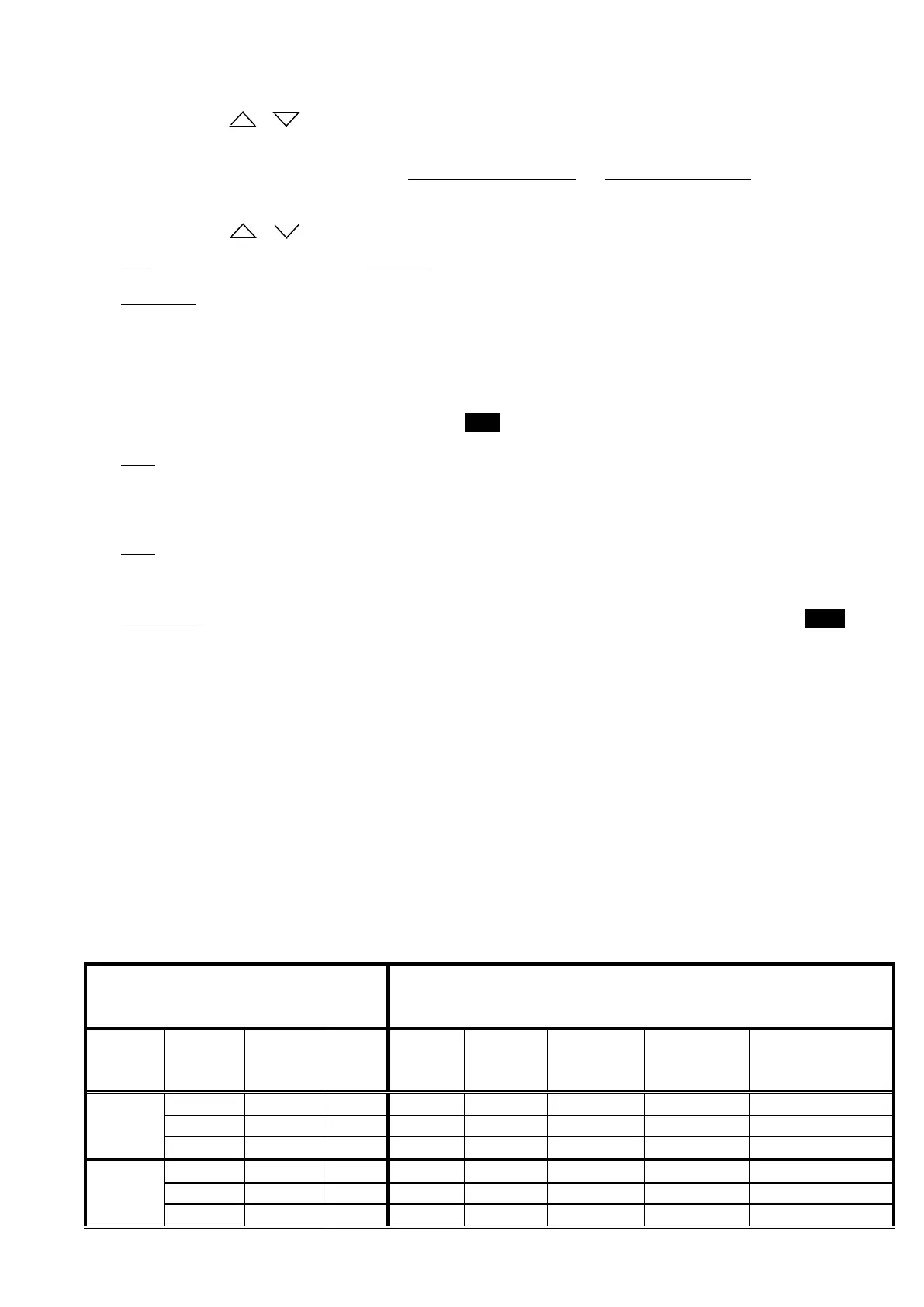
n the below table we see that the model 601 and a water meter CB1, with n=1 doses 60 ppm.
The value of concentration of the dosage in table with n=1 is too much low regarding what it is necessary.
In such case I will have to program the DPG pump in mode 1 : n.
Setting up n=2, I obtain the 120 ppm wished.
OF THE PUMP
Values of concentration of the dosage in ppm for n=1 (one stroke
of the pump every single signal from the water meter pulse sender)
pressure
(bar)
(l/h)
s
signals / l)
signal / l)
signal / 10 l)
(1 signal / 100
l)
(1 signal / 1000 l)


 To Next Page
 Loading...