EasyManua.ls Logo

Teknatool nova ORION Series - User Manual

Teknatool nova ORION Series
38 pages
Print Icon
To Next Page IconTo Next Page
Loading...
1
128-1019-004
OPERATION MANUA
L
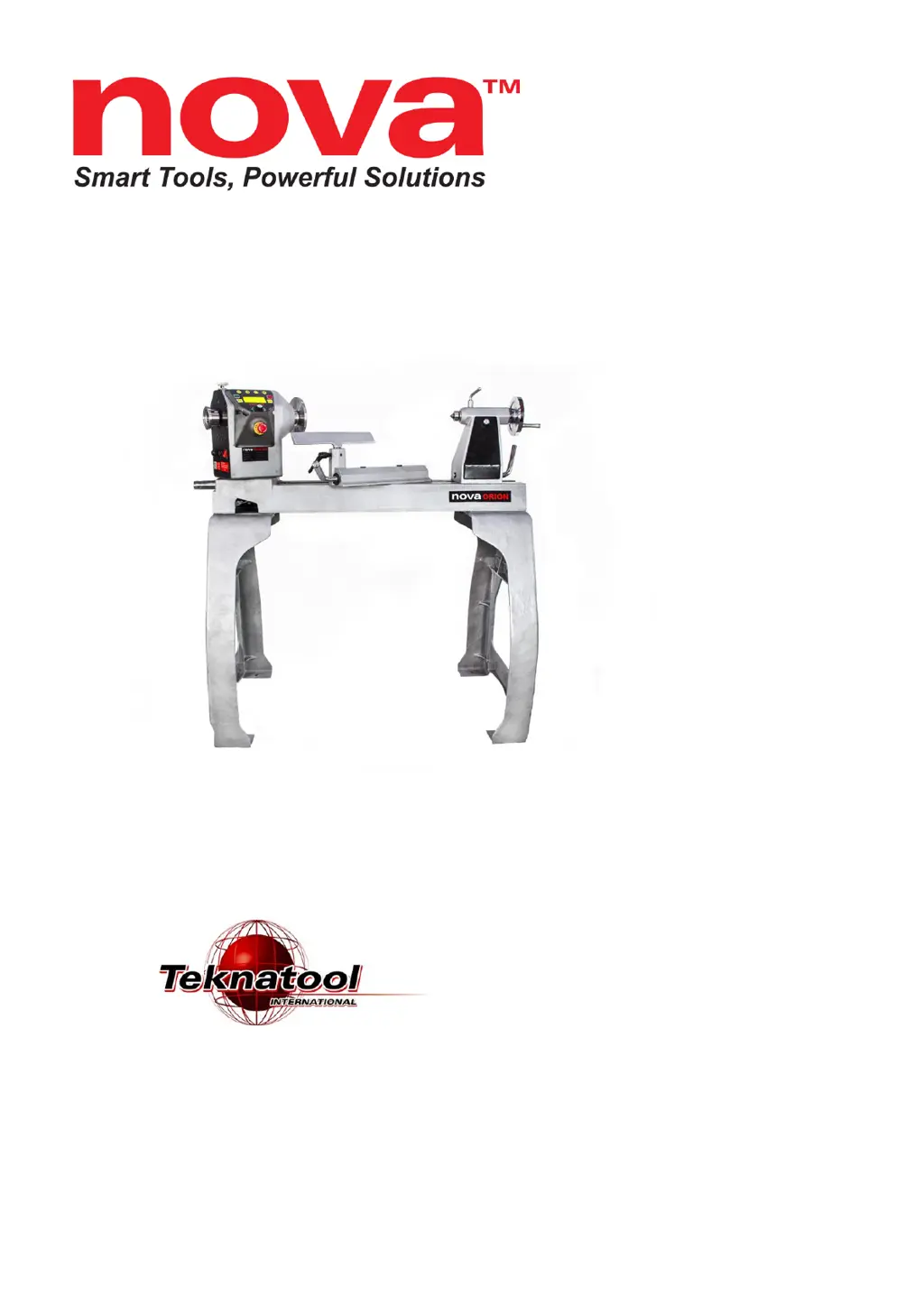
ORION 18” DVR LATHE
Publication: 128-1019-004
Models:
55250 USA
55251 AUS/ NZ
55252 EU
55253 Canada
55254 UK
Date: 10 October 2019

Questions and Answers

Summary

General Safety Rules

NOVA ORION 18 DVR Features

Lathe Specifications

Package Contents

Assembling the Lathe

Connecting Lathe Bed Sections

Connect the main bed and extension bed sections using bolts.

Attaching the Lathe Bed to Stand

Securely attach the lathe bed to the stand legs using bolts.

Attaching the Headstock onto the Bed

Mount the headstock unit onto the lathe bed, aligning the centre pin.

Locking the Headstock into Place

Secure the headstock by inserting and tightening the locking pin.

Attaching the Tool Rest onto the Bed

Slide the tool rest assembly onto the bed and secure it in the tool slide bore.

Attaching the Tailstock onto the Bed

Slide the tailstock assembly onto the bed and align it.

NOVA ORION Bed Configuration

Connecting to Power

Setting Up Your Lathe

Workshop Environment Setup

Position the lathe in a well-lit area with adequate clearance.

Ground Fault Interrupters (GFI)

Ensure GFI compatibility with DVR motor for electrical safety.

Input Voltage Selection

Lathe handles 115V/240V; change plug for desired voltage.

Lathe Interface

Keypad Button Functions

Overview of the control panel buttons for operation.

Lathe Home Screen Displays

Describes the two display modes of the home screen.

Operating the Lathe

Starting and Running the Lathe

Steps to turn on the motor and accelerate to set speed.

Stopping the Lathe

How to stop the motor using the OFF key or emergency stop.

Emergency Stop Switch Usage

Details on using the emergency stop button for immediate motor shutdown.

Adjusting Lathe Speed

Input Set Speed Functionality

Quickly set lathe speed using <F#> keys within 5rpm.

Accessing the Main Menu

How to navigate the main menu for software features.

Favourite Speed Function

Setting Favourite Speed Presets

Assign pre-set speeds to <F> keys for quick access.

Editing Favourite Speed Presets

Modify existing favourite speed assignments.

Using the Lathe Speed Chart

Access speed chart to select cut types and recommended speeds.

Changing Home Screen Display Mode

Switching Forward and Reverse Operation

Using the Lathe Spindle Lock

Swivelling the Headstock

Customizing <F> Key Functions

User Custom Settings

Assign custom functions to <F> keys beyond defaults.

Wireless Remote Control

Password Lock Security

Clearing the Password

Remove the set password from the system.

Lathe Settings and Options

Maintaining Your Lathe

Routine Maintenance Schedule

Perform maintenance after each use, monthly, and every six months.

Cleaning the Tool Slide

Cleaning and lubricating the tool slide for smooth movement.

Cleaning the Tailstock

Disassembling, cleaning, and lubricating the tailstock quill.

Firmware Management

Checking Firmware Version

How to find the current firmware version on the HMI.

Entering USB Mode

Entering USB mode for firmware updates.

Troubleshooting Guide

Mechanical Issues Diagnosis

Diagnosing and resolving mechanical problems with the lathe.

Electrical Issues Diagnosis

Diagnosing and resolving electrical faults and errors.

Teknatool Warranty Information

NOVA Orion Headstock Breakdown

NOVA Orion Lathe Parts List

California Proposition 65 Notice

Teknatool nova ORION Series Specifications

General IconGeneral
BrandTeknatool
Modelnova ORION Series
CategoryLathe
LanguageEnglish

Related product manuals