30 Original user manual
Electrical issues
The pillar drill does
not start (the screen
does not light up).
First, unplug the pillar drill from the power
source.
Then, check the following points:
1. Fuse.
2. Damaged power cable.
3. Open the control panel cover to check if all
the connectors are firmly seated on the main
board.
Attention!
Make sure that all components have been
reinstalled before reconnecting the pillar drill to
the power supply.
If all the connectors are properly
seated and the screen still does not
light up, the main board may be
damaged.
Contact our customer service for
further assistance.
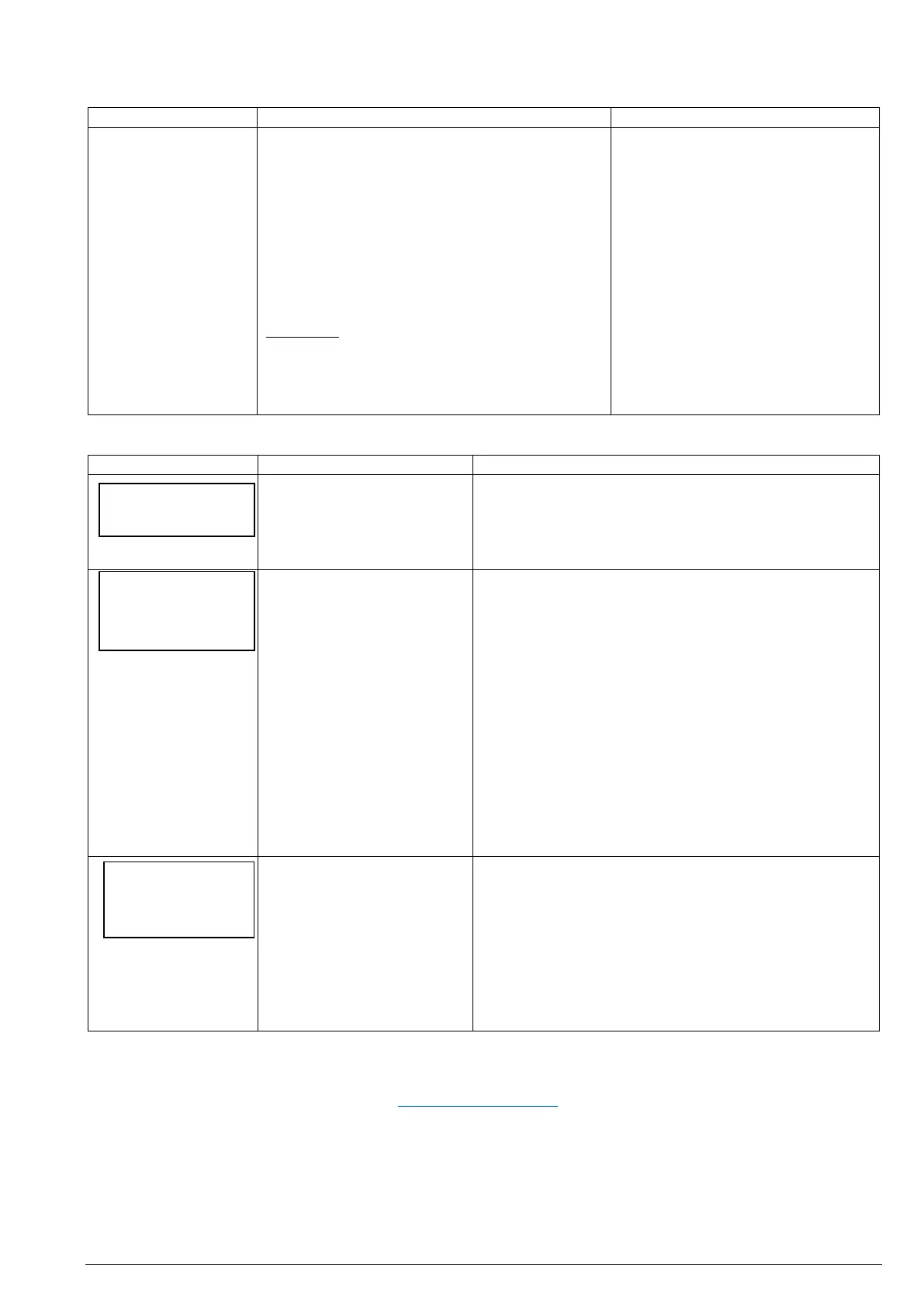
Error messages
Press the <OFF> button. Switch off the main switch.
Wait one minute and switch on the machine again.
Make sure the spindle is not blocked.
Rotor position state fault.
The optical sensors that give
the spindle position
feedback are obscured,
damaged or have been
disconnected. Dust may
have settled on the sensors.
Spin the spindle by hand. The draught which is
generated by spinning the spindle may be sufficient to
clean the sensor. Try again to start the motor.
If the error remains, switch off the machine and
disconnect it from the power supply. Remove the upper
rear cover and remove any wood dust with a vacuum
cleaner. Avoid getting the nozzle too close to the
electronics. Now dust may have fallen into the
headstock. Suck the dust out through the vent on the
front of the headstock underneath the spindle. Repeat
this sequence a few times.
You can also try blowing the dust off with a vacuum or
compressed air pistol.
Replace the cover.
The built-in voltage and
temperature sensors report
a fault.
Check the temperature of the lower section of the
headstock. If it is very high, switch of the main switch
and leave the machine to cool down.
If the temperature is not particularly high, the computer
may have detected an under- or overvoltage from the
mains power. Switch off the machine and reboot.
The DVR motor has a high level of protection and is
intelligently checking conditions all the time.
If an error message is displayed and the pillar drill can no longer be used, please contact your dealer or customer
service. At best, you already have your invoice with the date of purchase (start of warranty) at hand. You can also
contact the NOVA customer service directly: service@teknatool.com (written in English).
RP State
Error
<flashing>


 To Next Page
 Loading...