EasyManua.ls Logo

Teknetics DigiTek - User Manual

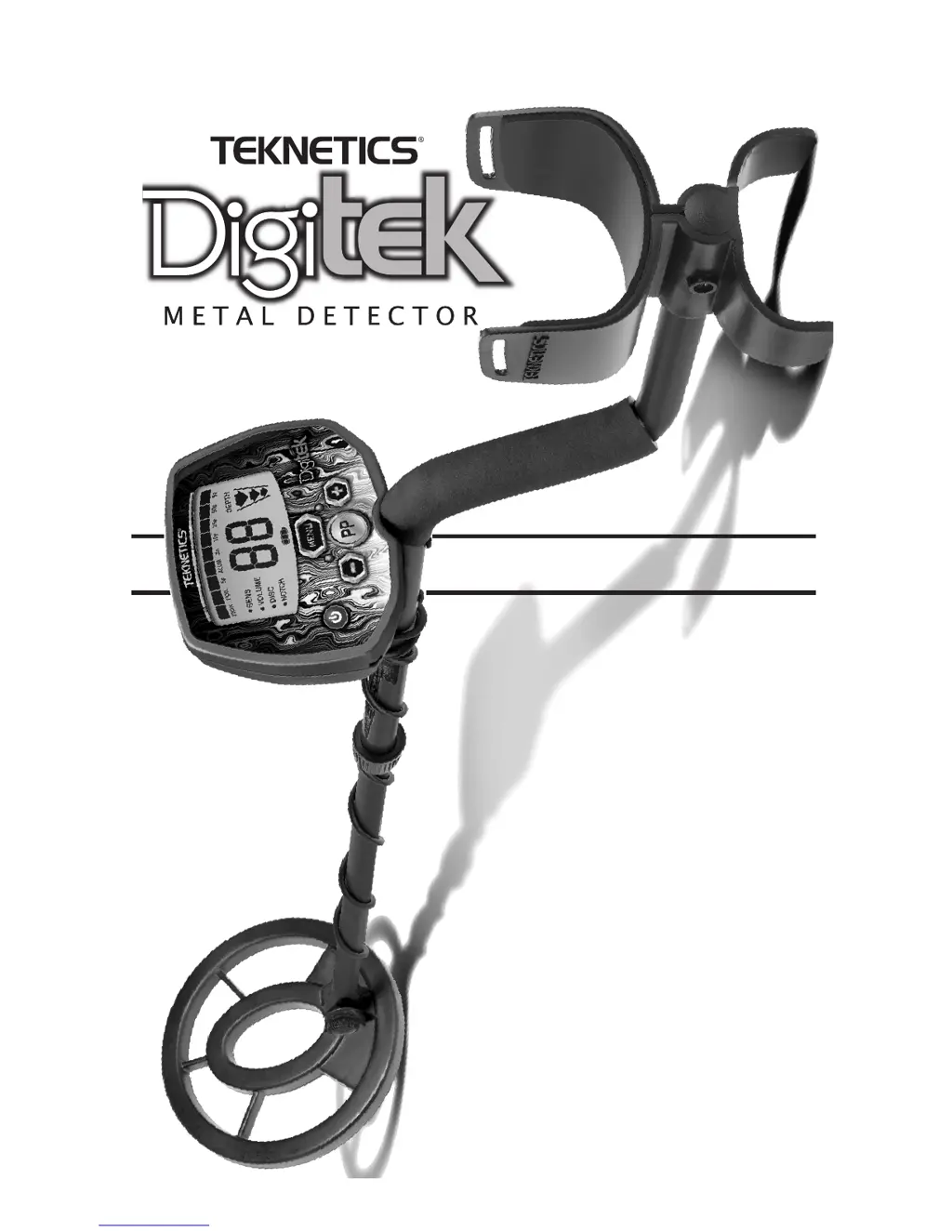
Teknetics DigiTek
24 pages
Print Icon
To Next Page IconTo Next Page
Loading...
Use 9-Volt
ALKALINE batteries.
Do not use
“Heavy Duty” batteries.
Do not use
ordinary “Zinc Carbon” batteries.
CPSIA Certified
OWNERS MANUAL

Questions and Answers

Summary

Terminology

Relic Definition

Defines a relic as an object of interest due to its age or association with the past.

Iron Definition

Describes iron as a common, low-grade metal often an undesirable target.

Ferrous Definition

Defines ferrous metals as those made of or containing iron.

Elimination Definition

Explains 'elimination' as the detector not emitting a tone or Target-ID for a metal object.

Discrimination Definition

Explains discrimination as emitting different tones for different metals and ignoring unwanted objects.

Pinpointing Definition

Defines pinpointing as finding the exact location of a buried object.

Ground Cancelation Definition

Explains ground cancelation as ignoring earth's minerals to detect metal objects.

Contents of Box

Detector Components List

Lists the main components included in the detector's box.

Assembling the Detector

Connecting the Stems and Searchcoil

Steps for connecting the S-ROD and Lower Stem, and attaching the searchcoil.

Adjusting Length and Cable Management

Guidance on setting the correct length and managing the searchcoil cable.

Establishing Correct Length

Ergonomic Adjustment Guide

How to hold the detector and adjust its length for proper ground clearance.

Securing Detector Length

Instructions on how to lock the stems securely together once the correct length is set.

Batteries

Battery Type Recommendations

Specifies using 9-volt alkaline batteries and advises against 'Heavy Duty' or 'Zinc Carbon' types.

Battery Compartment and Life

Details the battery compartment location, access, and expected battery life.

Battery Level Indicator

Explains the meaning of the battery icon segments and outline flashing.

Battery Disposal and Recycling

Provides guidelines for the proper disposal and recycling of batteries.

Quick-Start Demonstration

Demonstration Setup and Supplies

Lists the items required for the quick-start demonstration and environment preparation.

Demonstrating Discrimination

Guides the user through demonstrating the detector's discrimination capabilities.

Demonstrating Notch

Explains how to demonstrate the notch feature to eliminate specific target categories.

Demonstrating Pinpoint

Guides the user in demonstrating the pinpoint feature for precise target location.

Basics of Metal Detecting

Ground Minerals and Interference

Explains how ground minerals can interfere with detection and the detector's ability to handle them.

Dealing with Trash and Target-ID

Discusses ignoring unwanted metal items like foil and nails, using Target-ID.

Identifying Buried Objects

Explains how the 9-segment Conductivity Arc identifies objects based on electrical conductivity.

Size and Depth of Objects

Explains the 3-segment graphic for indicating object size and depth.

Understanding EMI

How to Work the Controls

Power ON;OFF Control

Instructions for turning the detector on and off.

Menu Navigation

Explains how to use the MENU button to access and cycle through settings.

Pinpoint Function Activation

How to use the press-and-hold PINPOINT button for precise target location.

Setting Adjustment Buttons (+;-)

Explains how to use the '+' and '-' buttons to change settings within the menu.

The Display

Target Conductivity Arc

Explains the conductivity arc that classifies metal objects by electrical conductivity.

Target-ID and Category Icons

Describes the Target-ID number and the category icons on the display.

Depth Indicator

Explains the 3-segment graphic indicating the probable depth of a detected object.

Battery Level Indicator

Details the battery level indicator on the display.

Overload Warning

Describes the overload warning signal and how to resolve it.

Menu Options

Sensitivity (SENS) Adjustment

How to adjust sensitivity from 1 to 10 for optimal detection and to reduce interference.

Volume Adjustment

How to adjust speaker volume from 0 to 10 for audio feedback.

Discrimination (DISC)

Explains how to use discrimination to eliminate unwanted metal categories.

Notch (NOTCH) Feature

How to accept or reject individual metal categories using the NOTCH control.

Pinpoint Feature

How to Pinpoint a Target

Step-by-step guide to using the PP button for precise target location.

Narrowing the Pinpoint Field

Technique to refine the pinpoint location for better accuracy.

Coil Drift and Retuning

Explains coil drift and the need for periodic retuning using the PP button.

Pinpointing with Motion Modes

Alternative method for pinpointing targets using sweeping patterns without the PP button.

Target Identification

Understanding Target-ID

Explains the 2-digit Target-ID number and its relation to target conductivity.

3-Tone Target Identification

Describes the three audio tones (low, medium, high) for metal object detection.

Target Conductivity Arc Visuals

Details the visual representation of target categories and their corresponding tones.

Depth and Target Display

Reading the Display

General guidance on interpreting the detector's display for target identification and depth.

Interpreting Target Categories

How various objects like gold, silver, iron, and foil register on the display scale.

Target Identification Caution

Warns that target indications are visual references and not always definitive.

Using the Detector

Sweep Method

Describes the correct side-to-side sweeping technique for optimal detection.

Headphone Jack and Usage

Details the 1/4" headphone jack, its compatibility, and benefits of using headphones.

Characteristics & Limitations

Waterproof Searchcoil

Notes the searchcoil is waterproof, but the control housing is not.

Buried Utility Lines

States the detector is not designed for locating buried utility lines.

Severe Soil Conditions

Discusses limitations in highly mineralized soils and wet sand.

Target-ID Factors

Explains how soil, distance, burial time, and proximity affect Target-ID.

Sensitivity and EMI Management

Recommends reducing sensitivity to mitigate electromagnetic interference (EMI).

Troubleshooting Guide

Detector Chatters or Erratic Signals

Troubleshooting steps for erratic behavior, chattering, or low sensitivity.

Low Speaker Volume

Solutions for low speaker volume, typically related to battery issues.

Display Issues

Troubleshooting for display issues like not locking onto a Target-ID or emitting multiple tones.

No Power or Sounds

Solutions for the detector not powering on or making any sounds.

Treasure Hunters Code of Ethics

Legal, Property, and Environmental Ethics

Emphasizes legal compliance, respecting property, and environmental care.

Professional Conduct and Preservation

Encourages courtesy, consideration, and preserving historical treasures.

5-Year Limited Warranty

Warranty Registration and Coverage

Information on registering the warranty and details of coverage for defects.

Warranty Exclusions and Claims

Details damage types not covered and instructions for making a warranty claim.

International Warranty Notice

Notes that warranty may vary internationally and excludes international shipping costs.

Accessories

Carrying Bags and Pouches

Descriptions of padded carrying bags and camouflage pouches.

Headphones and Pinpointer

Specifications for compatible stereo headphones and the pinpointer accessory.

Gold Pick and Digging Tools

Details the Teknetics Gold Pick and other digging tools.

Replacement Searchcoils and Covers

Lists available replacement searchcoils of various sizes and protective coil covers.

Apparel and Kits

Information on Teknetics apparel like T-shirts, caps, and Gold Prospecting Kits.

Teknetics DigiTek Specifications

General IconGeneral
BrandTeknetics
ModelDigiTek
CategoryMetal Detector
LanguageEnglish

Related product manuals