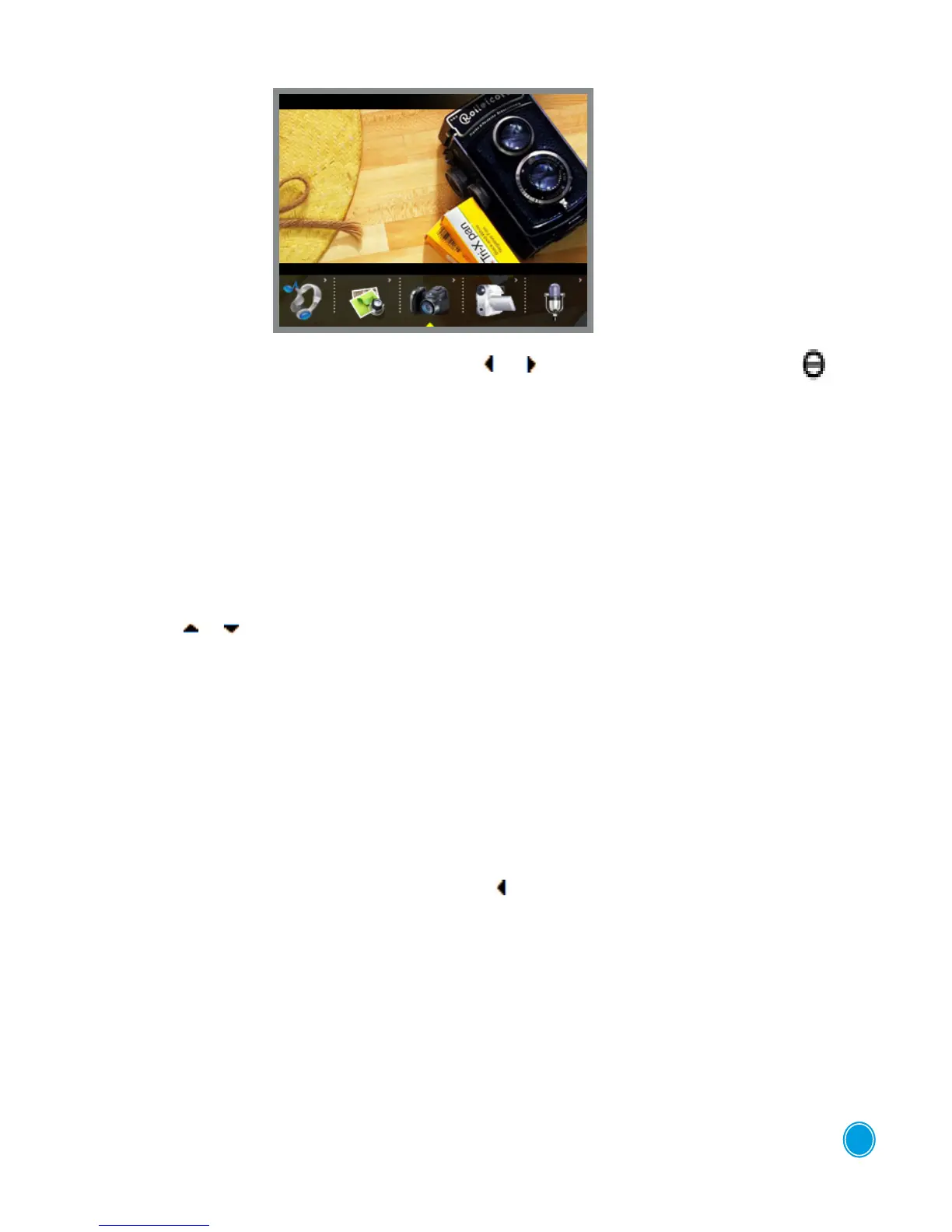
STILL CAMERA MODE
To access the "Photo Camera" mode, use the keys or then click on the central button .
is button also acts as the shutter release
•At the top le of the screen the modes are displayed (photo camera or camcorder),
the resolution and the quality.
• At the bottom le the number of photos that can still be taken using the selected resolution and
quality is displayed.
• In the bottom right the digital zoom level is displayed; this can be adjusted using
the buttons or ,
You access the settings by quickly pressing on MENU:
• Mode (simple photo, 3 quick succession photos, 10 second delay timer)
• Format (resolution output)
• Quality (high, medium, low). e more a photo is compressed, the less space it takes up in the
photo menu or the PICTURE le of the removable disc.
• Eect: normal, negative, relief, binary, solarized, sepia, black and white, shadow.
To return to the list of settings, press on the button .
To exit from the menu click on "Exit".
To exit from "Photo camera" mode and return to the list of device functions press on the ESC but-
ton.
4



 To Next Page