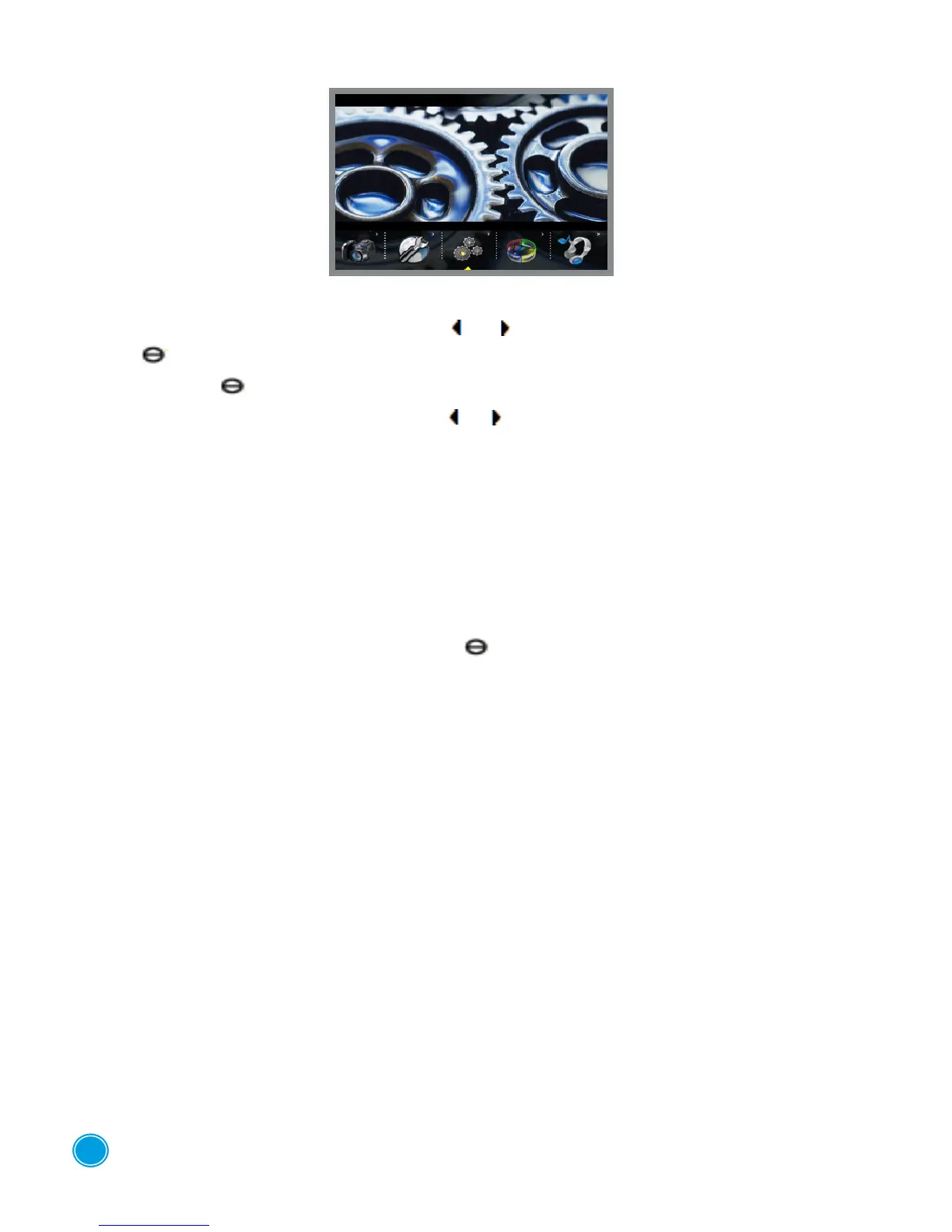
SYSTEM SETTINGS
Select this function using the directional keys or . To conrm the selected function, press the
button " ".
Press the button " " again to enter the sub-menu
Select the desired function using the buttons or :
"Language": Change the language of the menus
"By Default » : Adjusting by default
"Sound": activate or deactivate the sound from the speakers or keypad beeps.
"Auto O": automatic shutting o of the device if there is a period of inactivity
(never, 3mins, 15 mins or 60 mins). is function deactivates automatically during charging.
"Style": Choice of background
"Power Mode": put the device into low power mode (never, 30 secs, 60 secs, 180 secs)
To conrm your selection press the button " ".
To return to the main menu press down the ESC button for 2 seconds.
7



 To Next Page