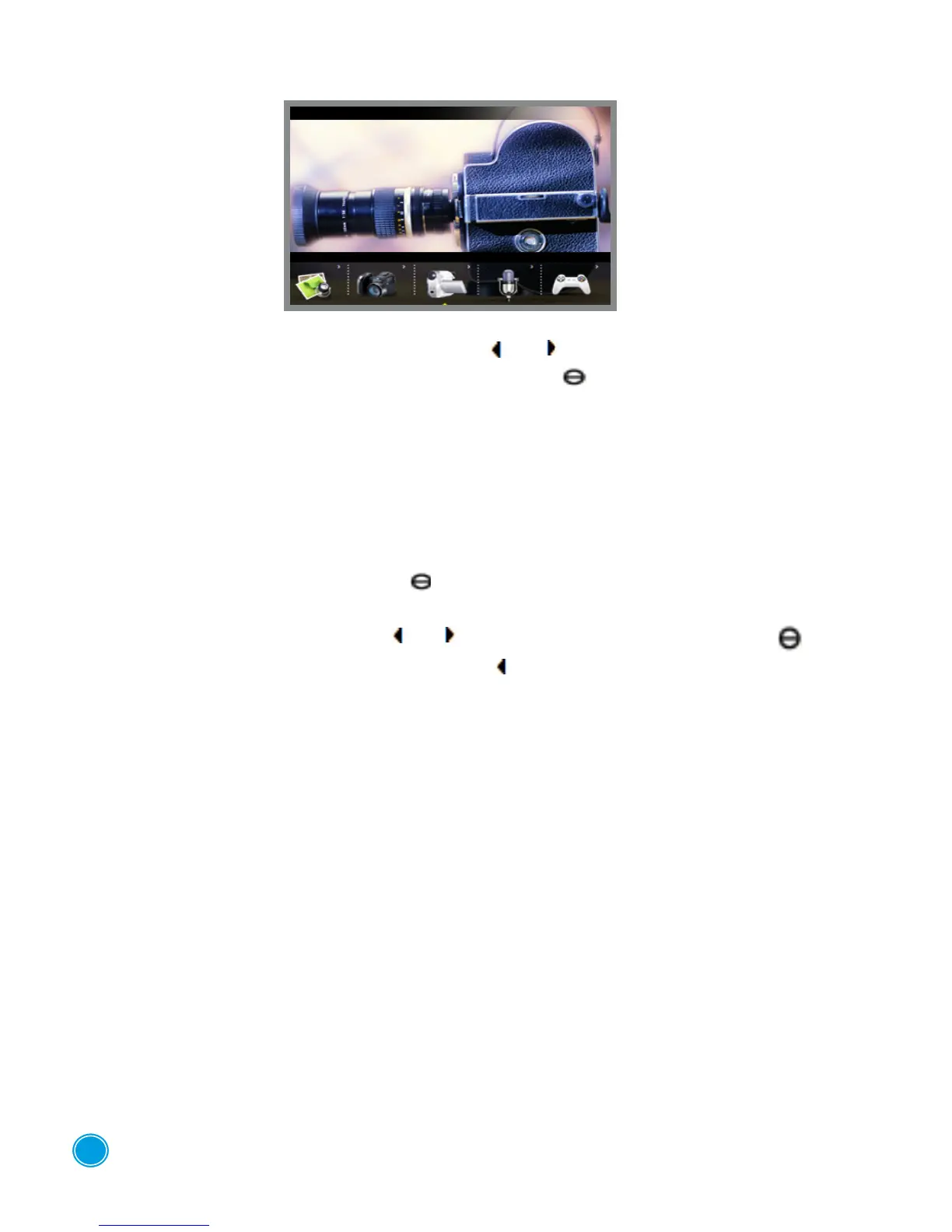
DIGITAL VIDEO CAMERA
Select the "Camcorder" function using the buttons or .
To conrm the selected function, press the "central" button .
To start a video press down quickly on the shutter release button on top of the device. To stop it
press on the button again.
You can adjust the settings by pressing on the MENU button
• Video Format: 320x240
• Quality: High. medium or low
• Eect: normal, negative, relief, binary, solarised, sepia, black and white.
To go into each sub-menu, press button " ".
Make your selection using the buttons or then conrm it by pressing the button .
To return to the list of settings, press on the button , to exit from "Camcorder" mode
and return to the list of device functions, press the ESC button.
5



 To Next Page