FUNCTIONAL OVERVIEW
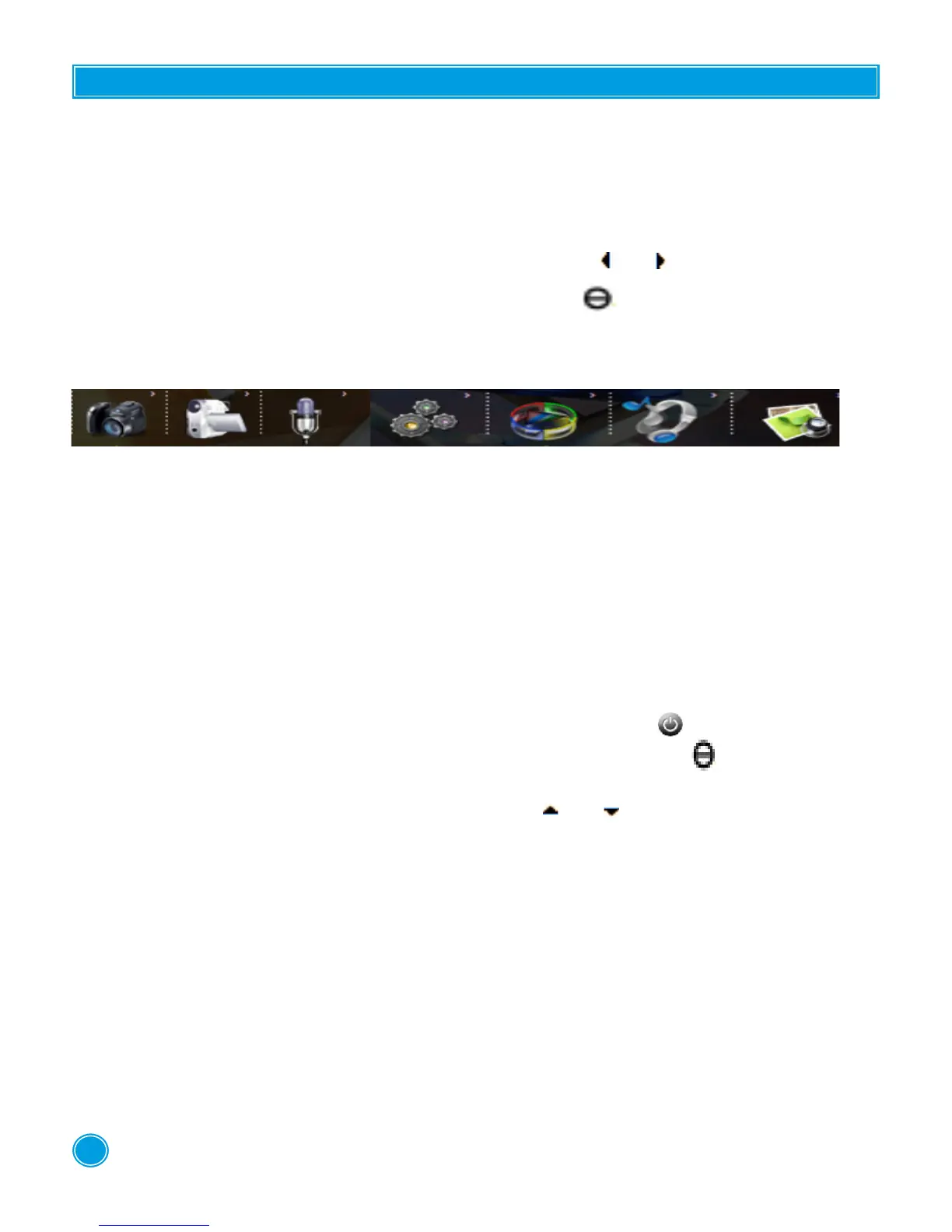
ere are 10 functions. To access them switch on the device and press the ESC button. e dif-
ferent functions appear.
Choose the function of your choice using the directional keys or .
To conrm the selected function, press the central button " ".
You will nd the dierent functions and their applications below :
1 2 3 4 5 6 7
1. Still Camera
2. DV Camera Mode
3. Voice Recording Mode
4. Settings system
5. Video Playing
6. Audio Listening
7. Photo Viewing
SWITCHING ON THE DEVICE
To switch the device on or o press down for 8 seconds on the button " ".
To enter a function and conrm a selection press down the central button " ".
To exit press down on ESC.
Scroll between the functions and options using the keys or
Before use, remove the protective lm from the screen.
RECHARGING THE BATTERY
is device is powered by a lithium battery.
When the battery charge level is low, it must be recharged using the charger that came with the
product.
USING YOUR PRODUCT
3



 To Next Page