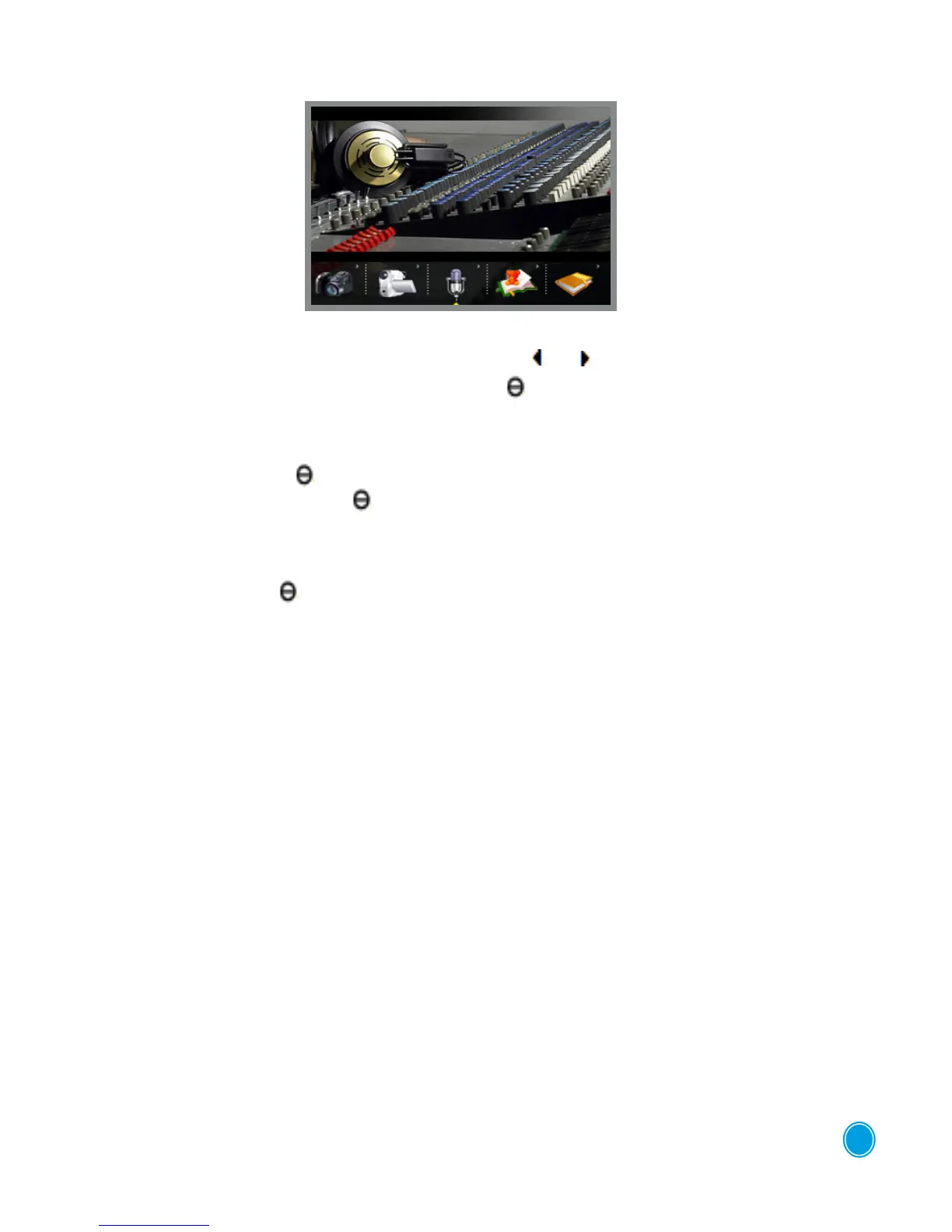
VOICE RECORDING MODE
Select the "Voice Recording" function using the buttons or .
To conrm this function, press the "central" button " .
Recording steps:
1. Press the central button" "to start recording
2. Press the central button again " "(play/Stop) to stop recording.
3. Your recordings are stored in the same le.
4. To restart a recording, press down quickly on the "ESC" button then
on the central button” ".
To exit this mode hold down the ESC key.
Warning: e microphone is on the front of the device. Do not cover it up.
6



 To Next Page