TA74 User Manual Operation | en 45
TA74_UM_EN_V2.5_2019.09_Final © TeleAlarm SA
8.5 Taking phone calls
The TA74 can be programmed in order to answer phone calls by pressing the Emergency
call button on the device or using the wireless transmitter. To do this, make sure that
parameter Incoming call recognition is not set to OFF. For more information, see the
Reference Manual.
Taking phone calls with the TA74
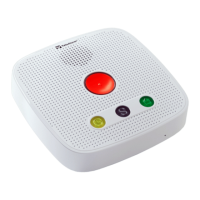
1. To answer a phone call with the TA74, press the Emergency call button when the
phone rings.
2. To terminate the call, press the Emergency call button again.
Taking phone calls with the wireless transmitter
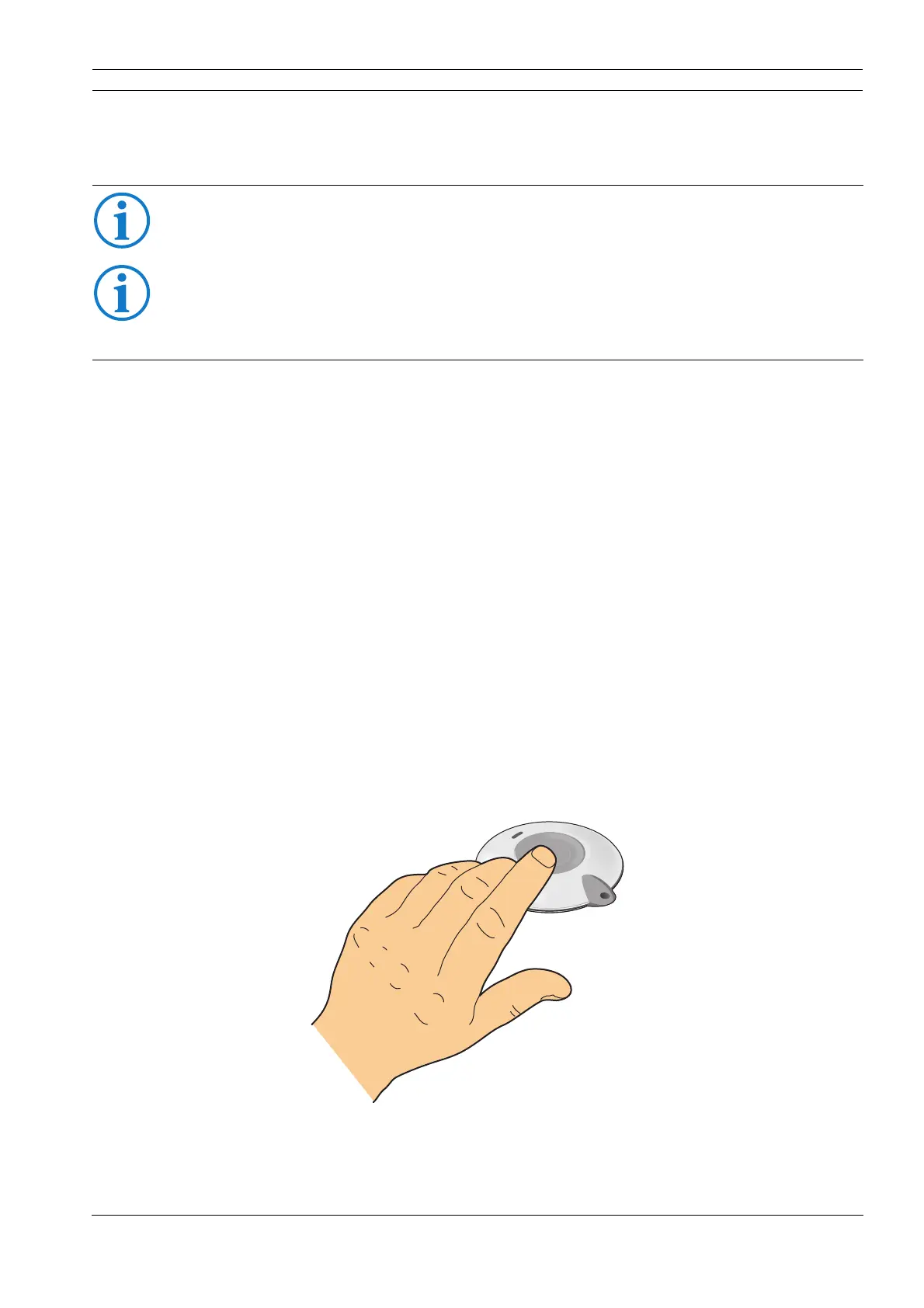
1. To answer a phone call with the wireless transmitter, press the button of your wireless
transmitter when the phone rings.
2. To terminate the call, press the button of your wireless transmitter again.
INFO
This function is only available with a PSTN and GSM connection.
INFO
This function is only available with a GSM connection:
– if the micro-SIM card is correctly inserted in the TA74,
– if the GSM module is configured (SIM card PIN code, provider APN, etc.).


 To Next Page