4. DESCRIPTION OF WFT402 - WFT402/12
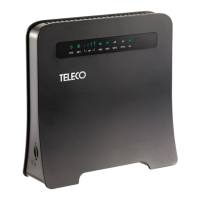
The WFT402 - WFT402/12 routers are for internal use and allow the connection of multiple devices,
such as computers, smartphones and smart TVs, to the Internet via a SIM CARD (not included).
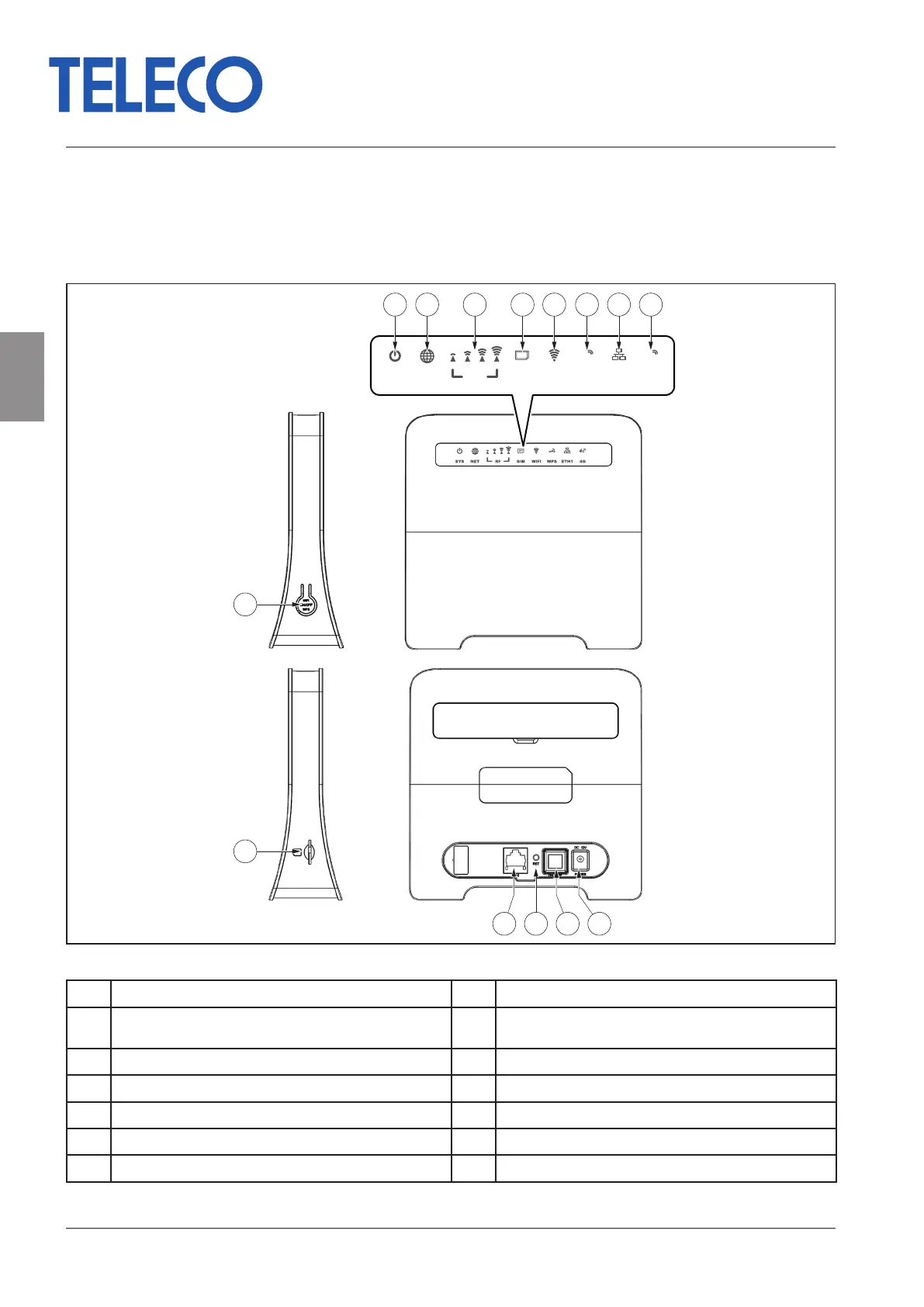
Descriptions of the router’s connectors and controls are provided in the gure.
9
SYS NET RF SIM WiFi WPS ETH1 4G
3FF
wPs 4G
10
1 2 43 5 6 7 8
1311 1412
Fig. 1 - Description of connectors and controls
1 ON/OFF switch LED 8 4G network active
2 Internet connection LED 9 WPS key, press for 5 seconds to activate the WPS func-
tion
3 RF signal strength LED 10 SIM CARD slot
4 SIM CARD present LED 11 LAN connector
5 Flashing LED indicates user(s) is/are connected 12 Reset: press for 5 seconds to restore factory settings
6 WPS button LED 13 ON/OFF button
7 LAN cable connection LED 14 12 V DC power supply input
- 6 - Rev.001
EN
WFT402 - WFT402/12
Translation of the original instructions


 To Next Page