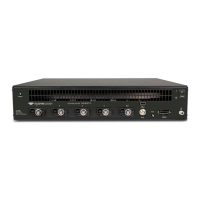
780E Video Generator / Analyzer – Quick Start Guide Page 5
2.2 Digital Audio interfaces
Table 2-2 below describes the distinct digital audio interfaces supported on the 780E Multi-Protocol Analyzer / Generator.
Note audio is supported through the HDMI, DisplayPort, HDBaseT interfaces; however the table below only lists the
separate digital interfaces.
Table 2-2: 780E Audio Interfaces
SPDIF RCA audio connector:
Channels: 8 (clips)
Bits per sample: 16, 20, 24.
Sampling rates (kHz): 32.0, 44.1, 48.0, 96.0
Formats: LPCM, Dolby Digital (clips), DTS (clips)
Optical audio connector:
Channels: 8 (clips)
Bits per sample: 16, 20, 24.
Sampling rates (kHz): 32.0, 44.1, 48.0
Formats: LPCM, Dolby Digital (clips), DTS (clips)
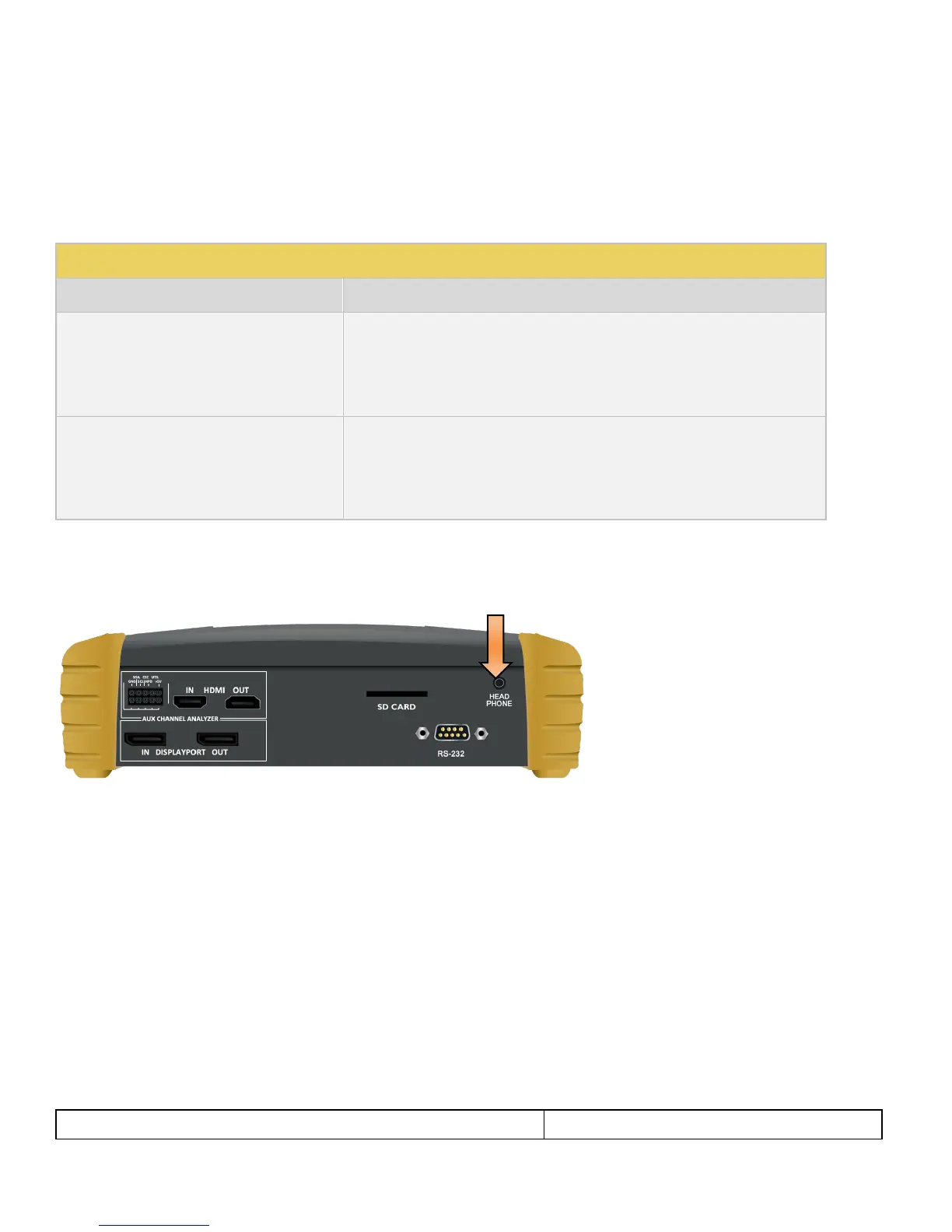
2.3 Headphone jack and speaker
The 780E test instrument is equipped with a headphone Jack and speaker for monitoring the incoming audio from an
HDMI, DisplayPort and HDBaseT source.
2.4 Administrative Interface
The 780E test instrument is equipped with a USB interface. This interface is used to download custom bitmaps and to
upgrade firmware and issue commands. The USB interface is a peripheral device. There are two modes:
COM - Command Mode. Used for sending basic commands to set the interface, select formats and patterns.
Disk - Mass Storage Mode. Used for downloading bitmaps, audio clips and upgrading firmware or gateware.


 To Next Page