EasyManua.ls Logo

Teledyne Lecroy Quantumdata 780E - Home Screen; Status Bar

Teledyne Lecroy Quantumdata 780E
12 pages
Print Icon
To Next Page IconTo Next Page
To Previous Page IconTo Previous Page
Loading...
780E Video Generator / Analyzer Quick Start Guide Page 8
September 13, 2018
P/N 68-00231 - Rev. B1
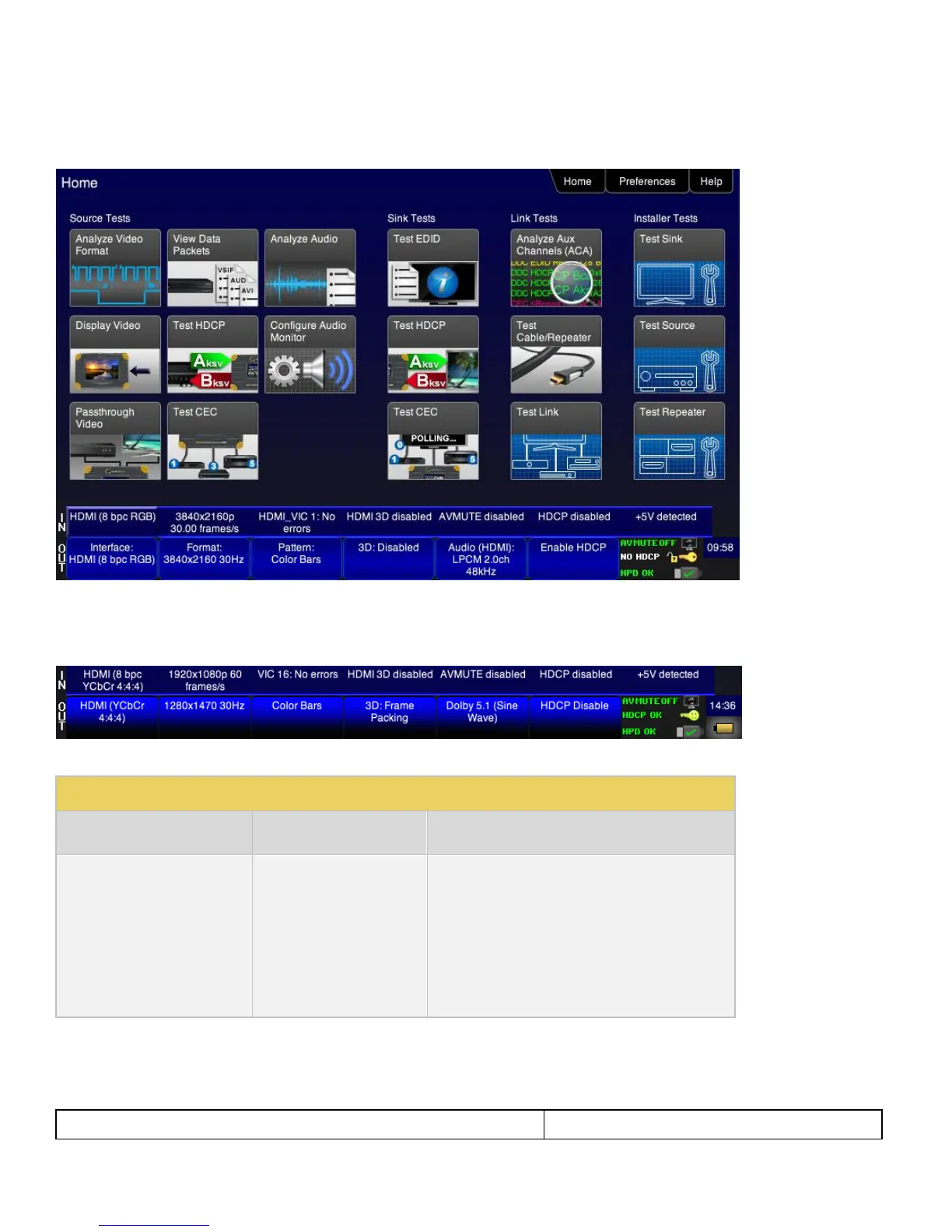
3.3.1 Home Screen
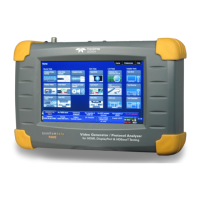
The Home screen is shown below.
3.3.2 Status Bar
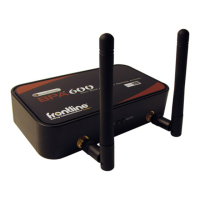
The 780E has a status bar on the bottom of the screen. This status bar is present no matter what screen you are viewing.
The items in the status bar are described in the Table 3-1.
Type
Status Item
Function
IN
Video Type Status
Indicates the status of video on the digital interface
In ports. This includes:
Video interface: HDMI, DVI, HDBaseT,
DisplayPort
Following apply to HDMI, HDBaseT, DisplayPort
Color depth: 8, 10, 12 (6, 8, 10, 12, 16 for DP)
Video type: RGB or YCbCr
Sampling mode: 4:4:4, 4:2:2, 4:2:0

Related product manuals