EasyManua.ls Logo

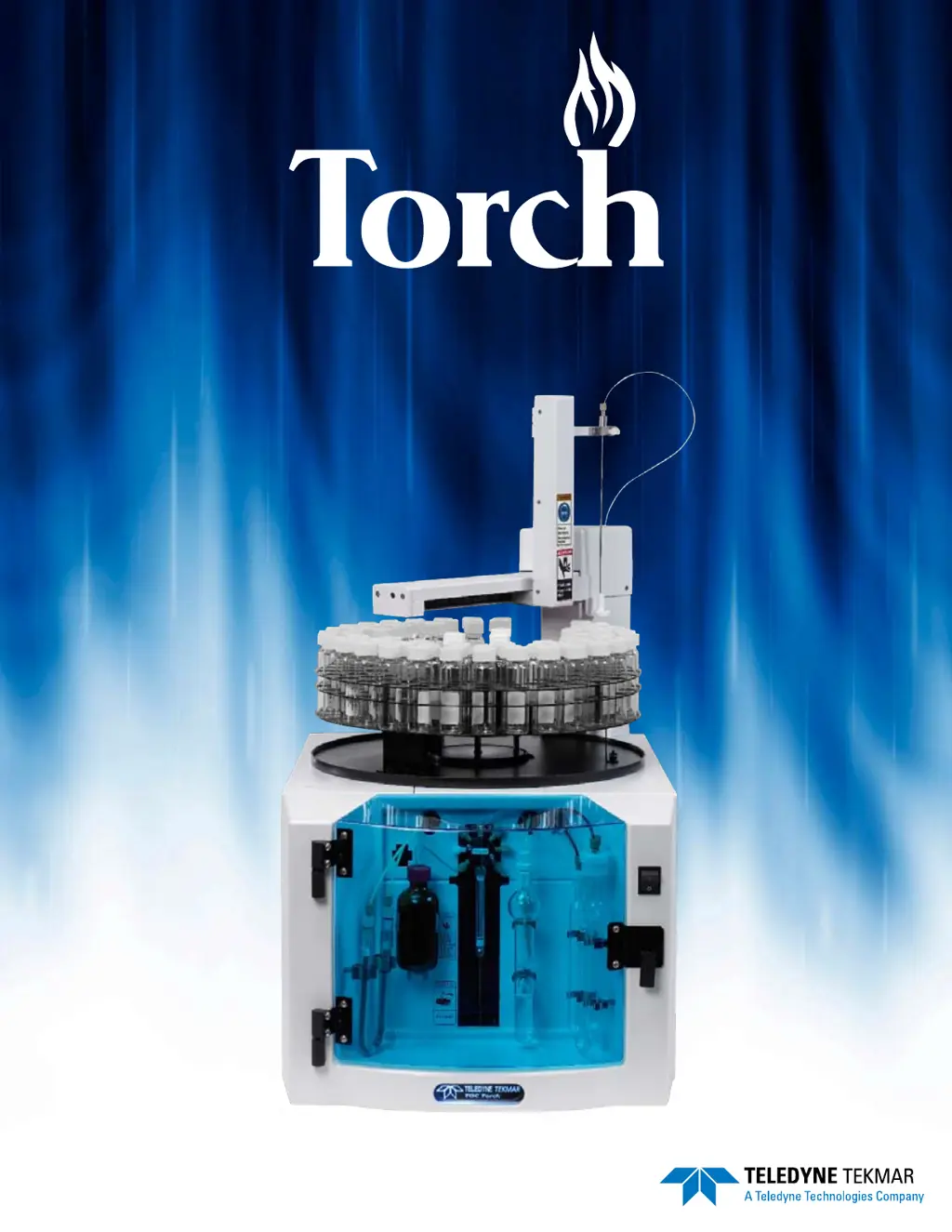
Teledyne Tekmar Torch - User Manual

Teledyne Tekmar Torch
177 pages
Print Icon
To Next Page IconTo Next Page
Loading...
Torch User Manual www.teledynetekmar.com
User Manual • Part # 15-0300-074

Table of Contents

Questions and Answers

Summary

Chapter 1: Introduction

Essential Instructions

Critical safety and operational guidelines before using the instrument.

Safety

Explains safety symbols and their meanings for hazard awareness.

Component Overview

Describes the main parts of the Torch analyzer and their functions.

Autosampler

Details the autosampler's capabilities, tray sizes, and positioning performance.

Chapter 2: Installation & Setup

Pre-Installation

Outlines requirements and steps before installing the Torch instrument.

Utility Requirements for the Torch

Lists environmental, gas, power, and reagent needs for operation.

Installation

Provides step-by-step guidance for physically setting up the Torch analyzer.

Furnace Setup

Details how to pack and install the combustion tube and catalyst.

Electrical and Data Connections

Explains how to connect power and data cables to the instrument.

Water, Reagent, and Gas Connections

Guides on connecting the Torch to necessary fluid and gas supplies.

Chapter 3: Materials, Reagents & Standards

Preparing Reagents and Standards

Covers the preparation and specifications for materials.

Materials and Reagents

Lists and describes essential reagents like water, acids, and standards.

Preparation of Reagent Solutions

Provides procedures for preparing specific solutions for analysis.

KHP 1000 ppmC 1 Liter

Details the process for preparing a 1000ppmC Potassium Hydrogen Phthalate standard.

Chapter 4: TOC TekLink Software Setup

TOC TekLink Software Installation

Guides on installing the necessary software on the computer.

Instrument Communication

Explains how to establish communication between the PC and the Torch.

Computer TCP;IP Configuration

Details how to configure the computer's network settings for connection.

Starting TOC TekLink

Covers the initial login process and password management.

Diagnostics

Describes how to use diagnostic tools to check instrument functions.

Method Editor

Details how to create and modify analysis methods for the Torch.

Chapter 9: Maintenance & Troubleshooting

Preventative Maintenance Checklist

Outlines routine checks for optimal instrument operation.

Daily Maintenance Checks

Lists daily tasks to ensure the instrument is ready for use.

Replacing Parts

Provides instructions for replacing various components of the Torch.

Combustion Tube and Catalyst

Guides on removing and installing the combustion tube and catalyst.

Leak Checking the Torch

Explains how to perform automated and manual leak checks on the system.

Isolating a Leak and Manual Leak Checking

Details procedures for diagnosing and fixing leaks.

Troubleshooting the Torch

Offers solutions for common instrument problems.

Troubleshooting chart

A table listing symptoms, possible causes, and solutions for issues.

Chapter 11: Diagrams

Electrical Schematic - Torch

Provides the electrical wiring diagram for the Torch analyzer.

Torch Flow Diagrams - Basic

Illustrates the basic flow paths of gases and liquids in the instrument.

Sample Inject

Shows the flow path specifically for the sample injection process.

Teledyne Tekmar Torch Specifications

General IconGeneral
BrandTeledyne Tekmar
ModelTorch
CategoryLaboratory Equipment
LanguageEnglish

Related product manuals