181-122018_THCD-101 Instruction Manual Page 14 of 26
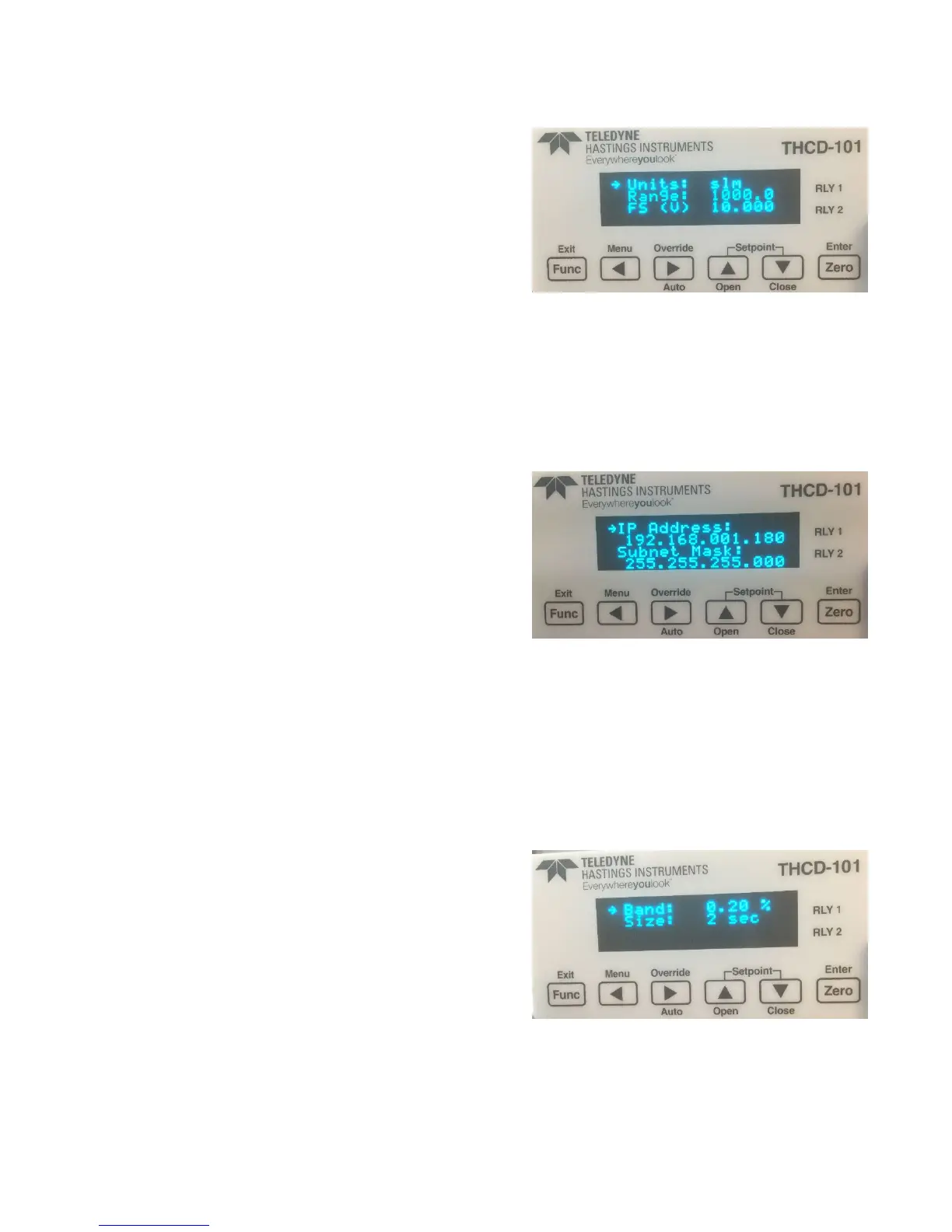
(f) Input Screen
This screen allows you to change the input channel range
and full-scale voltage and assign a units label (up to 5
characters) for the channel data. The number of decimal
places selected on the range field dictates the number of
decimal places shown for the input channel data on the
Main screen. To reduce the number of decimal places,
change the number under the edit cursor to a decimal
point and the system will auto format the field when
‘Zero’ is pressed.
Switch Functions:
Func Go back to Main Menu screen
◄ Select previous character when in edit mode
► Select next character when in edit mode
▲ Move edit field selection up
▼ Move edit field selection down
Zero Go to edit mode for currently selected field
(g) Comms Screen (IP Address input)
The IP address and the subnet mask of the device can be
changed here. The device will need to be reset to enact
these changes.
A fixed IP address must be used. DHCP is not an available
option. The THCP-101 must be on the same subnet as
the computer used to communicate with it since it does
not use a Gateway. The chosen fixed IP address must be
protected from use by the DHCP\DNS server that is
probably used to issue the IP addresses for the computer
network or communication failure will occur at some point.
Switch Functions:
Func Go back to Comms Menu screen
◄ Go to previous menu selection
► Go to next menu selection
▲ No function
▼ No function
Zero Go to screen associated with menu selection
(h) Filtering Screen
This screen allows the user to modify the band and buffer
size of the adaptive filter. The filter only applies to the
display and comms output readings. The band is
represented as a percentage of FS and can be set
between 0.00% (OFF) and 1.00% and also to ON. The
buffer size allows settings between 0 and 6 seconds of
filtering. For more information on the adaptive filter, see
the Principles section (7.6)
Switch Functions:
Func Go back to Main Menu screen
◄ Select previous character when in edit mode
► Select next character when in edit mode



 To Next Page