13
h You can choose the alert type of incoming calls, messages, and calendar and alarms - select
Ring type, choose a function, then select between Ringtone, Vibrate, Silent, Vibrate then
ring, and Ring and vibrate.
h To set Key tone and Dial tone and toggle Battery low alert in the Proles menu, scroll down
to Other alert rings and press the left or key, select the submenu you want to modify,
and press the left or key again. Use the / keys to select an option and press the
left or key to conrm. Once the changes are made, press Done to conrm and save
modications.
Tip: When on a main screen, press and hold the # key to switch between the
dierent sound proles.
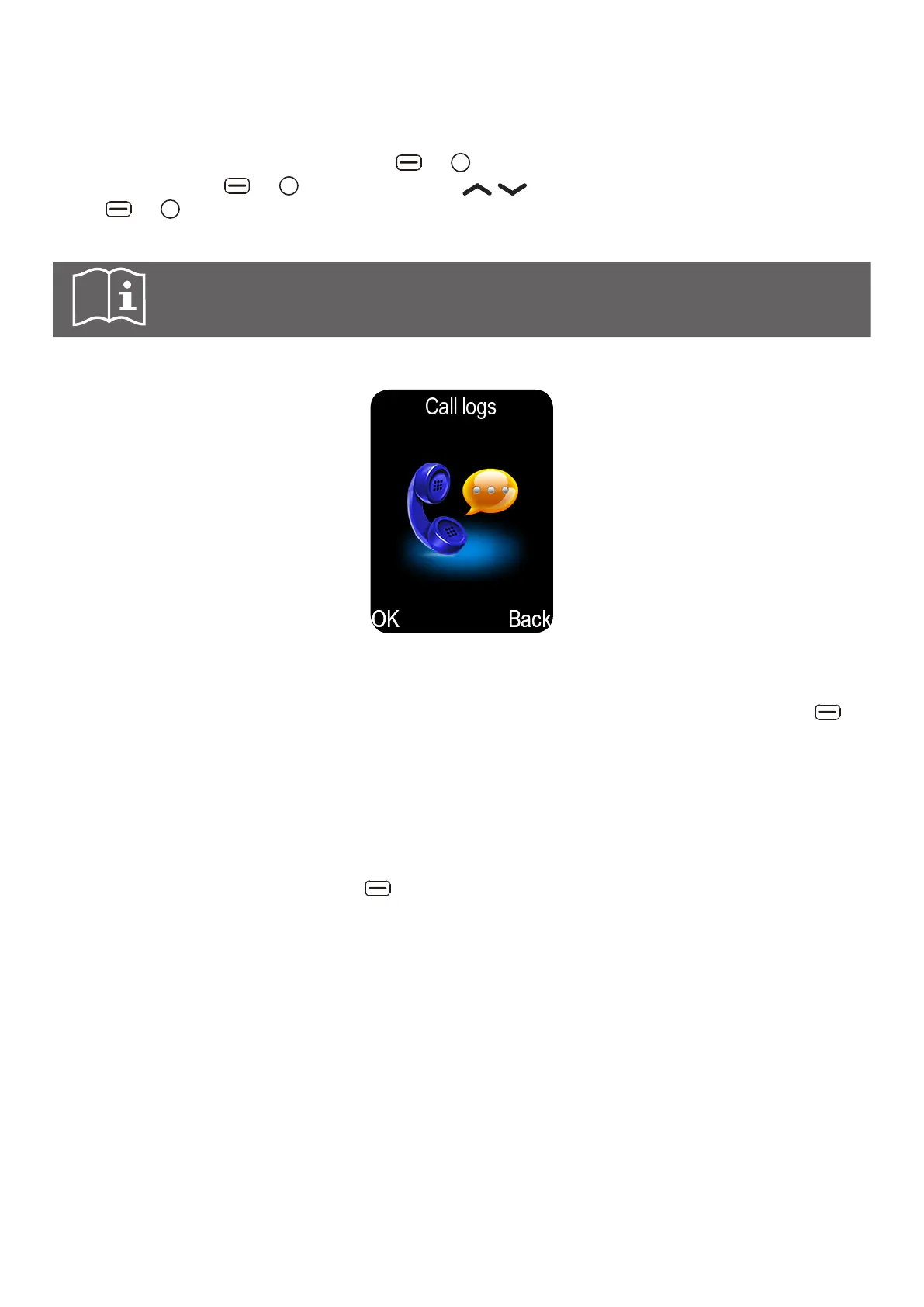
6.5 Using call logs
In this menu you can browse all the calls: Missed calls/Dialled calls/Received calls/Rejected
calls. You can also delete all call logs and check the Call timers.
h When in the Missed calls/Dialled calls/Received calls/Rejected calls menu, press the
key to see available options:
Details Display the number, date, time, call time, and type of call.
Call Call the selected number.
Write message Send SMS/MMS message to the selected number.
Add contacts Save the number to a new or existing contact. From Missed
calls/Dialled calls/Received calls/Rejected calls list, press the
left key and select Add to Contacts > Add to new contact/
Add to existing contact. For further information, refer to "7.6 To
add a new contact from the Call History".
Add to Blacklist Add the number to the blacklist. When this number calls, it
will be rejected automatically. To check call logs of blacklisted
numbers, go to Rejected calls. To remove a number or a
contact from Blacklist, you can either go to call options again
and select Remove from blacklist, or go to Settings > Security
> Scroll down to Blacklist > Select Blacklist list > select the
number or contact to remove > Select Options > select Delete
> Select OK to confirm.
Delete Delete the selected number from call logs.
Delete all Delete all call logs.
Mark Mark to delete or call the selected number.



 To Next Page