13
Telesat Lightspeed Emulator Installation Guide
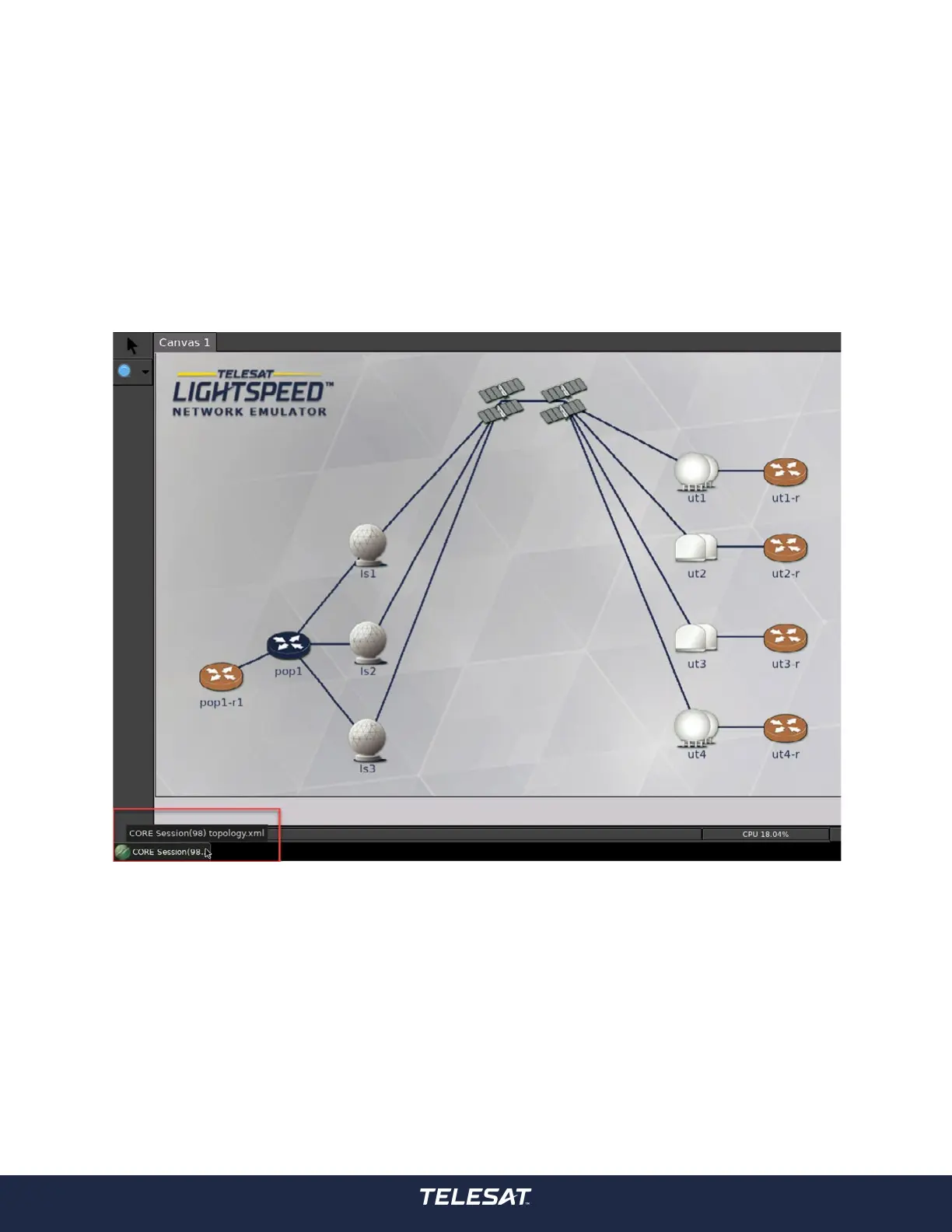
Network View Desktop can be accessed in Network View by toggling the ‘CORE
Session(98) topology.xml icon on the task tray at the bottom of the view as
illustrated in the following gure.
Figure 7: Toggle Core Session Icon in Task Tray
Performing this action will show the Network Emulator desktop which hosts widgets
that indicate various system performance metrics.



 To Next Page