8
Telesat Lightspeed Emulator Installation Guide
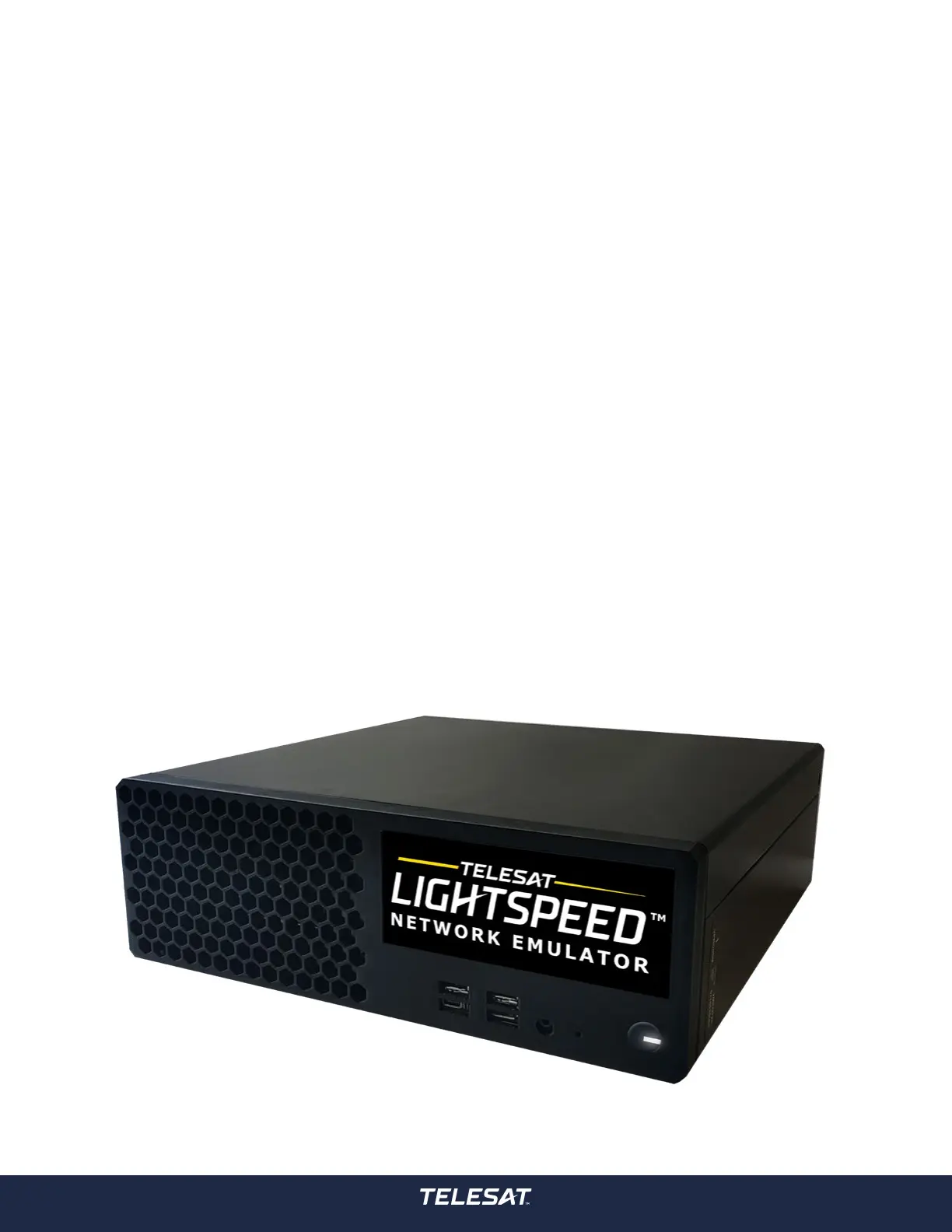
3.1 Plug In and Turn On Network Emulator
Prerequisites
Installation of the Network Emulator requires:
• A power cable suitable for your region (Network Emulator comes
equipped with a North American power cable).
• Access to a power source.
Steps
1. Connect the AC power cord to power supply connector. Connect the AC plug
to a power source.
2. Use the power button to turn on the Network Emulator device. The device
takes approximately two minutes to boot.
3. The solid-state hard drive on the Emulator is securely encrypted. On start
up the user will be prompted with ‘Please unlock disk dm_crypt-0:’. Your
Telesat account representative will provide you with the required credentials.
3.0 Installing the Network Emulator



 To Next Page