34 CA824 Alarm System User Manual
4)User ProxiCard
1)Arm/D. Rights
2
Areas:12345678
0/1 :----*---
1
Area
No
Arm / Disarm rights set.
The respective area can be armed and
disarmed, using the proxy card
2
Select
area
1
Areas:12345678
0/1 :*---*---
1
_
0
1
_
ENT
4)User ProxiCard
2)Entry rights
2
Entry rights set
4)User ProxiCard
0)Add Card
1)Arm/D. Rights
to Area N: XX
1
1
_
Continues from the previous page
Set
Unset
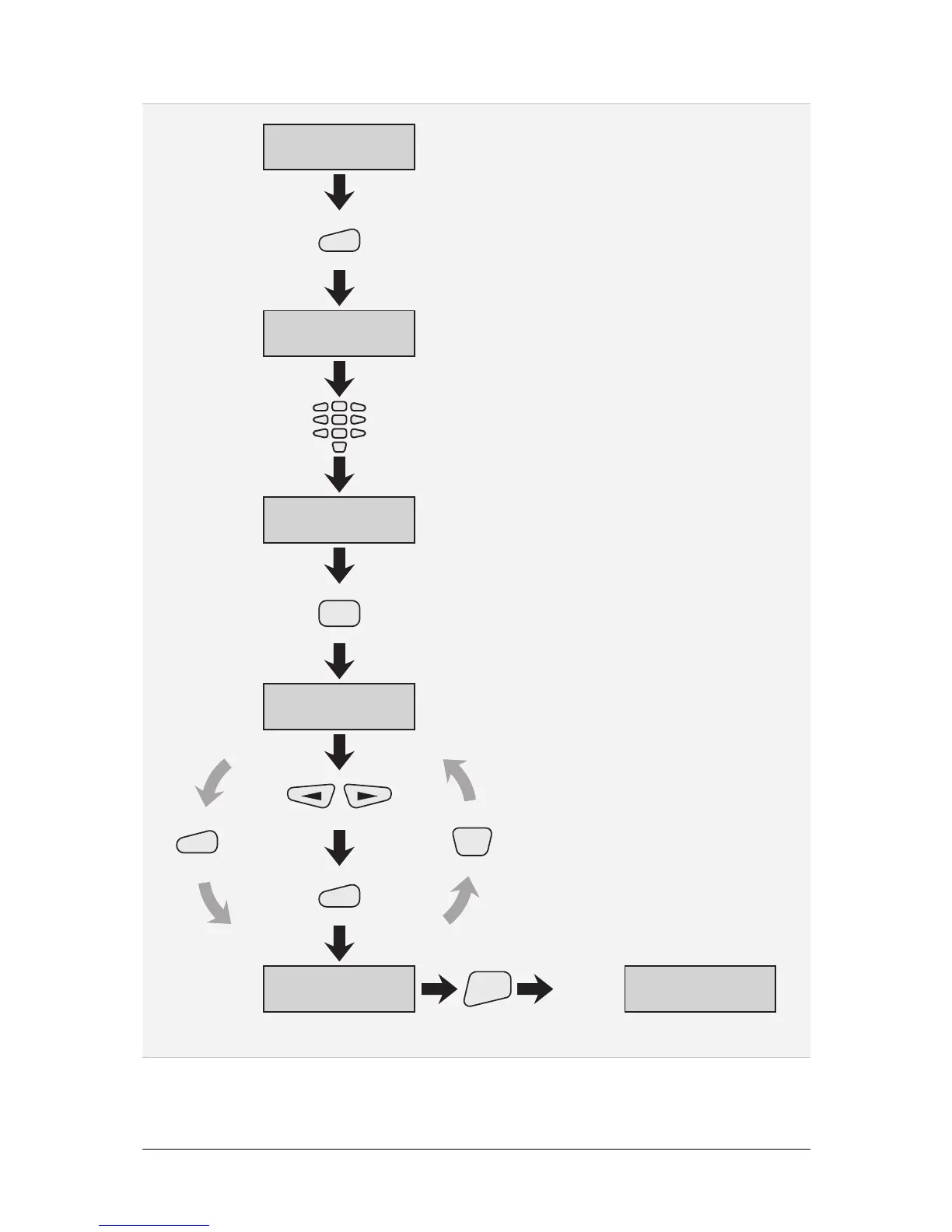
Figure 16. Adding and Setting a Proxy Card
Note: A user can be assigned a proxy card and no code and vice versa!



 To Next Page