© 2011 TeleType Co.
83
Working with My Points
Settings Page
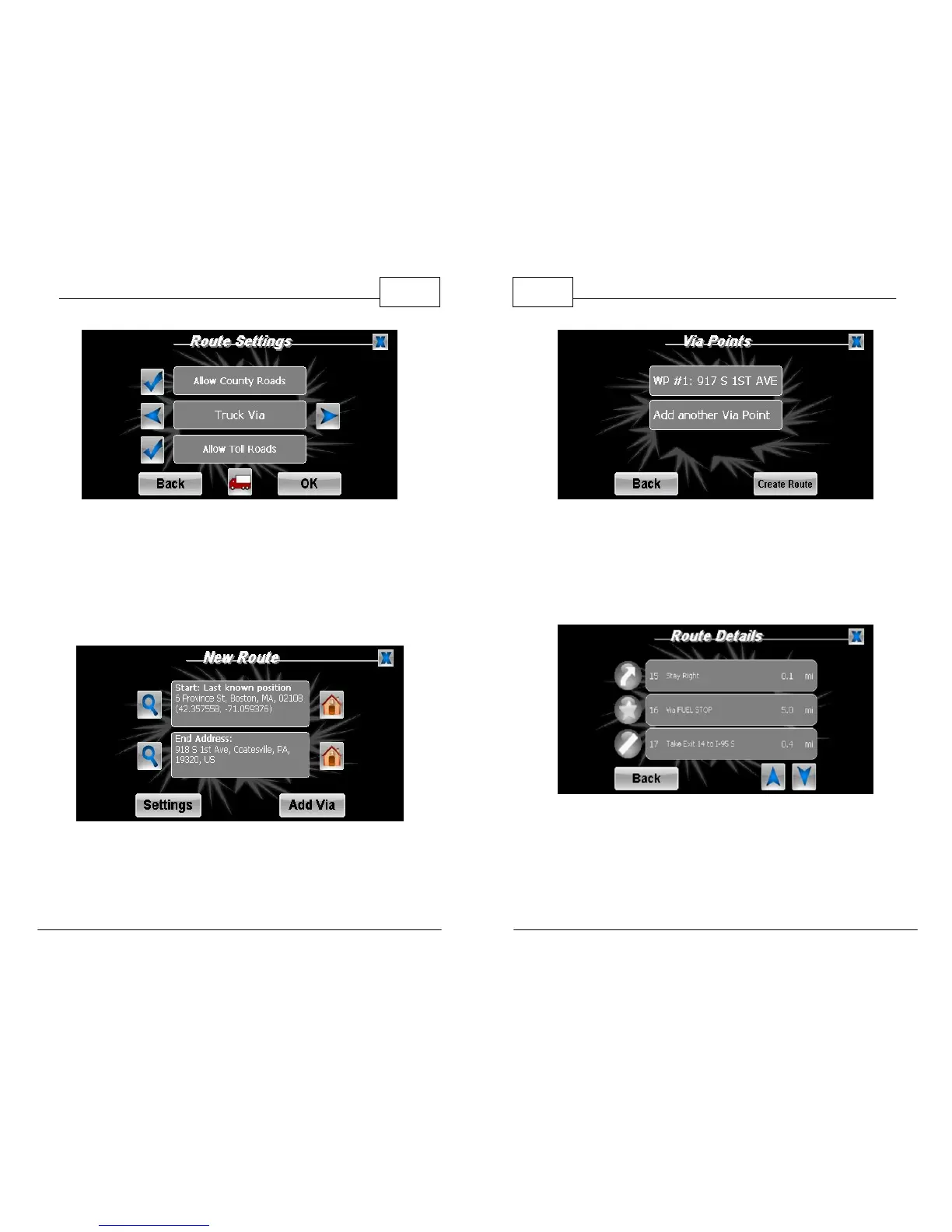
2. Once back to the New Route screen press
<Add Via>. This allows you to select an address,
service, My Point or intersection to route
through.
New Route - Add Via
WorldNav Navigation Software
84
© 2011 TeleType Co.
Via Points Menu
3. Select <Add another Via Point> to add another
stop to your trip. Once you have all your stops
entered, press <Create Route>.
My Point in Route Details



 To Next Page