Part
IV
WorldNav Navigation Software
86
© 2011 TeleType Co.
4 Navigation Preferences
4.1 Selecting Route Preferences
Using your Route Settings, it is possible to select the
desired method of routing and truck setting that
best suits your trip. You can also adjust your truck's
specifications.
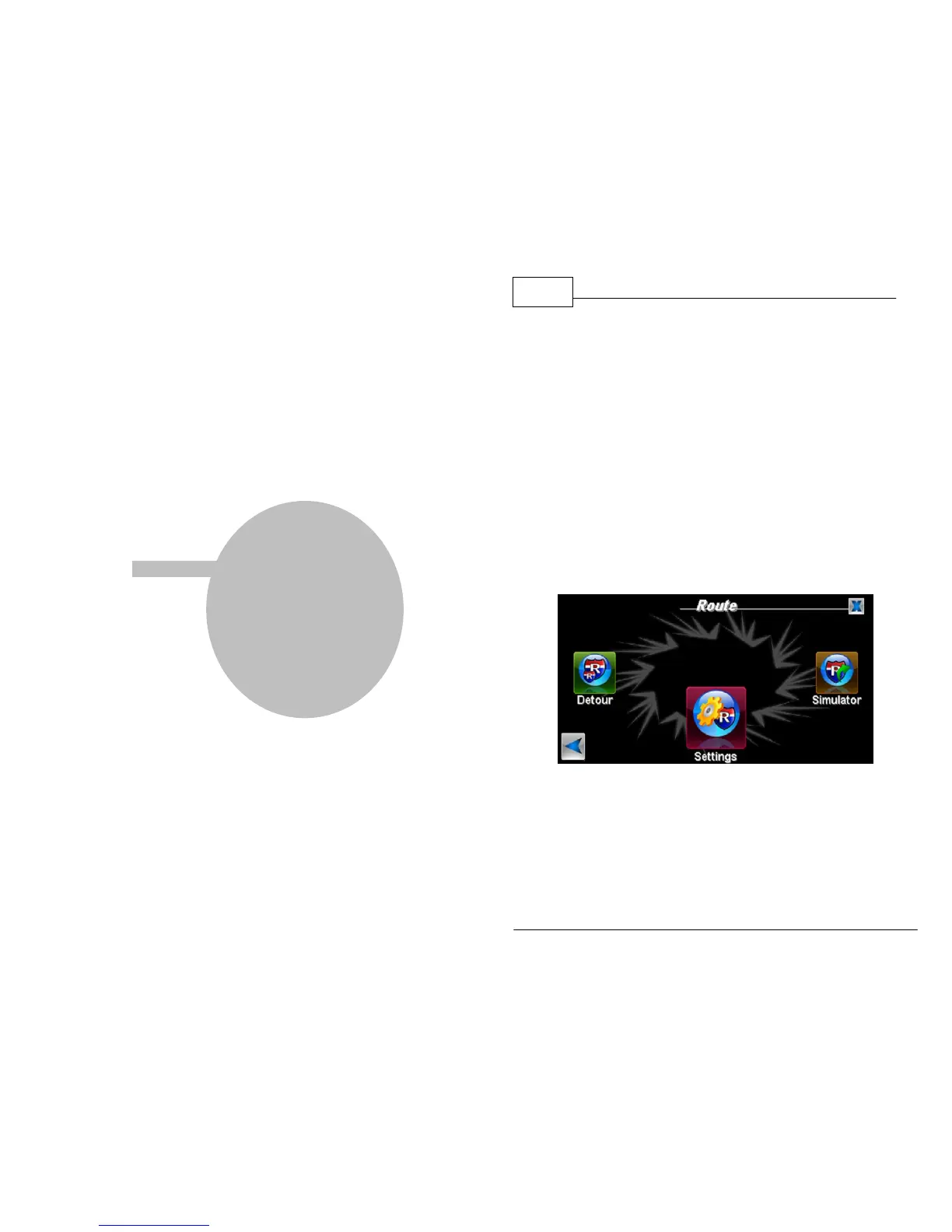
1. Press <Menu>, <Route Menu>, right arrow,
and then <Settings>.
Route Menu
2. Use the Route Settings menu to select your
route preferences. <Allow County Roads> and
<Allow Toll Roads> are indicated by a blue
check mark. You can deselect these options by



 To Next Page