A vant PC Programming Interface
35
ENGLISH
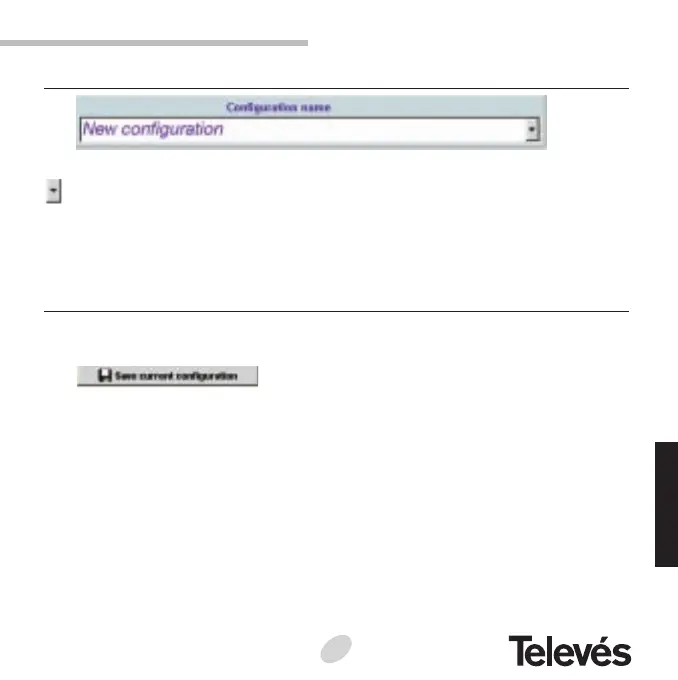
2.2.1.- Configuration name
The name of the configuration that is being seen on the screen is shown. If the
button is pressed, a list with the names of all the configurations will appear that
were stored in the configuration database, so that it is possible to select any of
these to be seen on screen.
2.2.2.- The “Favourite configurations” screen buttons
Save current configuration
This allows the user to store the configuration on screen in the configurations
database. When this button is pressed, a text appears asking the user to enter the
configuration name that he/she wants to store.
As already mentioned in previous sections, this screen does not allow you to
modify the configuration data, if you want to modify this data, you must return to the
main screen to modify them and when you have the configuration that you wish to
be stored, go to the Personalised configurations screen and press the “Save the
current configuration” button.


 To Next Page