16
Getting to know your phone
Text and number entry
For example, to enter the name "Telstra":
1. Press
once: T
2. Press
twice: Te
3. Press
three times: Tel
4. Press
four times: Tels
5. Press
once: Telst
6. Press
three times: Telstr
7. Press
once: Telstra
Button Upper case Lower case
. , - ? ! ¡ ¿ ‘ @ : ; / 1 . , - ? ! ¡ ¿ ‘ @ : ; / 1
A B C 2 Ä Æ Å Ç a b c 2 ä æ å à ç
D E F 3 É d e f 3 è é
G H I 4 g h i 4 ì
J K L 5 j k l 5
M N O 6 ö Ø Ñ m n o 6 ö ø ò ñ
P Q R S 7 p q r s 7 ß
T U V 8 Ü t u v 8 ù ü
W X Y Z 9 w x y z 9
Space 0 Space 0
Brings up symbol table in text messaging mode.
Short press to switch between Abc, abc, ABC and 123 mode.
Note:
1. By default, the first letter of a word is in upper case.
2. In number editing mode, press and hold
to insert
a Pause.
17
Getting to know your phone
Symbol panel
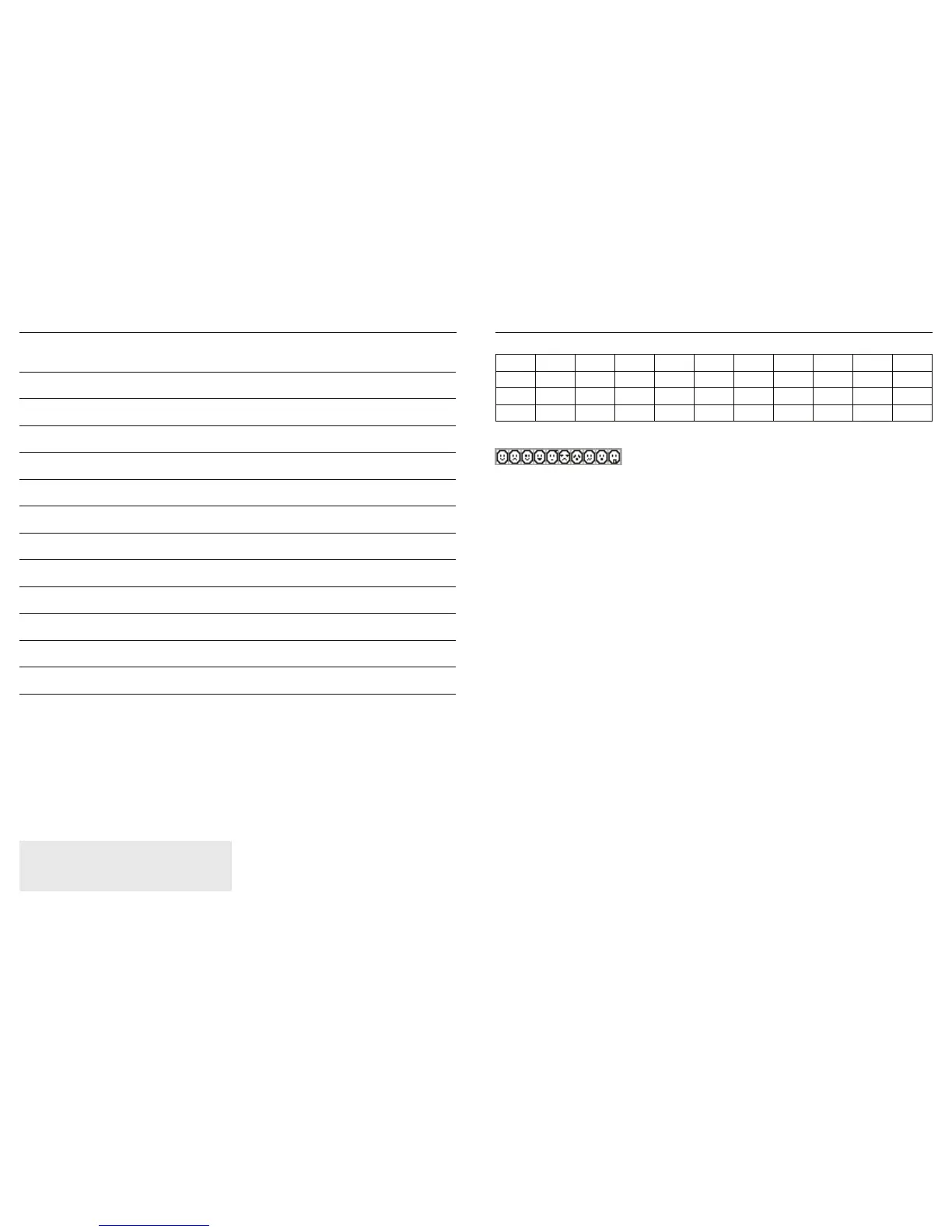
Emoticons
"£¢¶#
´B
!
¼ ?aǻ
ĭīȁȍȆȌȈĬȄ



 To Next Page