Quick set-up guide6
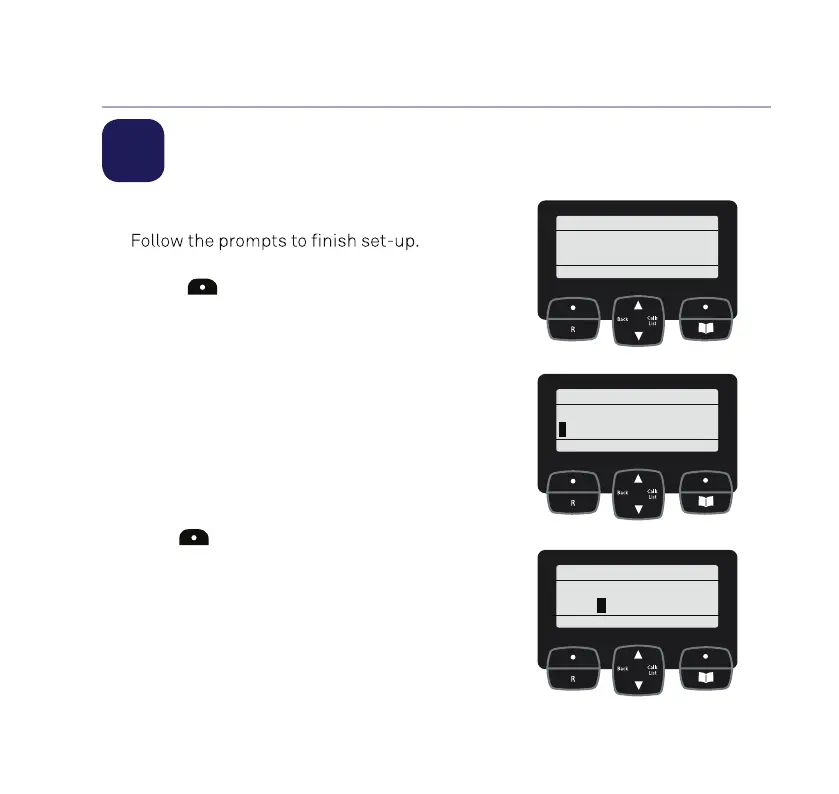
2 Follow the set up wizard
1. The set-up wizard will then begin.
To select OK, press the left option
button
below the display.
Set the time and date
2. Use the keypad to enter the time.
The default time format setting is
24 hours, but you can change this to
12 hours under Time format in the
Time & Date menu.
3. Press Next, then enter the date, in the
format DD/MM/YYYY.
4. Press
to Save.
If you need some help, call us on 13 2200 or go to https://go.telstra.com.au/helpandsupport/home-phone/
Setup
OK Back
Settime
and date
Time & date
Next Back
Set time:
15:32
Time & date
Save Back
Set date:
05/01/2020



 To Next Page